34
35
CQ-VX100W
English
Audio Setting
Audio setting at DVD playing
: surround element decodable down mix
(Lt = Left total, Rt = Right total)
: simple stereo down mix
(Lo = Left only, Ro = Right only)
Note:
¡
This function is available only when “Dolby Digital”
source is playing.
default:
: DR COMP ON
: made with the greatest compression,
roughly equivalent to a TV broadcast.
: DR COMP OFF
Note:
¡
This function is available only when “Dolby Digital”
source is playing.
default:
Off
Off
MIN
STD
(Dynamic Range Compression
setting)
DR COMP
Lt/Rt
Lo/Ro
Lt/Rt
(Down mix setting)
Down Mix
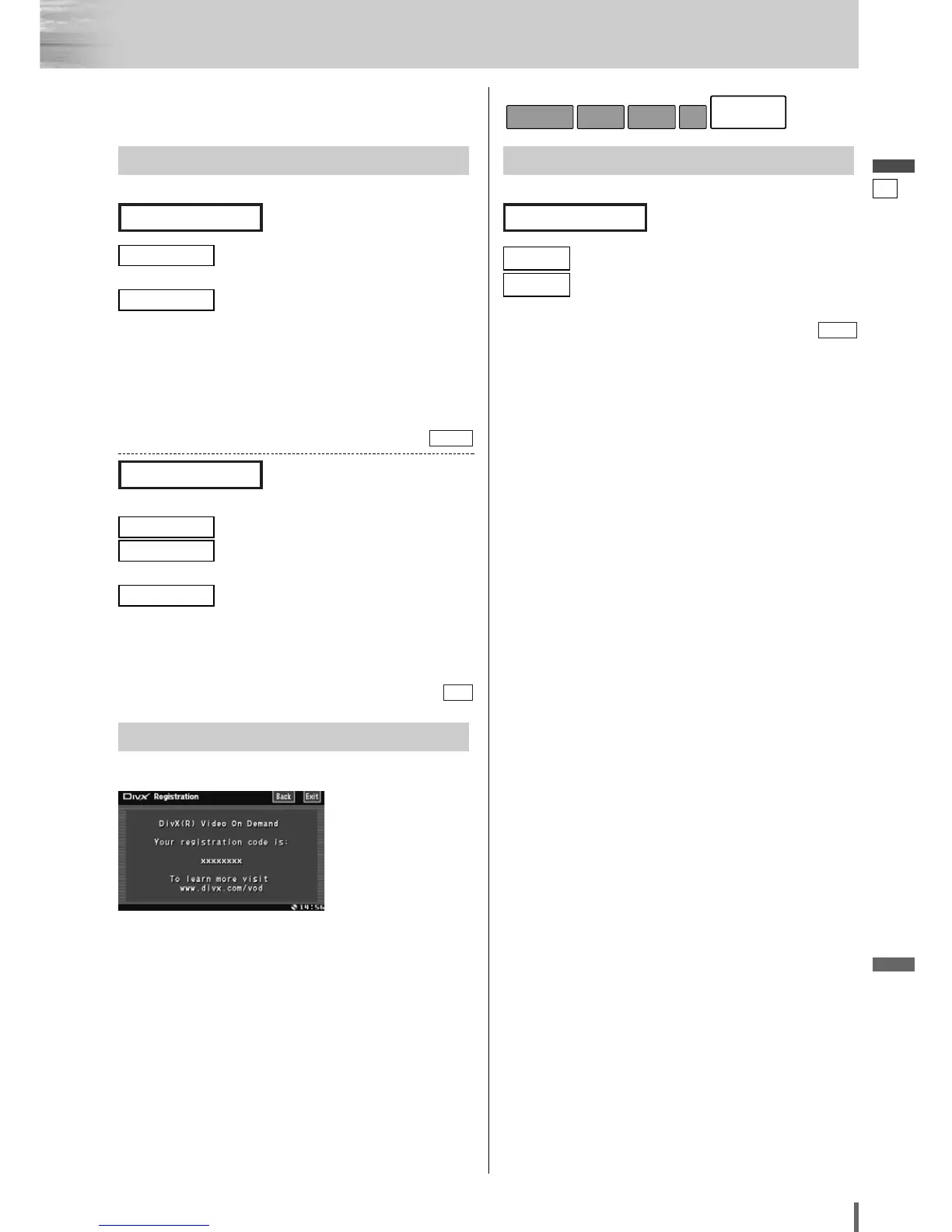
DivX Registration
Show the DivX Registration Code (a page 36)
FM Setup
Setting for FM stations
: saves the preset stations in each band.
: saves the preset stations in all FM lists
regardless of band.
default:
Each
All
Each
(Auto preset setting)
Auto Preset
Radio
DiscSoundScreenBasic Setting



 To Next Page