Preparation
- 40 -
• If you set a different language by mistake, select [~] from the menu icons to set the desired
language.
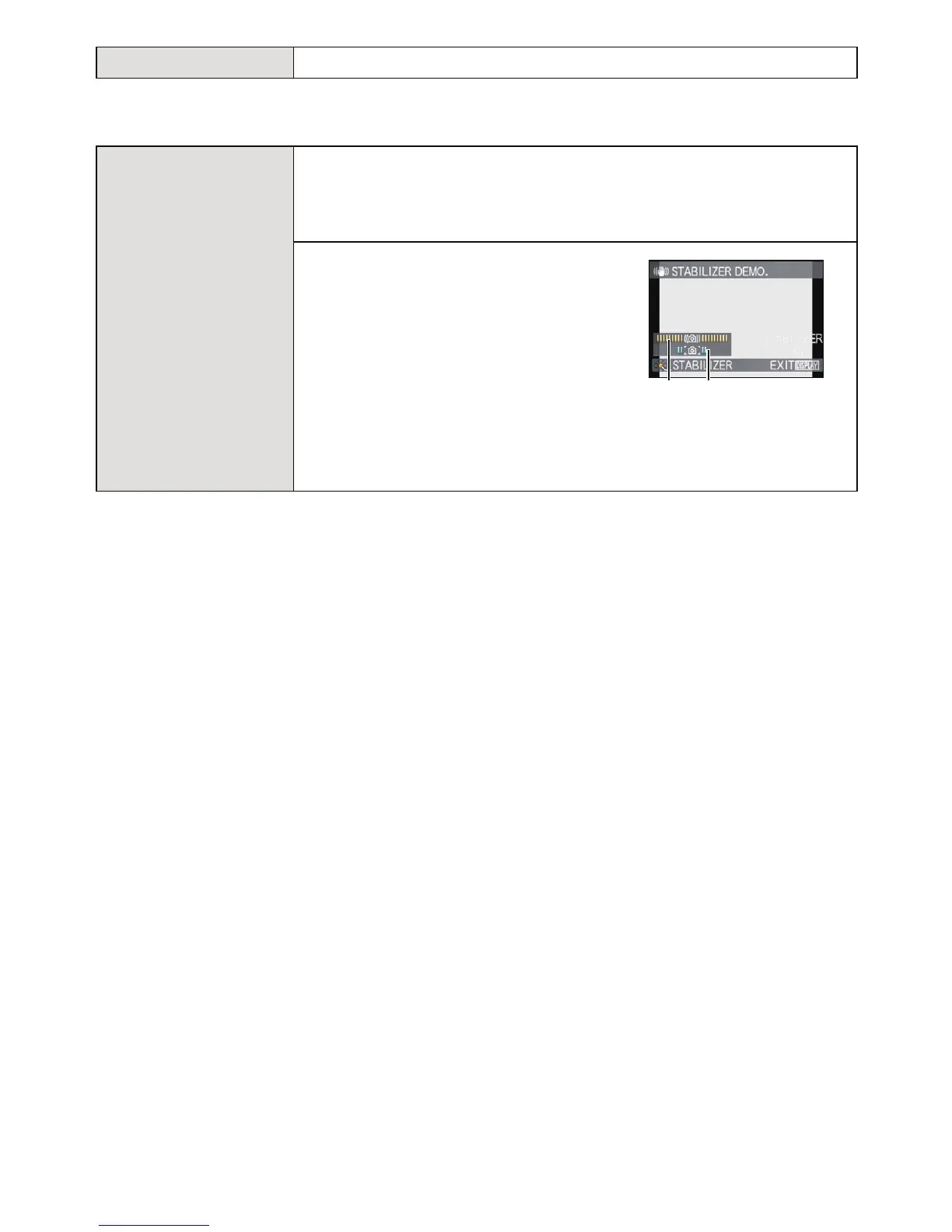
• The Stabilizer Function is switched between [ON] and [OFF] every time [MENU/SET] is
pressed during the [STABILIZER DEMO.].
• In Playback Mode, [STABILIZER DEMO.] cannot be displayed.
• Press [DISPLAY] to close [STABILIZER DEMO.].
• [STABILIZER DEMO.] is an approximation.
• [AUTO DEMO] has no TV output capability even when it is in Playback Mode.
• Press [MENU/SET] to close [AUTO DEMO].
~ [LANGUAGE] Set the language displayed on the screen.
[DEMO MODE]
Displays the amount of jitter the camera has detected.
([STABILIZER DEMO.])
The camera’s features are displayed as slide shows. ([AUTO
DEMO])
[STABILIZER DEMO.]
A Amount of jitter
B Amount of jitter after correction
[AUTO DEMO]:
[OFF]
[ON]
DEMO












 To Next Page