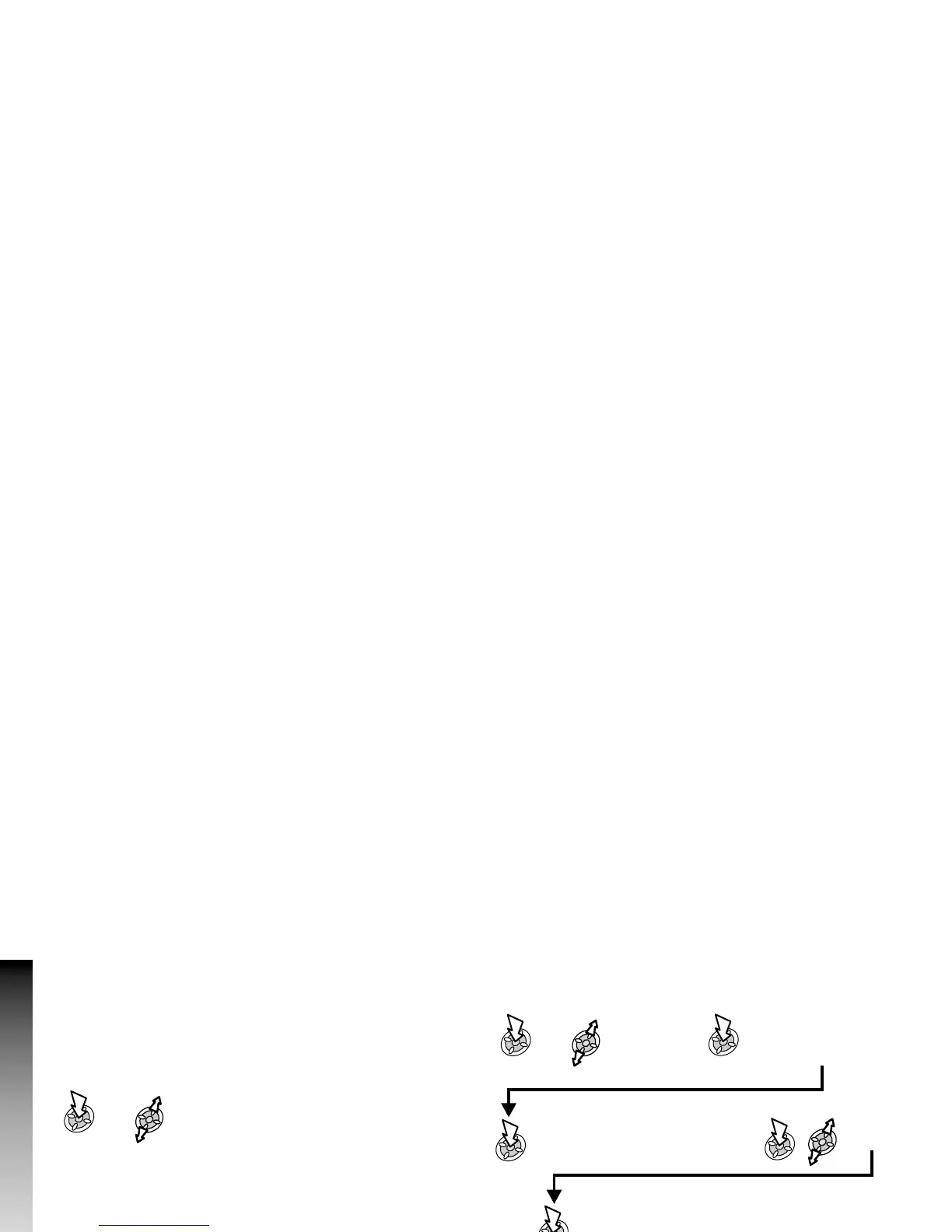
Creating a Text Message
To access Character menu:
Ø
In Numeric mode: Character menu not available
Ø
In T9 mode:
Ø
Using T9
®
predictive text input dramatically reduces the number of
key presses required. See ‘Text Entry’.
Ø
In other text modes:
From Idle mode:
Ø
The user may be asked if delivery confirmation is required:
Note: The default setting for delivery confirmation can be
enabled/disabled using the Report parameter in the Parameters
menu.
48
Messages
Messages
Messages >
SMS >
Create
Create text message -
max. 459 characters
(see ‘Text Entry’) or
select User Message
Press and hold a
Digit key (1-9)
Select Yes / No
Enter destination phone number /
recall a number from Phonebook
(see ‘Retrieving a Number’)
x3
Recall
x3











 To Next Page