EasyManua.ls Logo

Panasonic HC-V710 - User Manual

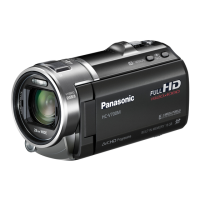
Panasonic HC-V710
192 pages
Print Icon
To Next Page IconTo Next Page
Loading...
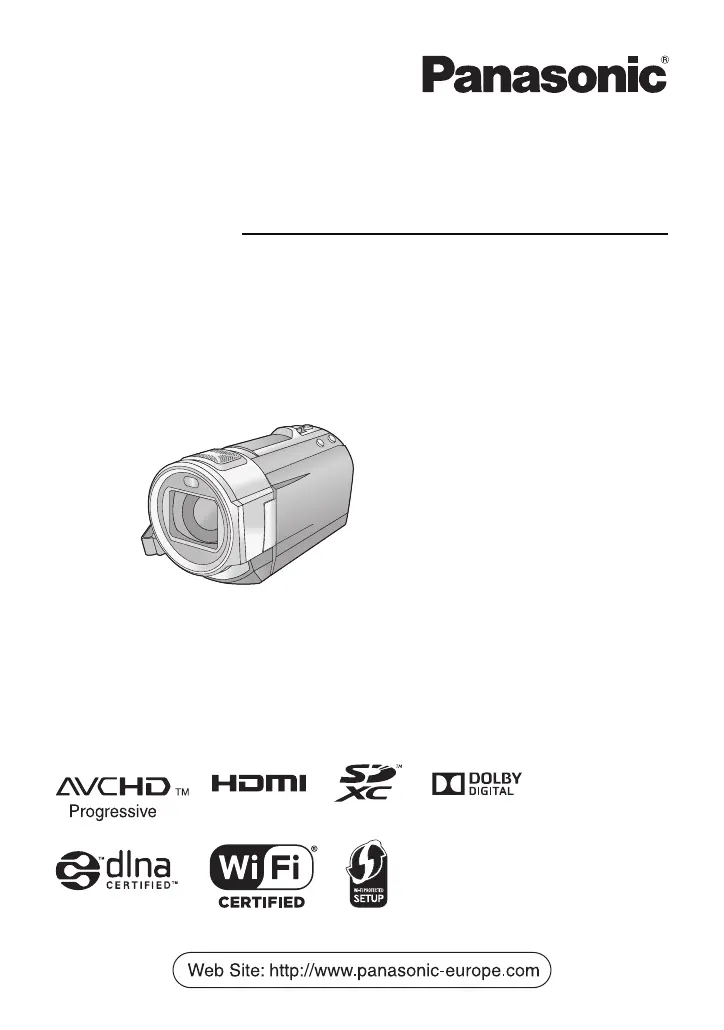
Operating Instructions
High Definition Video Camera
Model No.
HC-V720
HC-V727
HC-V720M
HC-V710
Please read these instructions carefully before using this product, and save this manual for future
use.
VQT4R01
until
2012/1/30

Table of Contents

Other manuals for Panasonic HC-V710

Questions and Answers

  • R
    Ryan MorganAug 19, 2025
    How to fix a Panasonic Camcorder that won't turn on or has short battery life?
    • Q
      qleeAug 19, 2025
      If your Panasonic Camcorder isn't turning on, staying on, or the battery drains rapidly, try these steps: First, fully charge the battery. Remember that batteries drain faster in cold environments. If the battery still discharges quickly after a full charge, it likely needs replacing, as batteries have a limited lifespan.
  • R
    Ryan DiazAug 21, 2025
    Why is my Panasonic Camcorder not detected by PC via USB?
    • F
      floresmarissaAug 22, 2025
      If your Panasonic Camcorder is not detected by your PC when connected via USB, try these steps: Re-insert the SD card into the unit, then reconnect the USB cable. Try a different USB port on your PC. Restart your PC and the camcorder, then reconnect the USB cable. Also, ensure your operating environment is compatible.
  • D
    Darren NortonAug 23, 2025
    Why does my Panasonic Camcorder turn off automatically?
    • A
      Alexis HaleAug 25, 2025
      Your Panasonic Camcorder might be turning off automatically because of the VIERA Link function. This happens when the camcorder turns off when you turn off the power to the TV using the TV remote control. If you are not using VIERA Link, set [VIERA Link] to [OFF].
  • A
    Alexandria AndersonAug 26, 2025
    Why can't I copy scenes from my Panasonic HC-V710 SD card via USB?
    • J
      Jon FergusonAug 26, 2025
      If you cannot copy scenes on the SD card of your Panasonic Camcorder by connecting to other equipment with the USB cable, the other equipment might have not recognised the SD card. Unplug the USB cable once, and reconnect it.
  • J
    Justin GonzalesAug 28, 2025
    Why does my Panasonic HC-V710 keep stopping recording?
    • C
      cthompsonAug 28, 2025
      If your Panasonic Camcorder stops recording unexpectedly, consider the following: * Ensure you are using an SD card suitable for motion picture recording. * The SD card or built-in memory may need formatting using the camcorder. * If [AGS] is [ON], record in the normal horizontal position or set [AGS] to [OFF]. * Repeated recording and deletion can reduce recordable time due to data writing speed deterioration.
  • T
    Tamara PattersonAug 30, 2025
    What to do if my Panasonic HC-V710 Camcorder displays 'Error occurred'?
    • S
      Shirley ReynoldsAug 30, 2025
      If your Panasonic Camcorder displays the error message “ERROR OCCURRED. PLEASE TURN UNIT OFF, THEN TURN ON AGAIN,” the unit has detected an error. Try turning the camcorder off and then on again to restart it. If the error persists after restarting, detach the power connected and consult the dealer from whom you purchased this unit.
  • M
    Michael WilliamsSep 1, 2025
    Why is the battery indicator on my Panasonic HC-V710 inaccurate?
    • M
      Michelle WadeSep 1, 2025
      The remaining battery capacity indication on your Panasonic Camcorder is an approximation. If it's inaccurate, fully charge the battery, allow it to discharge completely, and then charge it fully again.
  • W
    wilsonjasonSep 3, 2025
    How to fix auto focus on Panasonic Camcorder?
    • K
      Kathleen GallagherSep 3, 2025
      If the Auto Focus function on your Panasonic Camcorder is not working, try switching to Intelligent Auto Mode or Intelligent Auto Plus Mode. If you're recording a scene that's difficult to focus on in Auto Focus Mode, use the Manual Focus Mode to adjust the focus.
  • H
    hullwilliamSep 5, 2025
    What to do if Panasonic HC-V710 doesn't recognize SD card?
    • S
      scottruizSep 5, 2025
      If your Panasonic Camcorder does not recognize the SD card, and the SD card was formatted on a PC, use the camcorder to format the SD card.
  • D
    dylan09Sep 7, 2025
    Why is the color balance off on my Panasonic HC-V710?
    • M
      Miguel MuellerSep 8, 2025
      If the color balance of images from your Panasonic Camcorder appears strange when recording in places like a gymnasium, set the White Balance setting to (Indoor mode 2). If you still cannot record clearly with the (Indoor mode 2), set it to (Manual adjustment mode).

Summary

Read this first

About the recording format for recording motion pictures

Explains AVCHD and iFrame recording formats for motion pictures.

Handling of built-in memory [HC-V720 M]

Instructions for using the camcorder's internal memory, including backup.

About Condensation (When the lens or the LCD monitor is fogged up)

Guidance on preventing and dealing with condensation on the camera's lens or screen.

Preparation

Cards that you can use with this unit

Details compatible SD card types and specifications for recording.

Names and Functions of Main Parts

Identifies and describes the physical components and controls of the video camera.

Power supply

Information on battery compatibility, charging, and power options.

Turning the unit on;off

Methods for powering the camcorder on and off using the power button or LCD monitor.

Basic

Recording motion pictures

Step-by-step guide to recording motion pictures using the camera.

Recording still pictures

Instructions for capturing still photographs with the camera.

Intelligent Auto Mode

How the camera automatically adjusts settings for optimal recording based on scene.

Motion picture;Still picture playback

How to play back recorded motion pictures and still images.

Using the menu screen

Navigating and using the camera's main menu system for settings.

Advanced (Recording)

Using the zoom

Explanation of the zoom lever, zoom bar, and zoom speed settings.

Image Stabilizer Function

How to use the image stabilizer to reduce shake during recording.

Changing the Recording Mode

How to switch between different recording modes like Intelligent Auto, Scene Mode, Manual.

Manual recording

Detailed guide to manually adjusting focus, white balance, shutter speed, and iris.

Recording with the Touch Function

Using touch screen icons for convenient recording functions like Level Shot and AF/AE tracking.

Advanced (Playback)

Playback Operations

Basic operations for playing back motion pictures, including skip and slow-motion.

Creating still picture from motion picture

How to save a single frame from a recorded motion picture as a still image.

Highlight Playback

Creating and playing back highlight montages from recorded scenes with effects and music.

Deleting scenes;still pictures

Procedures for deleting unwanted recorded scenes or still pictures.

Watching Video;Pictures on your TV

Steps to connect the camera to a TV for playback using HDMI or AV cables.

Copy;Dubbing

Copying between SD card and Built-in Memory [HC-V720 M]

How to copy files between the camera's internal memory and an SD card.

Copying;playing back with a USB HDD

Instructions for connecting and using an external USB HDD for copying and playback.

Using the Eye-Fi card

How to use an Eye-Fi card for wireless transfer of photos and videos.

Wi-Fi [HC-V720];[HC-V727];[HC-V720 M]

Wi-Fi function

General information and precautions regarding the use of the Wi-Fi function.

What you can do with the Wi-Fi function and the preparations

Overview of Wi-Fi capabilities and necessary setup steps for devices.

Connecting to Wi-Fi

Step-by-step guide to connecting the camera to a wireless network.

Recording;playing back with remote operations

How to control camera functions remotely using a smartphone.

Playing back on a TV

Steps to play back recorded content on a TV via Wi-Fi using DLNA.

With a PC

What you can do with a PC

Overview of PC capabilities, including data copying and editing with HD Writer AE 5.0.

Installation

Guide to installing the HD Writer AE 5.0 software on a PC.

Connecting to a PC

Steps to connect the camera to a computer via USB for data transfer or software use.

Others

Troubleshooting

Common problems and their solutions for power, image, and general operation.

Cautions for use

Important safety advice and precautions for using the unit and accessories.

Recording modes;approximate recordable time

Table showing recordable times for different recording modes and media capacities.

Optional accessories

Information on attaching and using optional accessories like lenses and adapters.

Panasonic HC-V710 Specifications

General IconGeneral
BrandPanasonic
ModelHC-V710
CategoryCamcorder
LanguageEnglish

Related product manuals