- 111 -
∫ Formatting
This is for initialising the USB HDD.
≥ Please be aware that if a media is formatted then all the data recorded on the media is
erased and cannot be recovered. Back up important data on a PC etc.
≥ Connect this unit to the USB HDD and touch [Playback HDD].
≥ When formatting is complete, touch [EXIT] to exit the message screen.
≥ Connect this unit and the USB HDD to format.
You may no longer be able to use the USB HDD if you format them on another device such as a
PC etc.
∫ Displaying media information
The used space of the USB HDD can be checked.
≥ Connect this unit to the USB HDD and touch [Playback HDD].
≥ //
If you touch [CHANGE MEDIA], you can switch the display between the SD card and USB HDD.
If you touch [CHANGE MEDIA], you can switch the display between the SD card, built-in memory,
and USB HDD.
: [SETUP] # [FORMAT MEDIA] # [HDD]
: [SETUP] # [MEDIA STATUS]
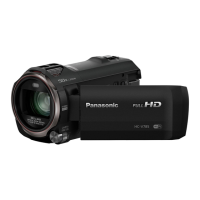
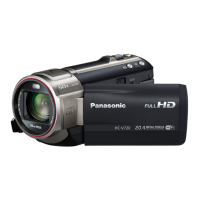
HC-V727





 To Next Page
