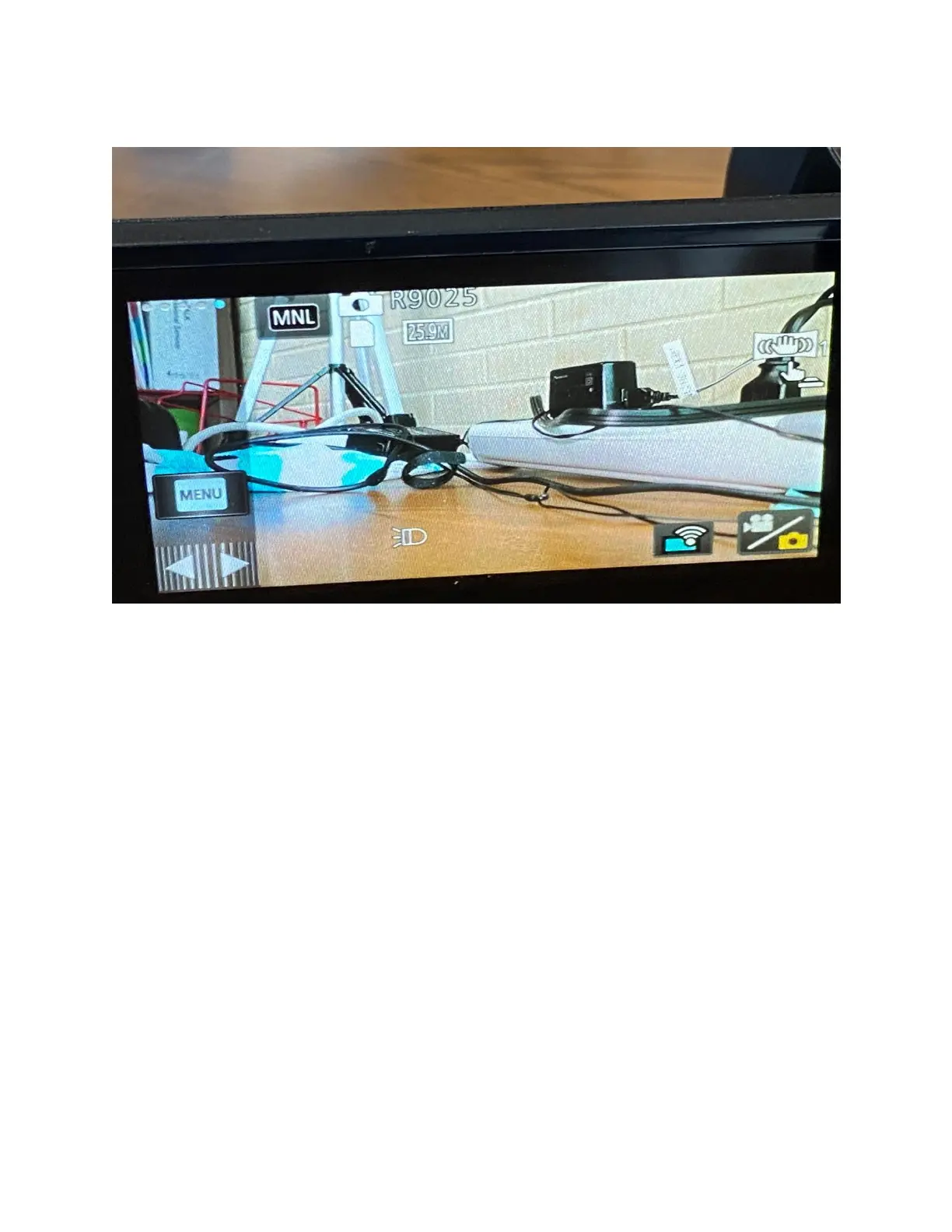
MENU OPTIONS
CAMERA MENU
Now…we’re going to talk about the camera settings menu. This menu either appears as the only
option in the 5
th
or 4
th
row depending on what video setting you have enabled. The menu here
allows you to change settings on how the Panasonic as a whole works. While some of the options
are very easy to describe what they do, others are not as obvious.
The Menu is sorted into three sections: Record Setup, Picture Setup, and Setup. I will explain in
brief what each option does. Please not that some options seen prior will appear in these menus
in the form of boxes that you may have already seen. You may turn off and on options as your
needs require.



 To Next Page