110
VQT1T90
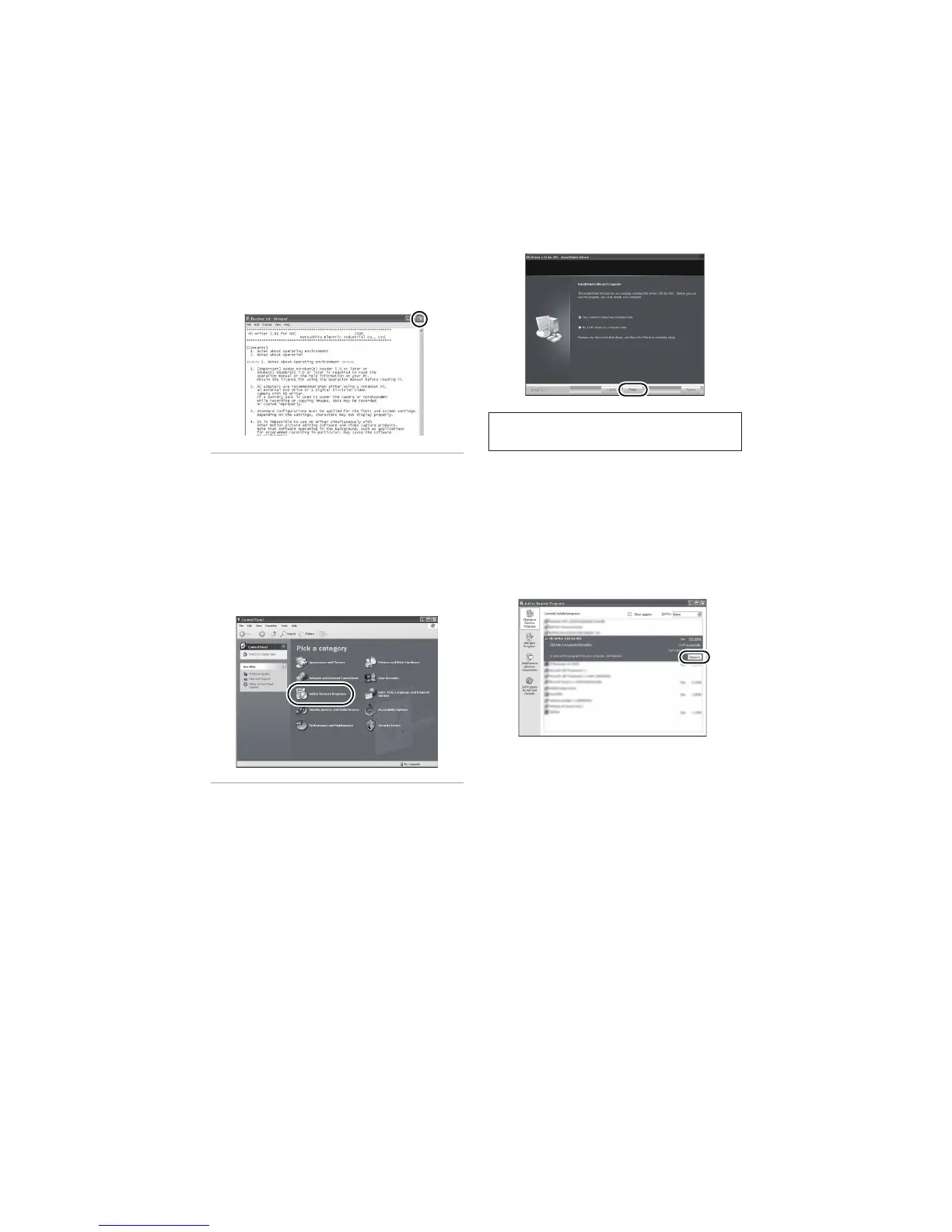
5 After the installation is complete, restrictions
are displayed.
Check the contents, then close
the window.
6 Click [Finish].
! Uninstalling HD Writer 2.6E
Follow the steps below to uninstall any software applications that you no longer require.
1 Select [start]! !([Settings] )!
[Control Panel]! !
[Add or Remove Programs
(Applications)] or [Uninstall a
program].
2 Select [HD Writer 2.6E for HDC],
then click [Change/Remove]
([Change or Remove] or [Add/
Remove]) or [Uninstall].
Proceed with the uninstallation by following the
on-screen instructions.
After uninstalling the software, be sure to
reboot the PC.
The PC must be rebooted for the
application to work.















 To Next Page