65
VQT1T90
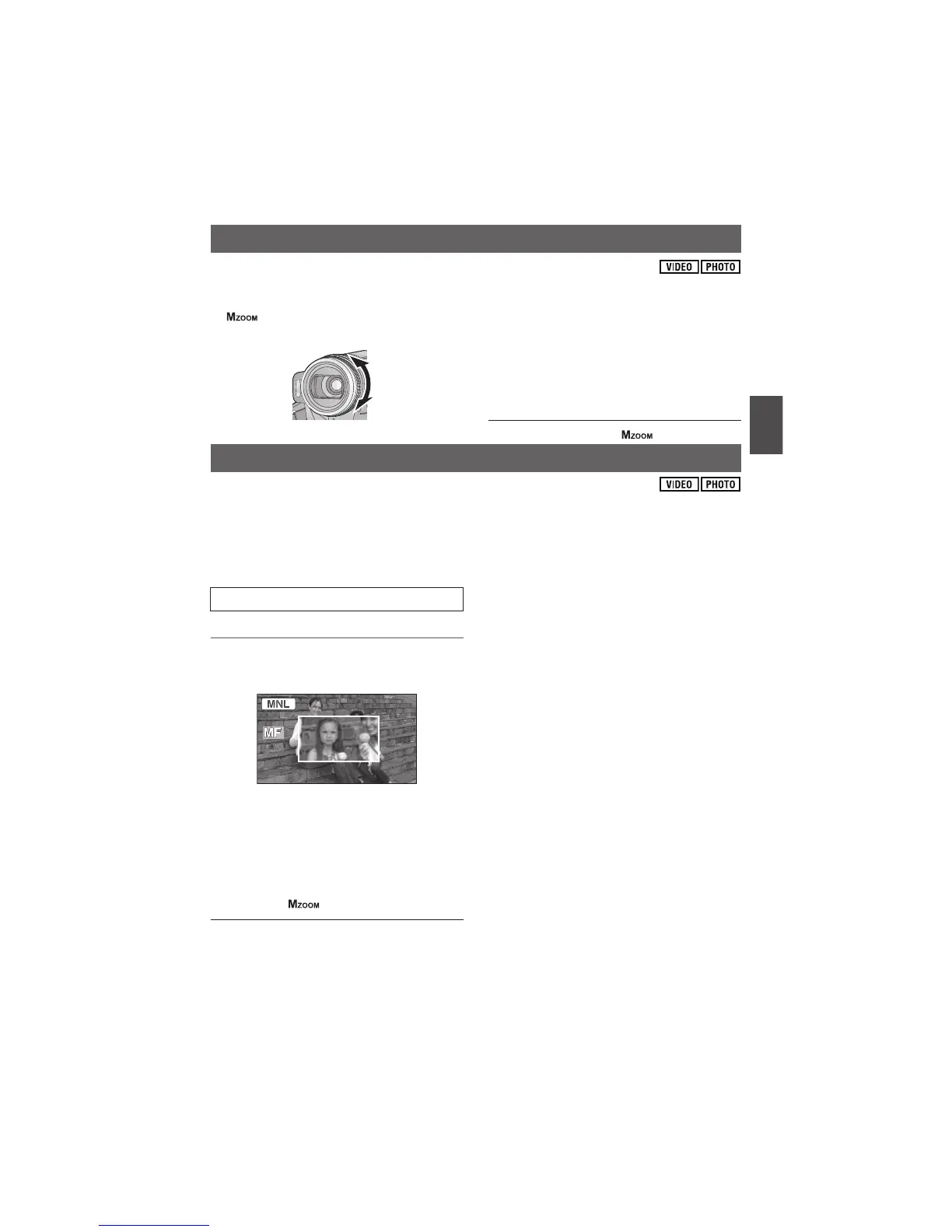
Zoom operation can be done using the multi manual ring.
Move the AUTO/MANUAL switch from the MANUAL to FOCUS/ZOOM position, and display
[ ]. ( 64)
Zoom by rotating the ring.
A side:
Close-up recording (zoom in)
B side:
Wide-angle recording (zoom out)
The zoom speed varies depending on the
speed to rotate the ring.
Auto focus is on when [ ] is displayed.
If auto focusing is difficult due to the conditions, then use manual focus.
Move the AUTO/MANUAL switch from the MANUAL to FOCUS/ZOOM position, and display
[MF]. ( 64)
1 (When MF assist function is used)
Select the menu. ( 22)
This function’s default setting is [ON].
2 Adjust the focus by rotating the
ring.
The centre of the screen is enlarged. The normal
screen returns approximately 2 seconds after
you finish bringing the subject into focus.
The centre of the screen is not enlarged when
[MF ASSIST] is [OFF].
To return to auto focus, move the AUTO/
MANUAL switch to FOCUS/ZOOM position
and display [ ], or set to AUTO.
MF assist does not work if the zoom
magnification is more than 12$.
The part of the screen that is enlarged is not
enlarged on the image actually recorded.
Face detection framing is not displayed when
the display is enlarged even if
[FACE FRAMING] is set to [ALL].
The zebra pattern does not appear on the part
of the screen that is enlarged when [ZEBRA] is
[ON].
Luminance display is not displayed when the
display is enlarged even if [LUMINANCE] is set
to [ANYTIME].
Histogram is not displayed when the display is
enlarged even if [HISTOGRAM] is set to
[ANYTIME].
Zoom operation
A
B
Manual focus adjustment
[ADVANCED] [MF ASSIST] [ON]















 To Next Page