VQT3A10 19
When the unit is turned on for the first time, a message asking you to set
the date and time will appear.
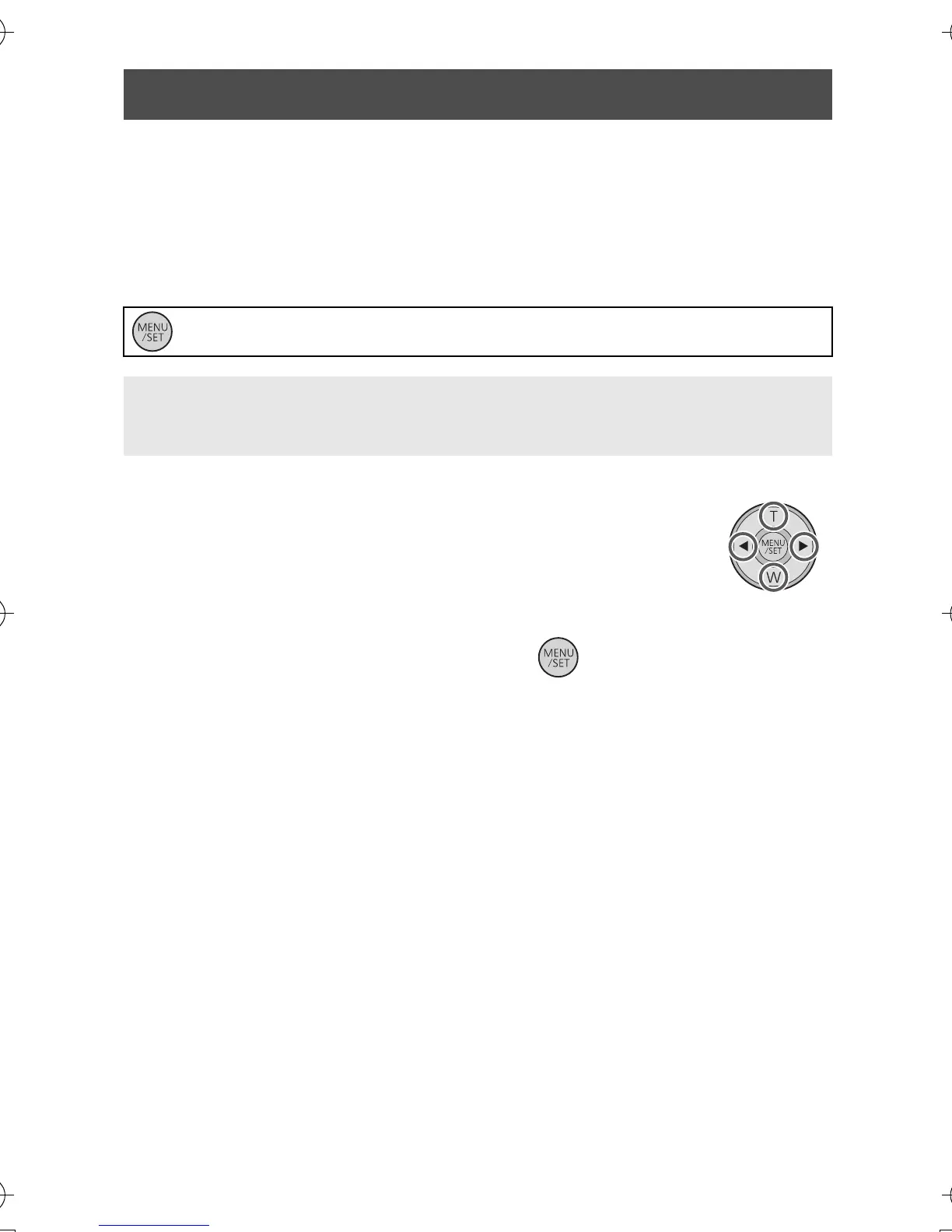
Press the MENU/SET button and perform steps 2 to 3 below to set the
date and time.
1 Select the menu. (l 32)
2 Select the items to be set using 1 and 2
on the cursor button, and set the desired
value using T and W.
≥ The year can be set between 2000 and 2039.
≥ The 24-hour system is used to display the time.
3 Press the MENU/SET button.
≥ The clock function starts at [00] seconds.
≥ Press 2 to complete the setting.
Setting date and time
: [CLOCK SET] # desired setting
[DATE]: Setting of the year/month/day
[TIME]: Setting of the hour/minute
HM-TA1EP_EB_GC-VQT3A10_mst.book 19 ページ 2010年7月14日 水曜日 午後5時5分










 To Next Page