28 VQT3A10
A single frame from the recorded motion picture can be saved as a still
picture.
1 Pause at the scene you want to save as a still picture
during playback.
≥ It is convenient to use frame-by-frame playback.
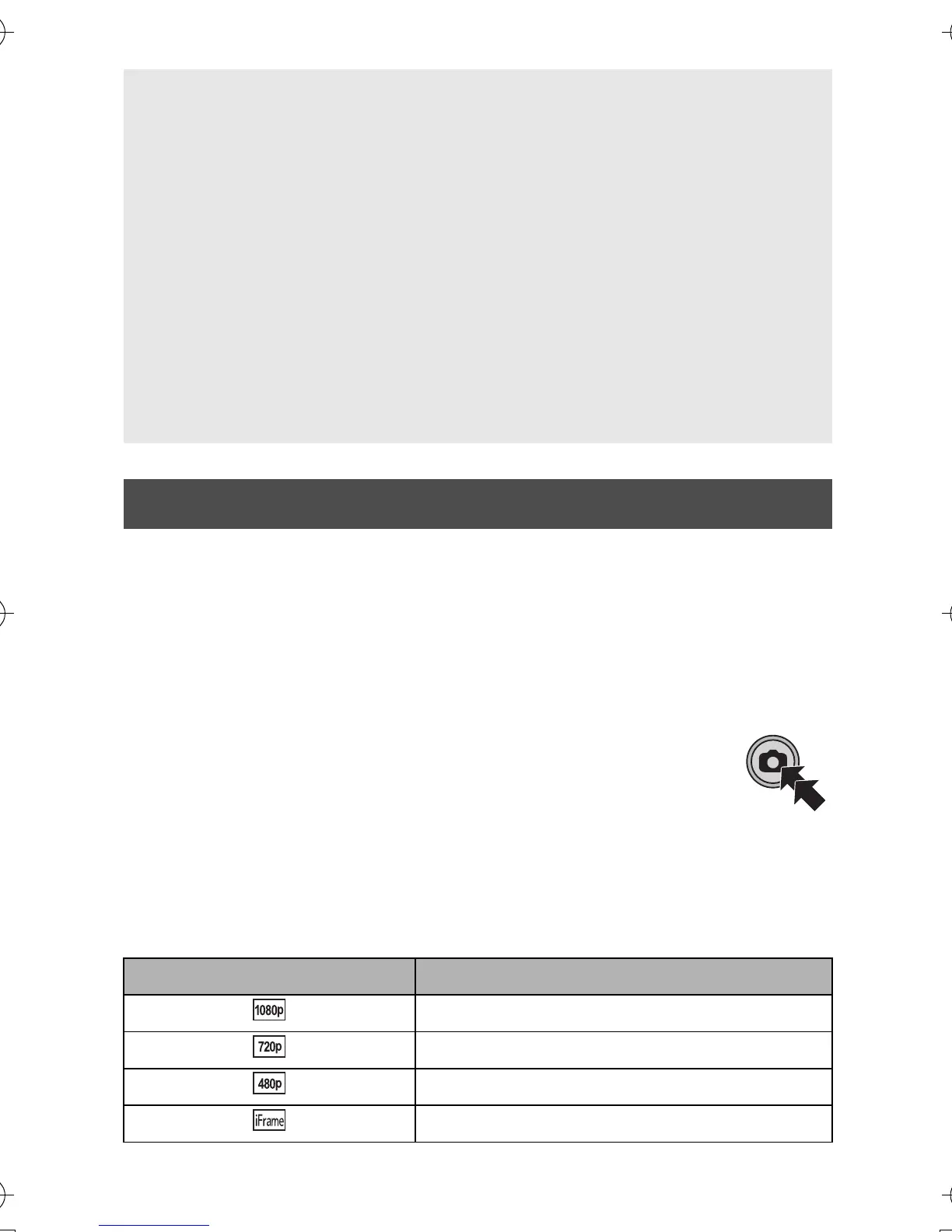
2 Press the photoshot button fully.
≥ Date the motion picture was recorded will be registered
as date of the still picture.
≥ Quality will be different from the normal still picture.
∫ Picture size
Size of the still pictures will differ depending on the [REC MODE] of the
recorded scenes.
Motion picture compatibility
≥ This unit is based on the MPEG-4 AVC file format.
≥ This unit may degrade or not play back motion pictures recorded or
created on other products, and other products may degrade or not
play back motion pictures recorded on this unit, even if the products
support MP4.
Still picture compatibility
≥ This unit is compliant with the unified standard DCF (Design rule for
Camera File system) established by JEITA (Japan Electronics and
Information Technology Industries Association) and with Exif
(Exchangeable Image File Format). Files which do not comply with
the DCF standard cannot be played back.
Creating still picture from motion picture
Recording mode Size of still pictures
2 M (1920k1080)
0.9 M (1280k720)
0.3 M (640k480)
0.5 M (960k544)
HM-TA1EP_EB_GC-VQT3A10_mst.book 28 ページ 2010年7月14日 水曜日 午後5時5分



 To Next Page