VQT3A10 33
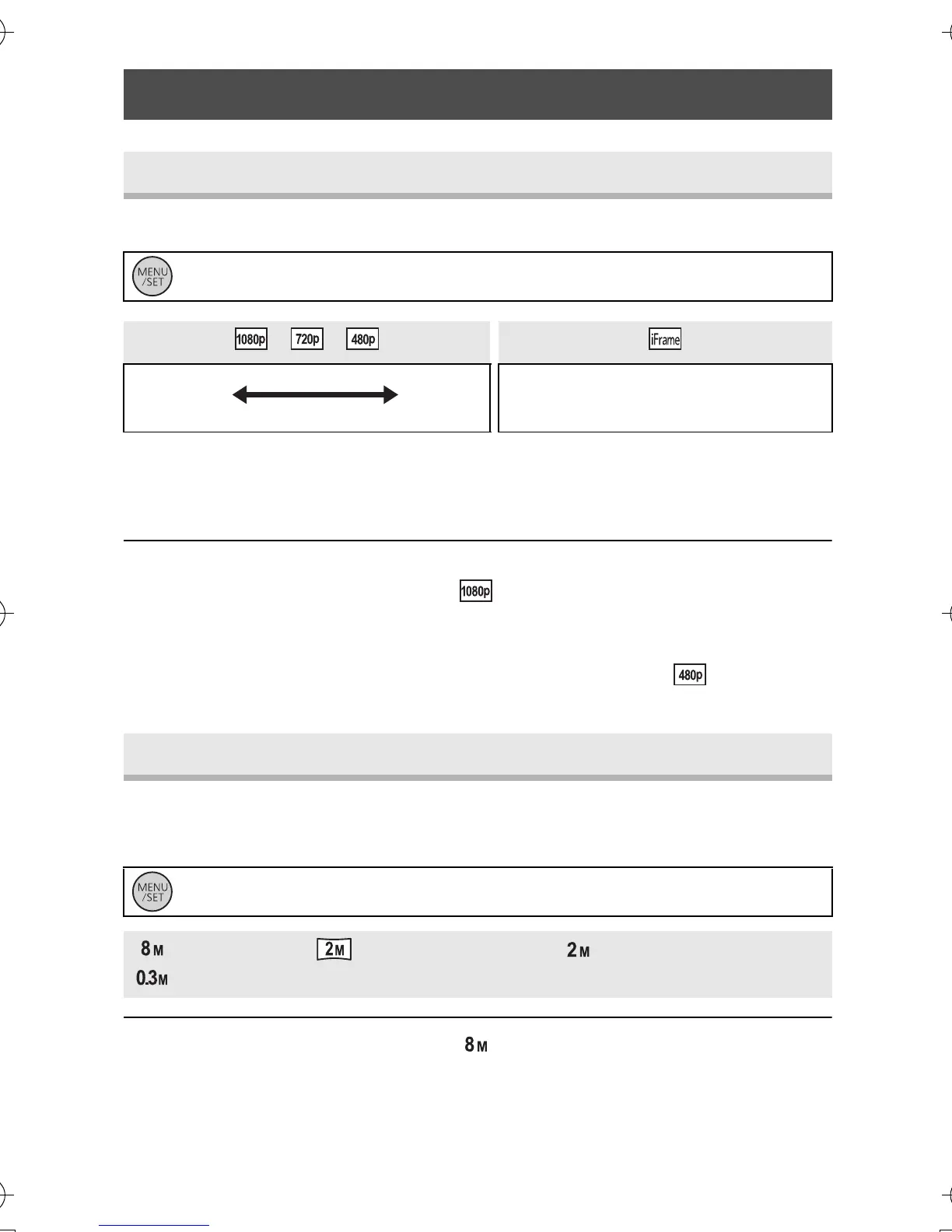
Switch the picture quality of the motion pictures to be recorded.
A Image quality prioritised
B Recording time prioritised
C Use this to playback and edit using a Mac.
≥ Recordable time using the battery (l 13)
≥ This function’s default setting is .
≥ Please refer to page 65 about approximate recordable time.
≥ When the unit is moved a lot or moved quickly, or when a fast-moving
subject is recorded (particularly when recording using ),
mosaic-type noise may appear at playback.
The higher the number of pixels, the higher the clarity of the picture when
printing.
≥ This function’s default setting is .
≥ The recording will become longer depending on the recording pixels.
≥ Please refer to page 66
for details
about the number of recordable
pictures.
Menu list
[REC MODE]
: [RECORD SETUP] # [REC MODE] # desired setting
//
C
[PICTURE SIZE]
: [RECORD SETUP] # [PICTURE SIZE] # desired setting
(3264k2448)/ (1920k1080) [16:9]/ (1600k1200)/
(640k480)
HM-TA1EP_EB_GC-VQT3A10_mst.book 33 ページ 2010年7月14日 水曜日 午後5時5分



 To Next Page