7 DISPLAY
6.15. Summary of Programmable Functions
You can select and execute the following functions by pressing direct command as follows without programming.
These operations need to be done with the Handset near the base unit.
Press
. Press or until the arrow points to , then press .
is displayed.*1
*1 If any key is not pressed over 60 seconds, the display will return to Setting Base.
*2 Refer to
PIN Code (P.12) for more details.
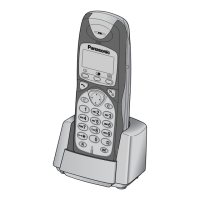
7.1. Handset Display
20
KX-TCD4 10RUM / KX-TCD410RUS / KX-TCD412RU M / KX-TC D412RUS / KX-A141RUM / KX-A141RUS / KX-A142RUM / KX-A142RUS









 To Next Page