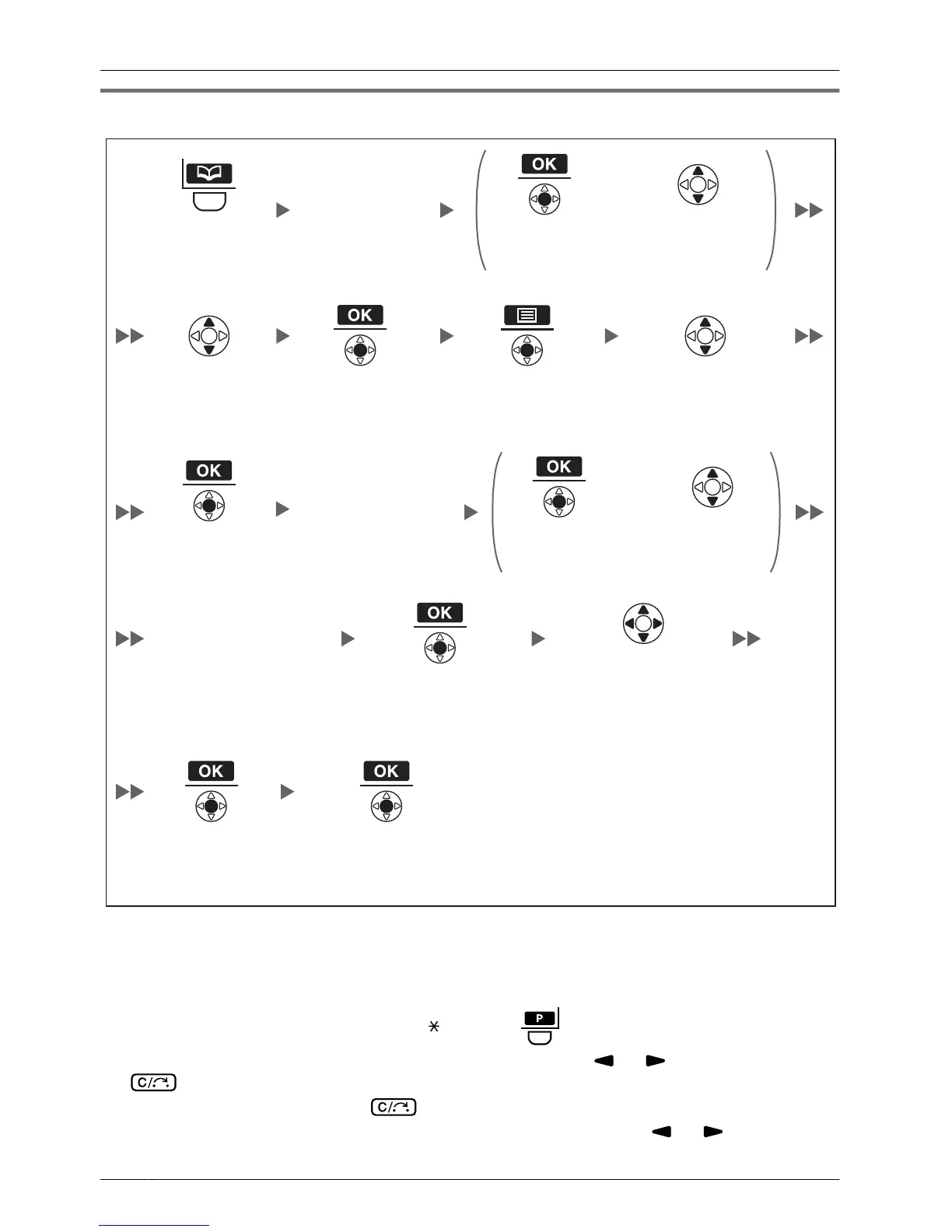
*1 This step can be omitted.
• To enter characters, see page 55.
• To search for an item in the Phonebook, see page 29.
• The valid digits are "0" through "9", "
", "#", "P ( )".
•
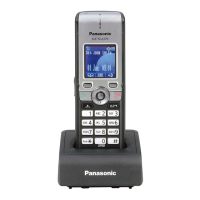
To change a character or digit, press the Navigator Key
or to highlight it, press
to delete it, then enter the new character or digit.
• To clear an entire line, press for more than 1 second.
•
To move the cursor to the left or right, press the Navigator Key
or , respectively.
46
Using the Handset Phonebook




 To Next Page