1. Understanding Your Phone
14 Issued April 2000 DBS-32-755
Using Variable Mode on a Small-Display Phone
Note:
This feature requires DBS software version CPC-AII/B v. 8.0 or higher,
CPC-S/M v. 2.0 or higher, or CPC-EX v. 1.0 or higher.
Variable Mode allows you to use the soft keys on your small-display phone to
execute programmed system features when your phone is in the following
call states:
• during an intercom call
• during CO dial tone
• during a trunk call
• after dialing a busy extension
1. Activate Variable Mode by pressing
ON/OFF *61 ON/OFF
.
The 1st line of the display will read “Variable md ON” when you enter
*61, then return to normal when you press the second ON/OFF.
To turn Variable Mode off again, press
ON/OFF *61 ON/OFF
.
2. During an intercom call, CO dial tone, trunk call, or after dialing a busy
extension, the display will reflect the appropriate programmed features.
While the feature is displayed, press the > or < soft key to execute the
desired feature.
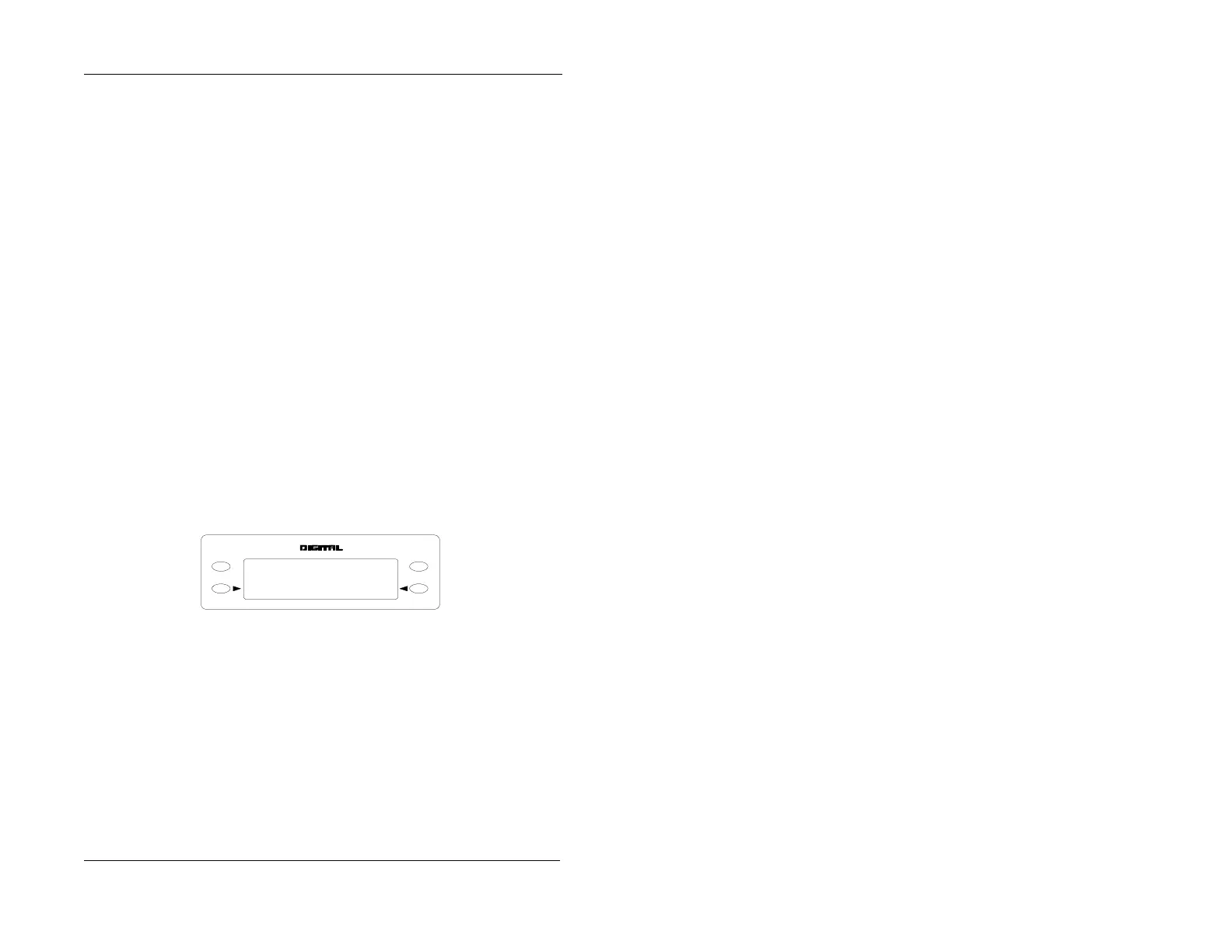
Figure 4. Example of a variable mode display after dialing a busy extension
ENDMODE
Busy 351
Callback O H VA









 To Next Page