2. Setting Up Your Phone
DBS-32-755 Issued April 2000 33
Clearing Out a Name Assigned To a PSD Key
Note:
You will need to know the PSD bin number for the key in order to clear
out an assigned name. To check the bin number for a key, see “Checking PSD
Numbers” on page 29.
1. Pick up the handset or press
ON/OFF
.
2. Press
PROG
.
3. Dial
#1
.
4. Press
AUTO
.
5. Enter the PSD bin number for the key you want to clear (Example: 91, 903,
etc.).
6. Press
AUTO
as many times as necessary to clear out the name.
Note:
It is strongly recommended that you assign the PSD bin number as
a name for the key at this point so that it will appear on the display for
future use. The bin number should be entered in the following format: “-
PSDxx (or xxx)” where xx or xxx = the actual bin number. Example: “-
PSD901”. Use the information in steps 7-10 under “Assigning Names to
PSD Numbers” on page 30 as a guide.
7. Press
HOLD
.
8. Press
ON/OFF
.
Note:
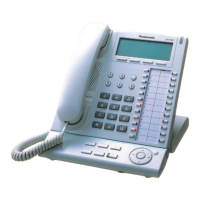
If using a large-display phone, press
MENU
, then the key to the
left of PERSONAL DIAL to have the change reflected on the display.









 To Next Page