6. Using Additional Features
DBS-32-755 Issued April 2000 69
Call Log Format for Small-Display Phones
To view the call log, press the
Call Log
key. To view the next call in the log,
press the
#
key. To view the previous call in the log, press the
*
key.
In addition to viewing the calling number information by pressing the Call
Log Key, you can view the detailed information on each entry by pressing the
CONF
key.
Example:
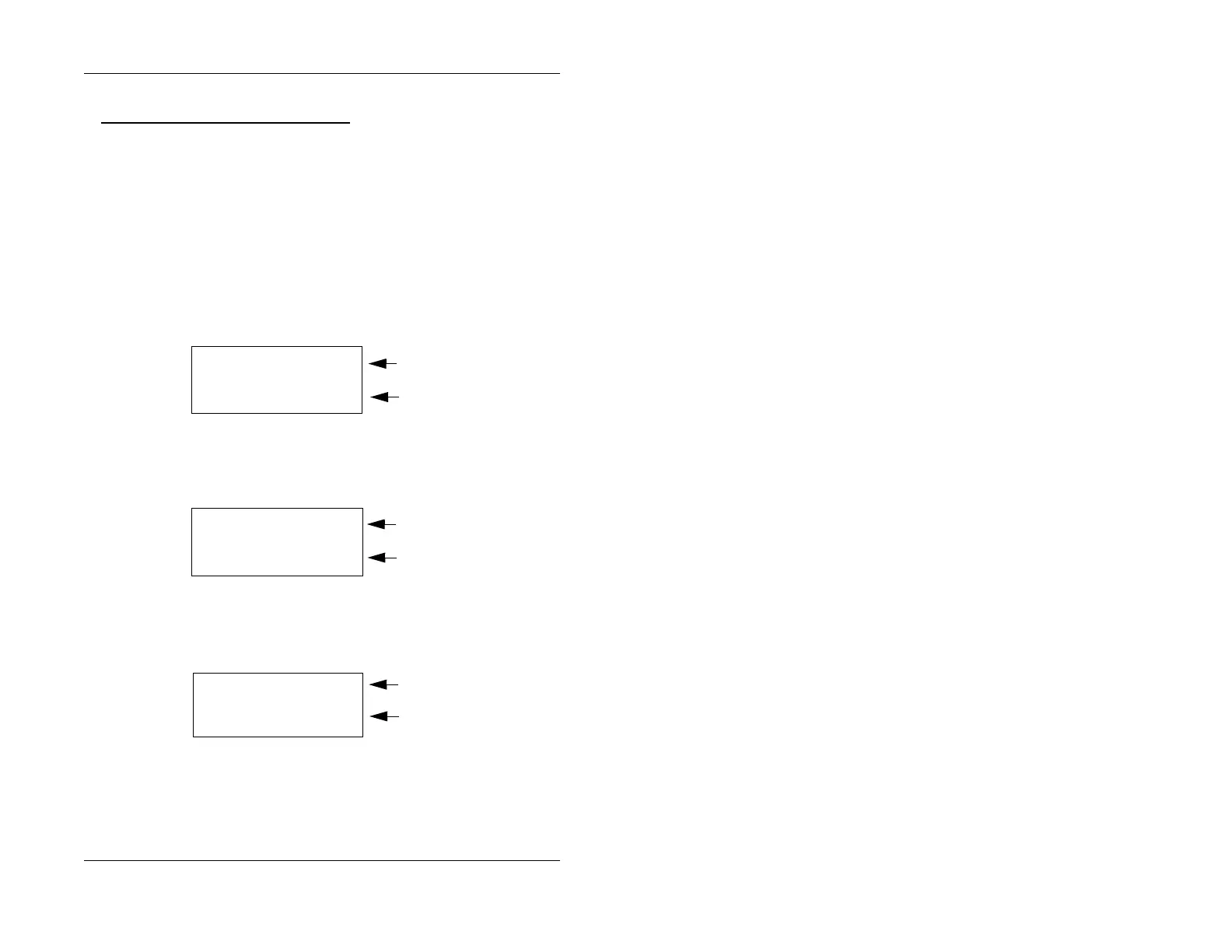
1. Press the Call Log key. The following displays.
Figure 16. Call Log format for small-display phone--calling number and name
2. To display the next level of information, press the
CONF
key.
Figure 17. Call log format for small-display phone--time and date
3. To display the next level of information, press the
CONF
key.
Figure 18. Call log format for small-display phone--answer information
4. To display the next level of information, press the
CONF
key.
404-555-1212
Calling number
Calling name
Bill Smith
First Level
of Call Log
Information
10:30 WED JUNE 22 Time, day and date
Calling number
Second Level
of Call Log
Information
404-555-1212
ANS-J. Jones 103
How the call was handled
Calling Number
Third Level
of Call Log
Information
404-555-1212









 To Next Page