EasyManua.ls Logo

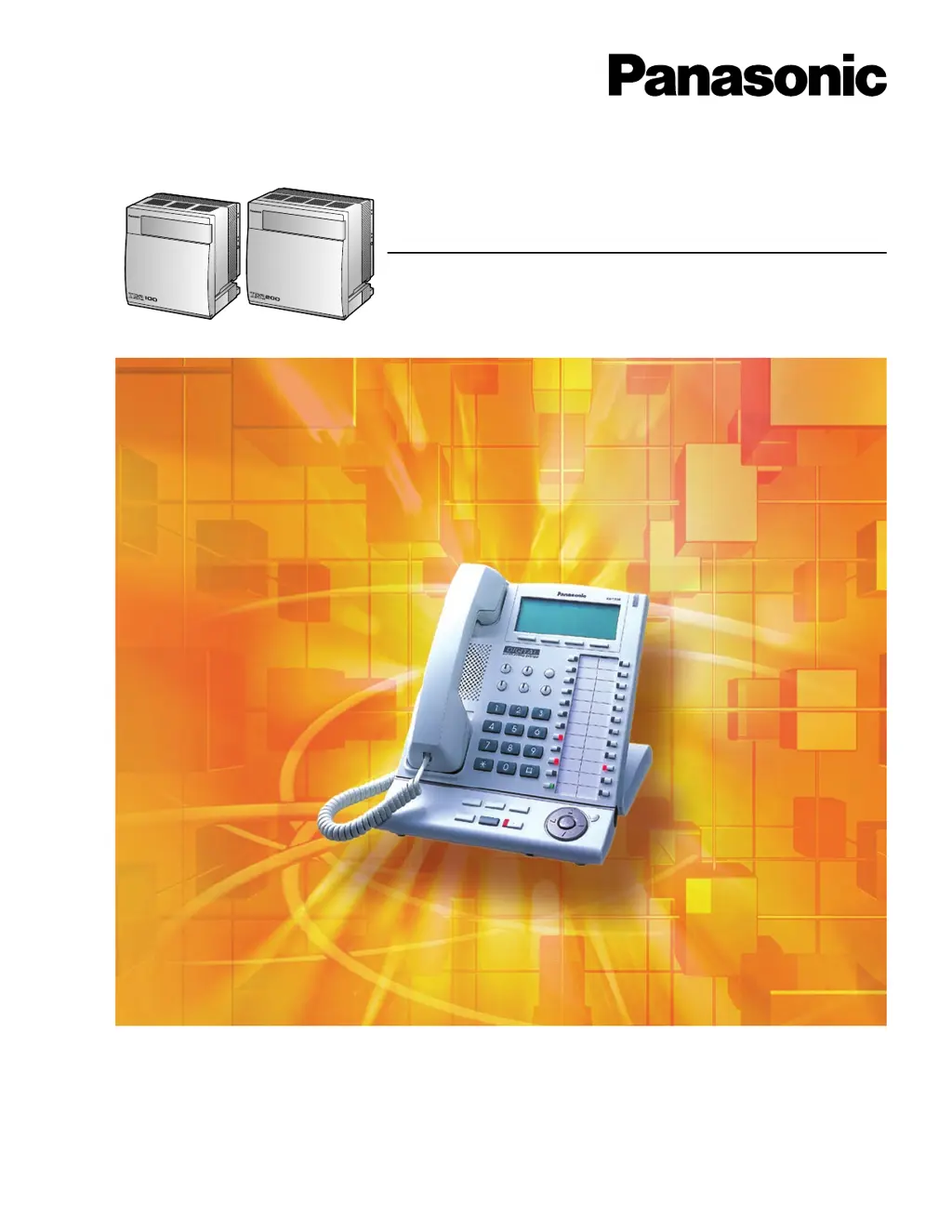
Panasonic KX-TDA100 - User Manual

Panasonic KX-TDA100
174 pages
Print Icon
To Next Page IconTo Next Page
Loading...
KX-TDA100
Model
KX-TDA200
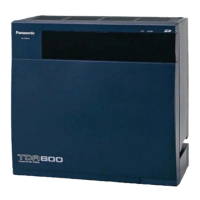
Hybrid IP-PBX
User Manual
Thank you for purchasing a Panasonic Hybrid IP-PBX.
Please read this manual carefully before using this product and save this manual for future use.
KX-TDA100/KX-TDA200: Version 2.0

Table of Contents

Other manuals for Panasonic KX-TDA100

Questions and Answers

  • G
    grant63Aug 31, 2025
    Why is there so much noise on my Panasonic PBX calls?
    • Z
      zachary78Aug 31, 2025
      If you are frequently hearing noise when using your Panasonic PBX, try setting the handset and base unit away from other electrical appliances. Also, move closer to the base unit to improve the signal.
  • J
    Joseph BullockAug 25, 2025
    How to fix operations not working on Panasonic PBX?
    • M
      Mr. Christopher Hernandez MDAug 25, 2025
      If none of the operations work when using a proprietary telephone on your Panasonic PBX, even after following the manual, the Intercom line was not seized. Press the INTERCOM button after going off-hook and follow the instructions.
  • K
    Katie BrownSep 23, 2025
    Why Panasonic Alternate Calling does not function as set?
    • S
      schmidtsarahSep 23, 2025
      If Alternate Calling—Ring/Voice and Live Call Screening (LCS) are not functioning as set when using a Panasonic Wireless Phone (KX-T7880/ KX-T7885/KX-TD7894/KX- TD7895), it may be because Voice-calling mode and Hands-free mode with LCS are not available with Wireless Phones. Switch the calling mode to ring-calling or set the LCS mode to "Private".
  • J
    Jermaine KnappSep 5, 2025
    Why can't I store a long number in my Panasonic KX-TDA100 PBX phonebook?
    • D
      davisjoshuaSep 5, 2025
      If you are trying to store a telephone number that is over 24 digits in the last free space in the Phonebook on your Panasonic PBX, try to store the phone number as 24 digits or less, or remove unnecessary data in the Phonebook.
  • A
    angelica32Sep 9, 2025
    Why can't I register the PS on my Panasonic PBX?
    • K
      kevin30Sep 10, 2025
      If you are unable to register the PS (Personal Station) on your Panasonic PBX, it could be due to a wrong Personal Identification Number (PIN) registered to the PS, or the CS (Cell Station) is not connected properly. Register the PIN set to the Hybrid IP- PBX into the PS. Make sure that the cable is connected properly with correct pin assignments and that the cable does not make short circuits. Also, switch all DIP switches off.
  • M
    Matthew AustinSep 2, 2025
    What does 'Not Connected' mean on my Panasonic PBX?
    • D
      Dennis WileySep 3, 2025
      If you see 'Not Connected' on your Panasonic PBX, it means the telephone cord between the PBX and the base unit is not connected. Ensure the telephone cord is securely connected.
  • C
    Christina BrownAug 29, 2025
    What to do if the trunk is connected to the T2/T1 on my Panasonic KX-TDA100 PBX?
    • R
      Robert HowellAug 29, 2025
      If you encounter a trunk connected to the T2/T1 on your Panasonic PBX, reconnect the trunk to the T1/R1 or T2/R2 of the telephone jack using 2-conductor wiring.
  • K
    Kelly LopezSep 12, 2025
    Why alternate calling ring/voice and live call screening do not function when using a wireless phone on my Panasonic KX-TDA100?
    • L
      Leslie GreeneSep 12, 2025
      To resolve issues with Alternate Calling—Ring/Voice and Live Call Screening (LCS) when using a Wireless Phone (KX-T7880/ KX-T7885/KX-TD7894/KX- TD7895) on your Panasonic PBX: * Switch the calling mode to ring-calling. * Set the LCS mode to "Private". Voice-calling mode and Hands-free mode with LCS are not available with Wireless Phones.
  • T
    Tamara HillSep 7, 2025
    What to do if the ALARM indicator on my Panasonic KX-TDA100 PBX is red?
    • J
      Jennifer HolderSep 7, 2025
      If the ALARM indicator on the front of your Panasonic Hybrid IP-PBX cabinet is red, it indicates a major system error. To troubleshoot, check the error log using the KX-TDA Maintenance Console.
  • D
    Dan MillerAug 27, 2025
    Why do some Panasonic KX-TDA100 PBX extensions not work during a power failure?
    • K
      Kristen GallagherAug 27, 2025
      To resolve the issue where extensions connected to ports 1 to 4 of MSLC16/SLC16 and ports 1 to 2 of DHLC8/SLC8 cards do not operate during a power failure on your Panasonic PBX, disconnect any DPT or APT devices and connect an SLT instead. Also, ensure the correct dialing mode (tone or pulse) is selected by setting the Tone/Pulse switch to the alternative position.

Summary

Operation

Before Operating the Telephones

Guides on initial setup, telephone types, feature numbers, and icon descriptions.

Making Calls

Instructions for initiating various call types, including internal, external, and speed dialing.

Receiving Calls

Explains how to answer calls, manage call waiting, and receive notifications.

During a Conversation

Details call transfer, hold, splitting, conferencing, muting, and monitoring.

Absence Settings

Features for call forwarding, absent messages, and extension locking.

Extension Settings

Configuration of timed reminders, DND, CLIP/CLIR, BGM, and data security.

Call Center

Manages call distribution groups, agent status, and queue monitoring.

Display Proprietary Telephone

Call logs, directories, character entry, and system feature access for display phones.

Manager Operation

Control Features

Manager's control over extensions, time modes, and broadcast music.

Customizing Your Phone & System

Personal Programming

Customizing PIN, display, call handling, and button assignments.

Manager Programming

Manager functions for password changes and extension control.

System Programming

System-wide configurations like date/time, speed dialing, and extensions.

Appendix

Troubleshooting

Solutions for common telephone and system operational problems.

Feature Number Table

Reference list of features and their corresponding dial codes.

Tone

Descriptions and waveforms of audible system tones.

Revision History

Details changes made in different versions of the user manual.

Panasonic KX-TDA100 Specifications

General IconGeneral
System CapacityUp to 128 extensions
VoIP SupportYes, with optional cards
Digital ExtensionsYes
Analog ExtensionsYes
ISDN SupportYes
Power SupplyAC 100-240 V, 50/60 Hz
Operating Temperature0°C to 40°C
Humidity10% to 90% (non-condensing)
NetworkingYes
TypeHybrid IP PBX
Wireless CapabilityYes
Supported ExtensionsDigital, Analog
Trunk InterfacesAnalog, ISDN
Voicemail CapacityOptional, via voice processing cards

Videos

How to Reset PABX Panasonic KX-TDA100/200/600 to Factory Default

Related product manuals