EasyManua.ls Logo

Panasonic KX-TDA0108 - User Manual

Panasonic KX-TDA0108
250 pages
Print Icon
To Next Page IconTo Next Page
Loading...
KX-TDA100
Model
KX-TDA200
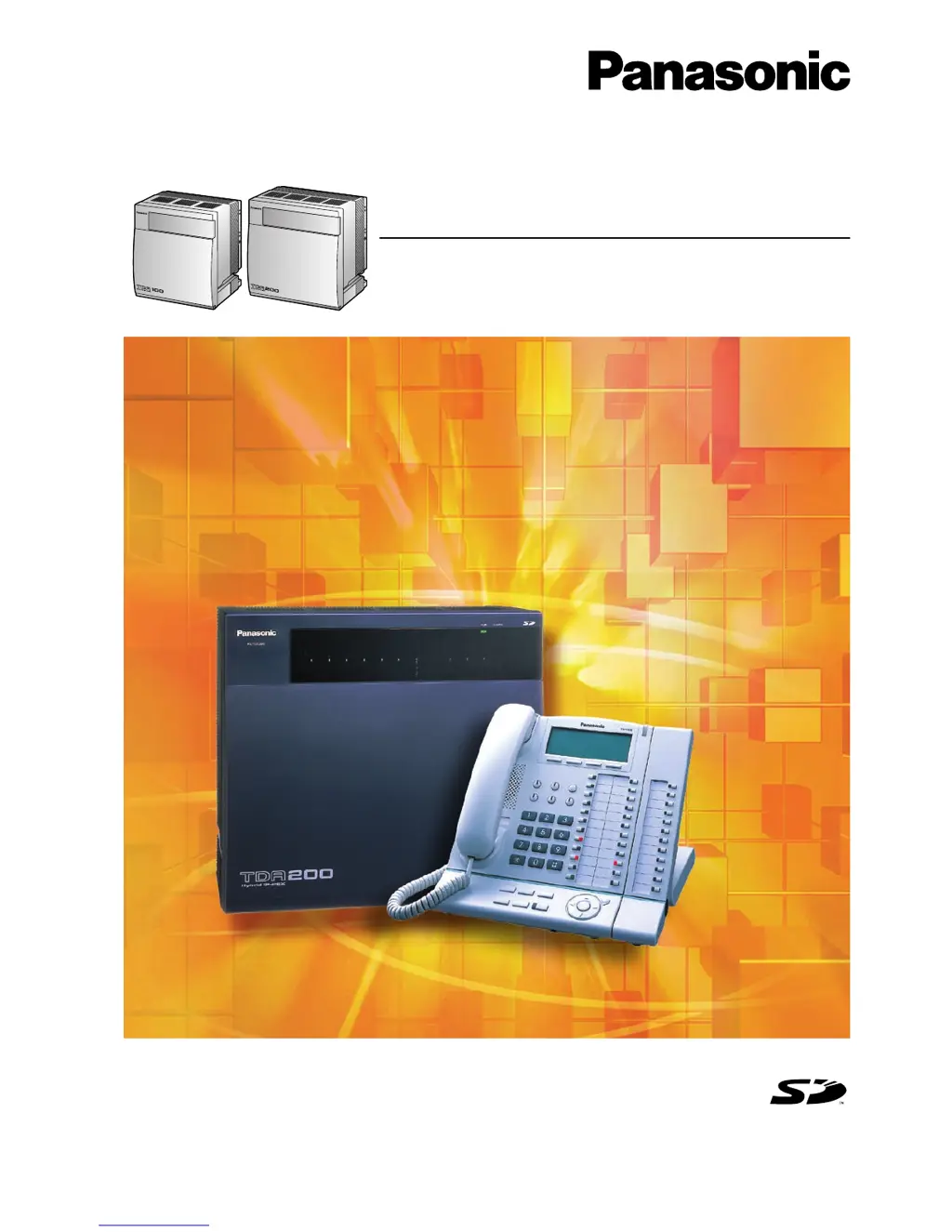
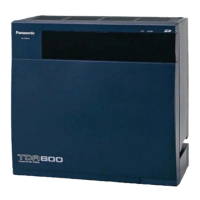
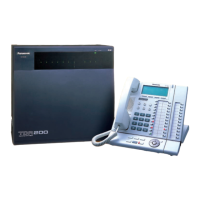
Thank you for purchasing a Panasonic Hybrid IP-PBX.
Please read this manual carefully before using this product and save this manual for future use.
KX-TDA100/KX-TDA200: Version 2.0
Hybrid IP-PBX
Installation Manual
SD Logo is
a trademark.

Table of Contents

Questions and Answers

  • L
    Lisa WilliamsAug 19, 2025
    What to do if extensions don't work during power failure on Panasonic PBX?
    • M
      Michael OlsenSep 12, 2025
      If extensions connected to ports 1 to 4 of MSLC16/ SLC16 and ports 1 to 2 of DHLC8/SLC8 cards do not operate during a power failure, it could be due to a DPT or APT being connected to the extension port, or an incorrect dialling mode (tone or pulse). To resolve this, disconnect the DPT or APT and connect an SLT. Also, set the Tone/Pulse switch to the other position.
  • R
    Rodney ChapmanAug 21, 2025
    Why is the ALARM indicator red on my Panasonic KX-TDA0108 PBX?
    • J
      Jimmy PearsonAug 21, 2025
      If a major system error occurs in the Panasonic Hybrid IP-PBX, the ALARM indicator on the front of the cabinet will turn red. To address this, consult the error log using the KX-TDA Maintenance Console.
  • S
    Sarah BlevinsAug 23, 2025
    How to fix Panasonic KX-TDA0108 when call transfer doesn't work?
    • X
      xburnettAug 23, 2025
      If originating an outside call, call transfer, or conference cannot be performed, it is possible that the corresponding CO button does not exist on the PT. Program the CO button.
  • C
    Christopher SpearsAug 26, 2025
    How to troubleshoot Panasonic KX-TDA0108 extension not working?
    • K
      Kevin LindseyAug 26, 2025
      If the extension does not operate, it could be due to several reasons: a bad extension card, a bad connection between the Hybrid IP-PBX and telephone, a telephone with an A-A1 relay connected, a bad telephone, or the wrong type of PSU. Here are some steps to troubleshoot: * Exchange the card for a known working one. * Plug the telephone into the same extension port using a short telephone cord. If it works, repair the connection between the Hybrid IP-PBX and the telephone. * Use a 2-wire cord or set the A-A1 relay switch of the telephone to the "OUT" or "OFF" position. * Plug the telephone into another working extension port. If it still doesn't work, replace the telephone. * Replace the PSU with the appropriate type.
  • S
    sanchezmiguelAug 28, 2025
    What to do if Panasonic KX-TDA0108 PS is out of range?
    • W
      whitesandraAug 28, 2025
      If the PS becomes out of range or you cannot make calls using the PS, it could be due to several reasons: the CSIF card not working, the CS not working, a poor location of the CS, or improperly set access system of the PS. Try the following: * Install the CSIF card properly. * Ensure the cable is correctly connected with proper pin assignments and no short circuits. Switch all DIP switches off. * Relocate the CS properly. * Change the access system setting of the PS to the appropriate system or automatic.
  • T
    Terry WhiteAug 29, 2025
    How to reduce noise on external paging with Panasonic KX-TDA0108?
    • W
      Wendy WilliamsAug 30, 2025
      If you are experiencing noise on external paging, it is likely due to induced noise on the wire between the Hybrid IP-PBX and the amplifier. Use a shielded cable as the connection wire between the Hybrid IP-PBX and amplifier. A short shielded cable is recommended.
  • J
    John MooreSep 1, 2025
    Why is external music distorted on my Panasonic PBX?
    • M
      Michael PatelSep 1, 2025
      If you are experiencing distorted external music, it is likely due to an excessive input level from the external music source. Decrease the output level of the external music source by using the volume control on the music source.
  • H
    Henry GrahamSep 3, 2025
    What to do if Panasonic PBX does not operate properly?
    • C
      carnoldSep 3, 2025
      If the Hybrid IP-PBX does not operate properly, try the following: * Press the Reset Button. * Turn off the power switch, and then turn it back on. * Turn off the power switch, and then unplug the Hybrid IP-PBX. After 5 minutes, plug the Hybrid IP-PBX back in, and turn the power switch back on.
  • J
    John CummingsSep 5, 2025
    What to do if Panasonic KX-TDA0108 PBX PS stays out of service?
    • H
      Heather MitchellSep 5, 2025
      If the PS stays out of service when the CS status is changed from Out of Service to In Service, it may take about 20 seconds for the CS to start up after the status has been changed to In Service. Wait until the CS starts up.
  • S
    Stephanie JamesSep 7, 2025
    How to register PS on Panasonic KX-TDA0108 PBX?
    • R
      richard95Sep 7, 2025
      If you cannot register the PS, it could be due to a wrong Personal Identification Number (PIN) registered to the PS or the CS not being connected properly. To resolve this: * Register the PIN set to the Hybrid IP-PBX into the PS. * Ensure the cable is connected properly with correct pin assignments and no short circuits. Also, switch all DIP switches off.

Summary

System Outline

System Highlights

Overview of key features and capabilities of the Hybrid IP-PBX system.

Basic System Construction

Details on the physical components and architecture of the basic system.

Specifications

Technical details, performance characteristics, and physical specifications of the system.

Installation

Before Installation

Essential preliminary steps, safety, and wiring precautions before system installation.

Installation of the Hybrid IP-PBX

Step-by-step instructions for unpacking, mounting, and installing the main unit.

Installation of the Trunk Cards

Details on installing various types of trunk interface cards for external line connectivity.

Installation of the Extension Cards

Instructions for installing cards that provide connectivity for internal telephones and devices.

Starting the Hybrid IP-PBX

Initial setup and startup procedures for the Hybrid IP-PBX system.

Guide for the KX-TDA Maintenance Console

Overview

Introduction to the KX-TDA Maintenance Console software and its purpose.

Connection

Details on how to connect the PC to the Hybrid IP-PBX using serial or LAN interfaces.

Installation of the KX-TDA Maintenance Console

Step-by-step guide for installing the maintenance console software on a PC.

Troubleshooting

Installation

Common problems and solutions related to the initial setup and installation process.

Connection

Addresses issues related to incorrect wiring or port connections for extensions and trunks.

Operation

Solutions for problems encountered during the normal use of the system's features.

Appendix

Revision History

Records changes and updates made to the manual across different versions.

Index

Panasonic KX-TDA0108 Specifications

General IconGeneral
CompatibilityPanasonic KX-TDA series PBX
DisplayN/A (This is a control card, not a phone)
Line KeysN/A (This is a control card, not a phone)
Programmable KeysN/A (This is a control card, not a phone)
SpeakerphoneN/A (This is a control card, not a phone)
Headset JackN/A (This is a control card, not a phone)
Power SupplyVia PBX system

Related product manuals