EasyManua.ls Logo

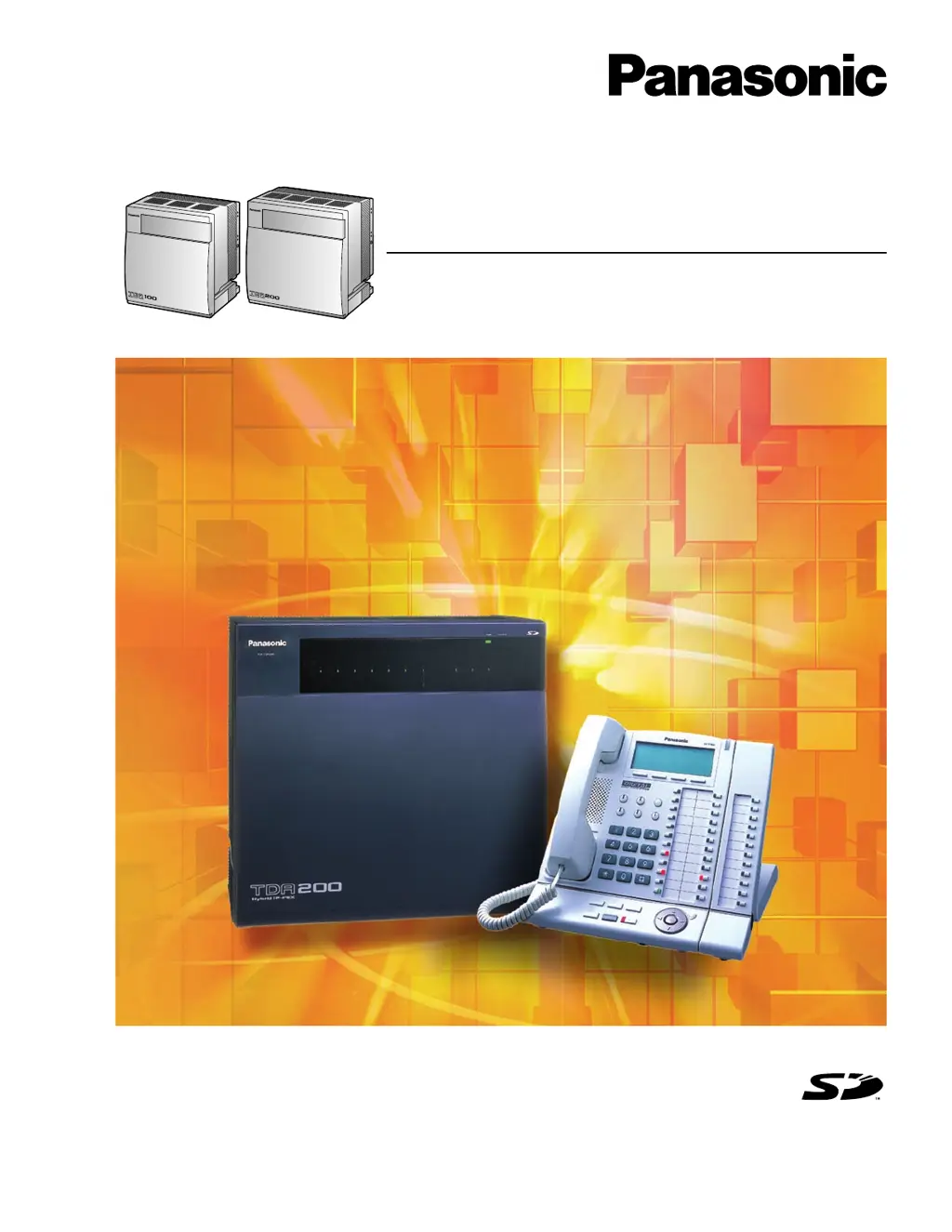
Panasonic KX-TDA100 KX-TDA200 - User Manual

Panasonic KX-TDA100 KX-TDA200
194 pages
Print Icon
To Next Page IconTo Next Page
Loading...
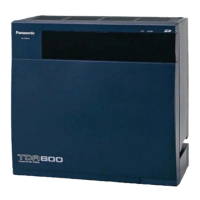
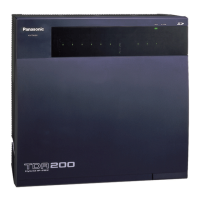
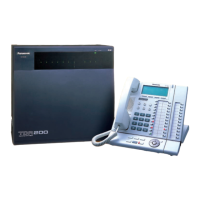
KX-TDA100
Model
KX-TDA200
Thank you for purchasing a Panasonic Hybrid IP-PBX.
Please read this manual carefully before using this product and save this manual for future use.
KX-TDA100/KX-TDA200: Version 2.0
Hybrid IP-PBX
Installation Manual
SD Logo is
a trademark.

Table of Contents

Questions and Answers

  • R
    Robert ChavezJul 29, 2025
    How to fix Panasonic PBX extension that does not operate?
    • B
      bradleywallaceJul 30, 2025
      If a Panasonic PBX extension isn't working, several factors could be responsible. It might be due to a bad extension card, in which case you should exchange the card for a known working one. Another cause could be a bad connection between the PBX and the telephone; try plugging the telephone into the same extension port with a short cord to test this. If the telephone works, the connection needs repair. Ensure you're not using a telephone with an A-A1 relay connected with the wrong cord or switch position; use a 2-wire cord and set the A-A1 relay switch to the 'OUT' or 'OFF' position. Also, test the telephone on another working extension port; if it still fails, replace the telephone. Finally, check that the PSU is the correct type and replace it if necessary.
  • G
    Gregory SaundersAug 4, 2025
    What to do if my Panasonic PBX does not operate properly?
    • S
      sherifranklinAug 4, 2025
      If your Panasonic Hybrid IP-PBX isn't operating properly, try the following: press the Reset Button, turn the power switch off and then back on, or turn off the power switch, unplug the PBX, wait 5 minutes, plug it back in, and turn the power switch back on.
  • C
    Christy KellyAug 10, 2025
    Why is there noise on external paging with my Panasonic KX-TDA100 KX-TDA200?
    • J
      Joseph SmithAug 10, 2025
      Noise on external paging with your Panasonic PBX might be due to induced noise on the wire between the PBX and the amplifier. To resolve this, use a shielded cable as the connection wire; a short shielded cable is recommended.
  • G
    Guy LinAug 17, 2025
    What to do if external music is distorted on my Panasonic PBX?
    • D
      Danny GreenAug 17, 2025
      If you're experiencing distorted external music with your Panasonic PBX, it's likely due to an excessive input level from the external music source. Try decreasing the output level of the external music source using its volume control.
  • C
    candice07Aug 22, 2025
    How to fix issues with Alternate Calling features on Panasonic KX-TDA100 KX-TDA200 PBX with wireless phones?
    • M
      Matthew BrownAug 22, 2025
      If Alternate Calling features like Ring/Voice and Live Call Screening (LCS) aren't working correctly with your Panasonic PBX when using a Wireless Phone (KX-T7880/ KX-T7885/KX-TD7894/KX- TD7895), it's because voice-calling mode and hands-free mode with LCS are not available with Wireless Phones. Switch the calling mode to ring-calling. Alternatively, set the LCS mode to "Private".

Summary

Important Safety Instructions

SAFETY REQUIREMENTS

Lists essential safety precautions to reduce risk of fire, electric shock, and injury.

Precaution

WARNING

Warns against removing SD memory card while power is supplied to the Hybrid IP-PBX.

Password Security

Warning to the Administrator or Installer regarding the system password

Provides warnings and recommendations for managing system passwords.

F.C.C. REQUIREMENTS AND RELEVANT INFORMATION

WARNING

Emphasizes keeping software up-to-date for ARS/TRS features.

Section 1 System Outline

1.1 System Highlights

Details networking, call center, and CTI features of the Hybrid IP-PBX.

1.2.2 System Connection Diagram

Illustrates the overall system connection diagram.

1.3 Options

1.3.1 Options

Lists optional service cards with their model numbers, names, and descriptions.

1.4 Specifications

1.4.3 System Capacity

Details the maximum number of optional service cards and terminal equipment supported.

Power Supply Unit Selection

Section 2 Installation

2.2 Installation of the Hybrid IP-PBX

2.2.4 Installing;Replacing the Power Supply Unit

Guides on installing/replacing the power supply unit, including safety precautions.

2.2.5 Frame Ground Connection

Emphasizes connecting the frame to earth for protection and provides a test procedure.

2.2.6 Installing;Removing the Optional Service Cards

Guides on installing and removing optional service cards, with cautions.

2.2.13 Surge Protector Installation

Explains the purpose and installation of surge protectors for preventing electrical surges.

2.3 Installation of the Main Processing Card

2.4 Installation of the CO Line Cards

2.5 Installation of the Extension Cards

2.6 Installation of the Other Cards

2.7 Connection of Extensions

2.8 Connection of 2.4 GHz Portable Stations

2.8.2 Procedure Overview

Outlines steps for site survey, CS preparation, and conducting the survey.

2.8.3 Site Planning

Explains radio wave characteristics and building material impact on CS coverage.

2.8.5 Site Survey

Provides instructions for testing radio signal strength and mapping coverage areas.

2.8.7 Connecting a Cell Station to the Hybrid IP-PBX

Illustrates connecting CS using CSIF and DHLC/DLC cards.

Registering the PS

Steps to register a Portable Station (PS) to the Hybrid IP-PBX.

2.9 Connection of Doorphones, Door Openers, External Sensors, and External Relays

2.10 Connection of Peripherals

2.11 Power Failure Connections

2.12 Starting the Hybrid IP-PBX

3.3 Installation of the KX-TDA Maintenance Console

3.3.1 Installing and Starting the KX-TDA Maintenance Console

Covers system requirements and steps for installing the console software.

Starting the KX-TDA Maintenance Console and Assigning the Basic Items (Quick Setup)

Guides on starting the console and performing initial Quick Setup.

Section 4 Troubleshooting

4.1 Troubleshooting

Provides general troubleshooting for installation, connection, and operation issues.

4.1.1 Installation

Troubleshooting for installation problems like non-operating extensions or system issues.

4.1.2 Connection

Troubleshooting connection issues between IP-PBX, PT, SLT, and CO lines.

4.1.3 Operation

Troubleshooting operational problems related to APT, DPT, PS, and call features.

4.1.4 Using the Reset Button

Guides on using the Reset Button to resolve operational issues, with cautions.

4.1.5 Troubleshooting by Error Log

Explains the format of the error log display and how to interpret error codes.

List of Errors and Solutions

Lists specific errors and their probable causes and solutions for cards.

Panasonic KX-TDA100 KX-TDA200 Specifications

General IconGeneral
VoIP CompatibilityYes
Voice MailOptional
ISDN CompatibilityYes
Digital and Analog SupportYes
Power SupplyAC 100-240V, 50/60Hz
CategoryPBX
Model KX-TDA100 Initial CO lines8
Model KX-TDA100 Maximum CO lines32
Model KX-TDA100 Initial extensions16
Model KX-TDA100 Maximum extensions64
Model KX-TDA200 Maximum extensions128
System TypeHybrid IP-PBX
Operating Temperature0°C to 40°C
Humidity10% to 90% (non-condensing)
NetworkingYes
Model KX-TDA100 IP extensions64
Weight10 kg
Model KX-TDA200 IP extensions128

Related product manuals