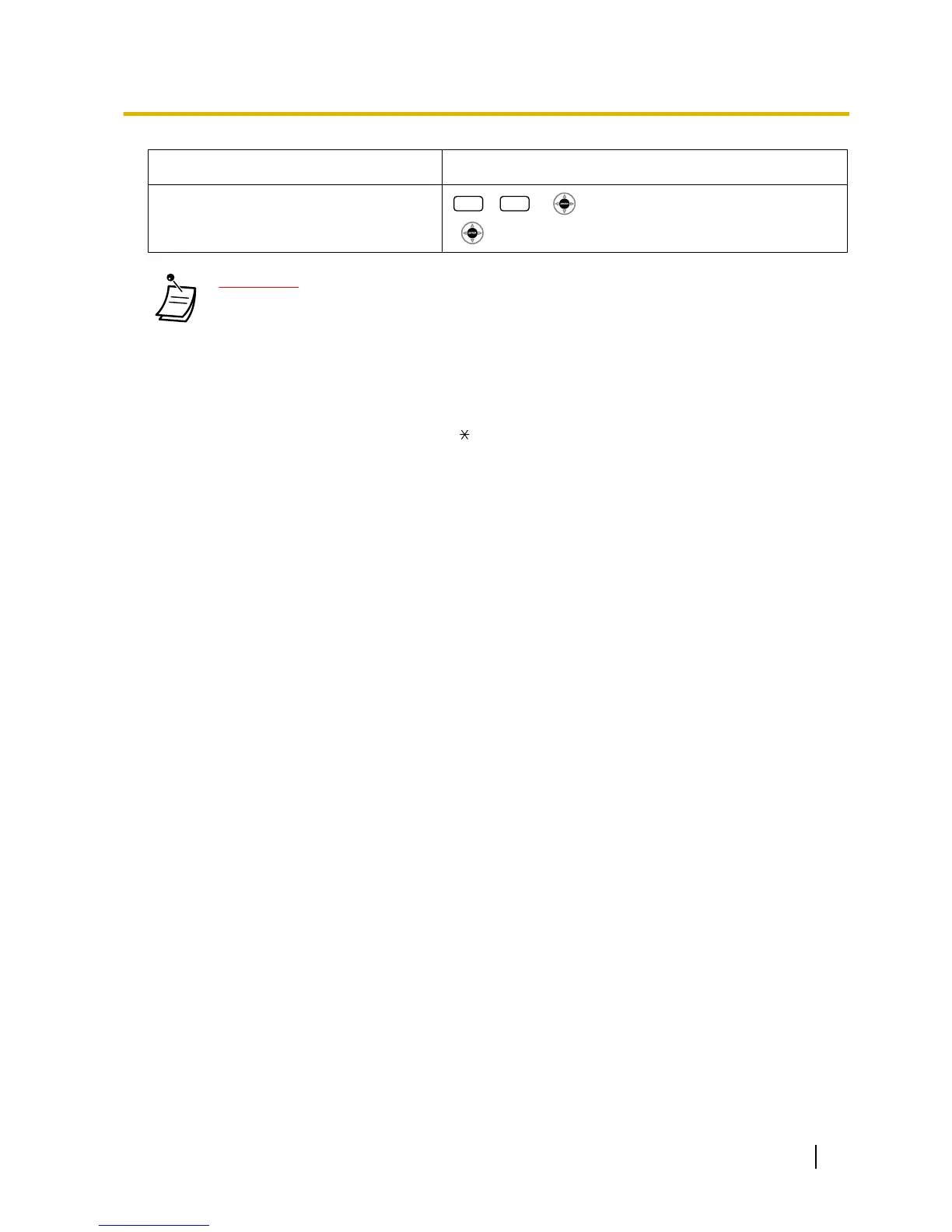
+ + Verification code + PIN (max. 10 digits)
+
CAUTION
There is a
risk that fraudulent telephone calls will be made if a third party discovers your pass-
word (verification code PIN).
The cost of such calls will be billed to the owner/renter of the PBX.
To protect the PBX from this kind of fraudulent use, we strongly recommend:
a. Keeping your PIN secret.
b. Selecting a complex, random PIN that cannot be easily guessed.
c. Changing your PIN regularly.
• * To enter a decimal point, press
.
User Manual 211
3.2.2 Manager Programming






 To Next Page