Using a Bluetooth
w
i
reless headset
(optional) for landline
calls
By registering a Bluetooth headset to the
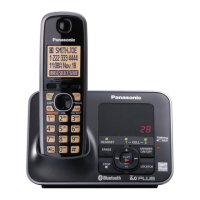
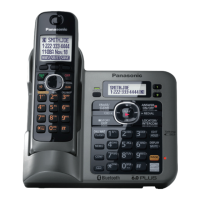
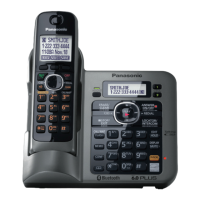
base unit, you can have a hands-free
conversation wirelessly for landline calls.
Important:
R 1 headset can be registered to the
base unit. However, only one
Bluetooth device (cellular phone or
headset) can be connected to the
base unit at a time.
R For best performance, we
recommend using a Bluetooth
headset within 1 m (3.3 feet) of the
base unit. A headset can
communicate with the base unit within
a range of approximately 10 m (33
feet).
Registering a headset
Im
portant:
R Make sure that the Bluetooth headset
is not connected to any other
Bluetooth device.
1 Your headset:
Set your headset to registration
mode.
R Refer to the headset operating
instructions.
2 Handset:
MMENUN
M N M6N M2N M1N
3 E
n
ter your headset PIN.
R Typically, default PIN is “0000”.
Refer to the headset operating
instructions.
4 Press MOKN, then wait until a long
beep sounds.
5 MO
FFN
R W
hen the HEADSET indicator on
the base unit lights green, you are
ready to use the headset.
Connecting/disconnecting a headset
If
you cannot connect the headset and
base unit using the headset, you can
connect using the unit.
To use your headset with another
Bluetooth device such as a cellular
phone, you may need to disconnect it
from the base unit.
Important:
R Make sure that the headset is turned
on.
Base unit
To connect: MHEADSETN
To disconnect:
Press and holdMHEADSETNuntil a long
beep sounds.
Handset
1 To
connect/disconnect:
MMENUN
M N M6N M2N M2N
R A
long beep sounds.
2 MOFFN
Deregistering a headset
Yo
u can cancel a registration of the
headset that is stored to the base unit.
See “Deregistering Bluetooth devices ”,
page 24.
Operating a Bluetooth
wi
reless headset using the
landline
Important:
R For headset operations, refer to your
headset operating instructions.
58
For assistance, please visit http://www.panasonic.com/help
Using Bluetooth Devices





 To Next Page