Intercom
I
n
tercom calls can be made:
– between handsets
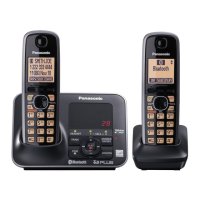
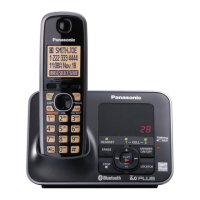
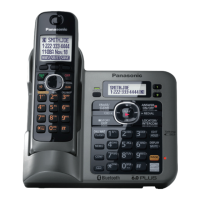
– between the handset and base unit
(KX-TG7641 series: page 4)
Note:
R If you receive an outside call while
talking on the intercom, you hear 2
tones.
– To answer the call with the
handset, press MOFFN, then press M
N.
– T
o answer the call with the base
unit, press M
N 2 times.
R W
hen paging unit(s), the paged
unit(s) beeps for 1 minute.
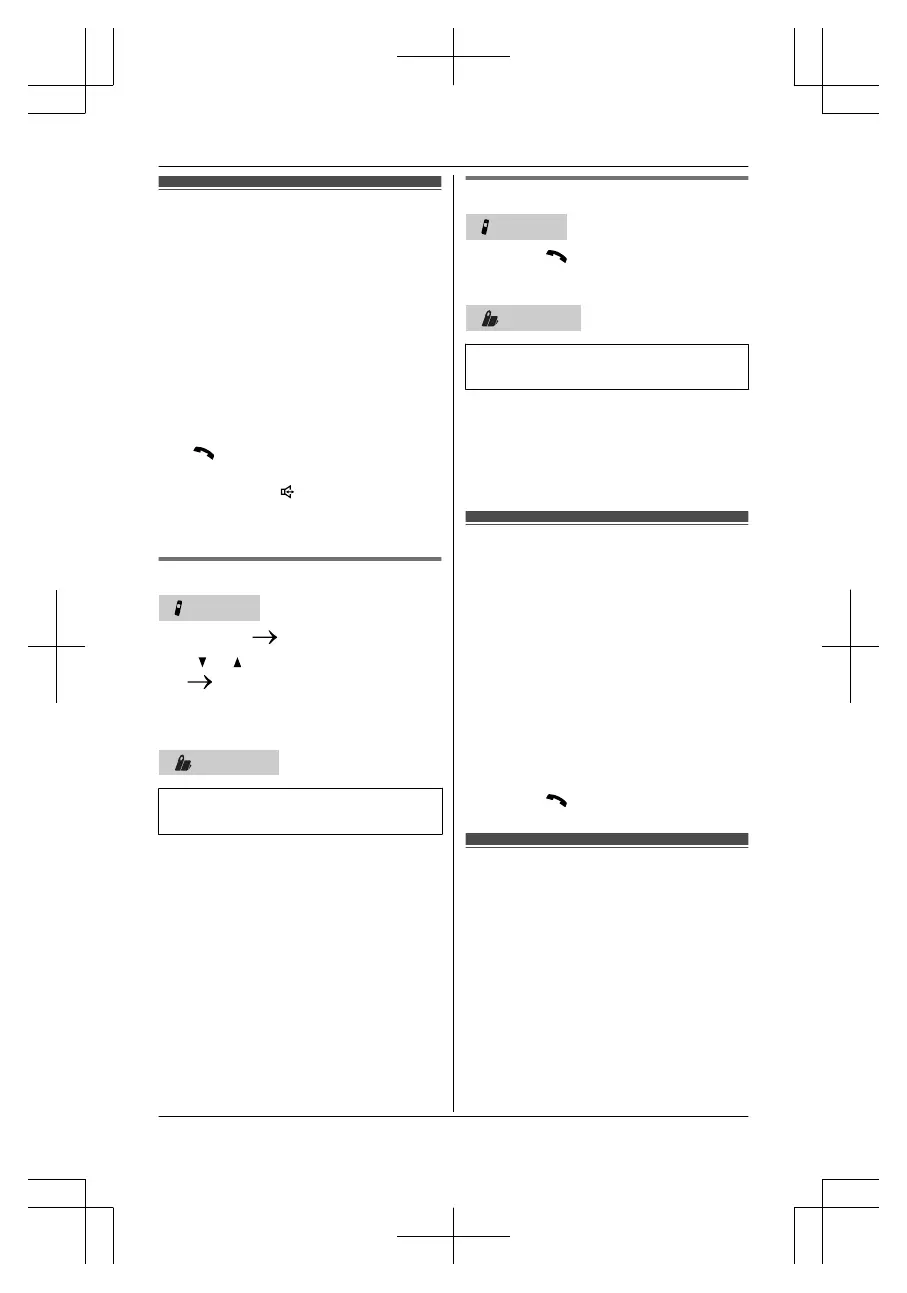
Making an intercom call
Handset
1 MME
NUN
MINTN
2 M N/M N: Select the desired unit.
MSELECTN
R T
o stop paging, pressMOFFN.
3 When you finish talking, pressMOFFN.
Base unit
Available for:
KX
-TG7641 series (page 4)
1 PressMI
NTERCOMN.
When 2 or more handsets are
registered:
– To page a specific handset, enter
the handset number.
– To page all handsets, pressM0Nor
wait for a few seconds.
R To stop paging,
pressMINTERCOMN.
2 When you finish talking,
pressMINTERCOMN.
Answering an intercom call
Handset
1 PressM Nto answer the page.
2 W
hen you finish talking, pressMOFFN.
Base unit
Available for:
KX
-TG7641 series (page 4)
1 PressMI
NTERCOMNto answer the
page.
2 When you finish talking,
pressMINTERCOMN.
Handset locator
You can locate a misplaced handset by
paging it.
1 Base unit: MLOCATORN
R All registered handsets beep for 1
minute.
2 To stop paging:
Base unit: MLOCATORN
Handset:
n (KX-TG7621 series page 4)
PressMOFFN
n (KX-TG7641 series page 4)
PressM
N, then pressMO
FFN.
Transferring calls,
Co
nference calls
Outside calls can be transferred or a
conference call with an outside party can
be made:
– between 2 handsets
– between the handset and base unit
(KX-TG7641 series: page 4)
For assistance, please visit http://www.panasonic.com/help
69
Intercom/Locator





 To Next Page