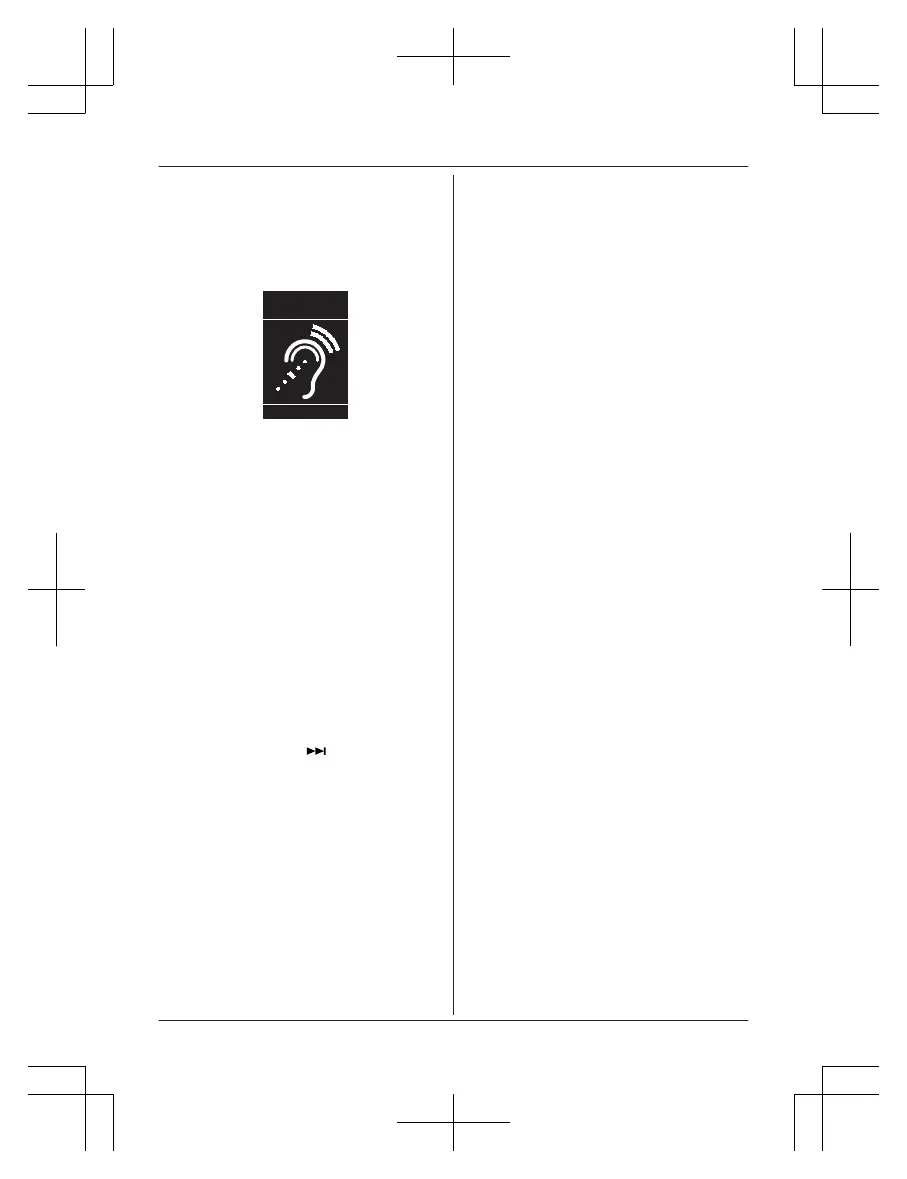
Compliance with TIA-1083 standard:
Telephone handsets identified with this logo
have reduced noise and interference when
used with T-Coil equipped hearing aids and
cochlear implants.
T
Compatible with
Hearing Aid T-Coil
TIA-1083
Charge only mode
T
he charge only mode is the dedicated mode
to charge the backup batteries of the base
unit. Do not use this mode if it is unnecessary
because all functions except the base unit’s
battery charge is disabled with this feature on.
Leave all the registered handsets on the
chargers during use of the charge only mode.
n To activate the charge only mode:
1 Press MANSWER ON/OFFN to turn on
the answering system.
R Make sure the message counter
turns on.
2 Disconnect the telephone line cord, the
AC adaptor plug, and remove the
batteries from the base unit.
3 Press and hold M
N,
MZN, and
MERASEN at the same time, then insert
the AC adaptor plug to the base unit.
Keep on pressing these keys until a
beep tone sounds.
4 Release these keys.
R The message counter turns off.
5 Insert batteries.
R The batteries are started to be
charged.
Note:
R If the message counter is still on when you
release the keys, the base unit is not in the
charging only mode. Repeat from step 1.
n T
o deactivate the charge only mode:
– Press any key.
– 24 hours passed after activating the
charge only mode.
For assistance, please visit http://shop.panasonic.com/support
93
Useful Information














 To Next Page