Preparation
- 20 -
About the Mode and Menu Operation
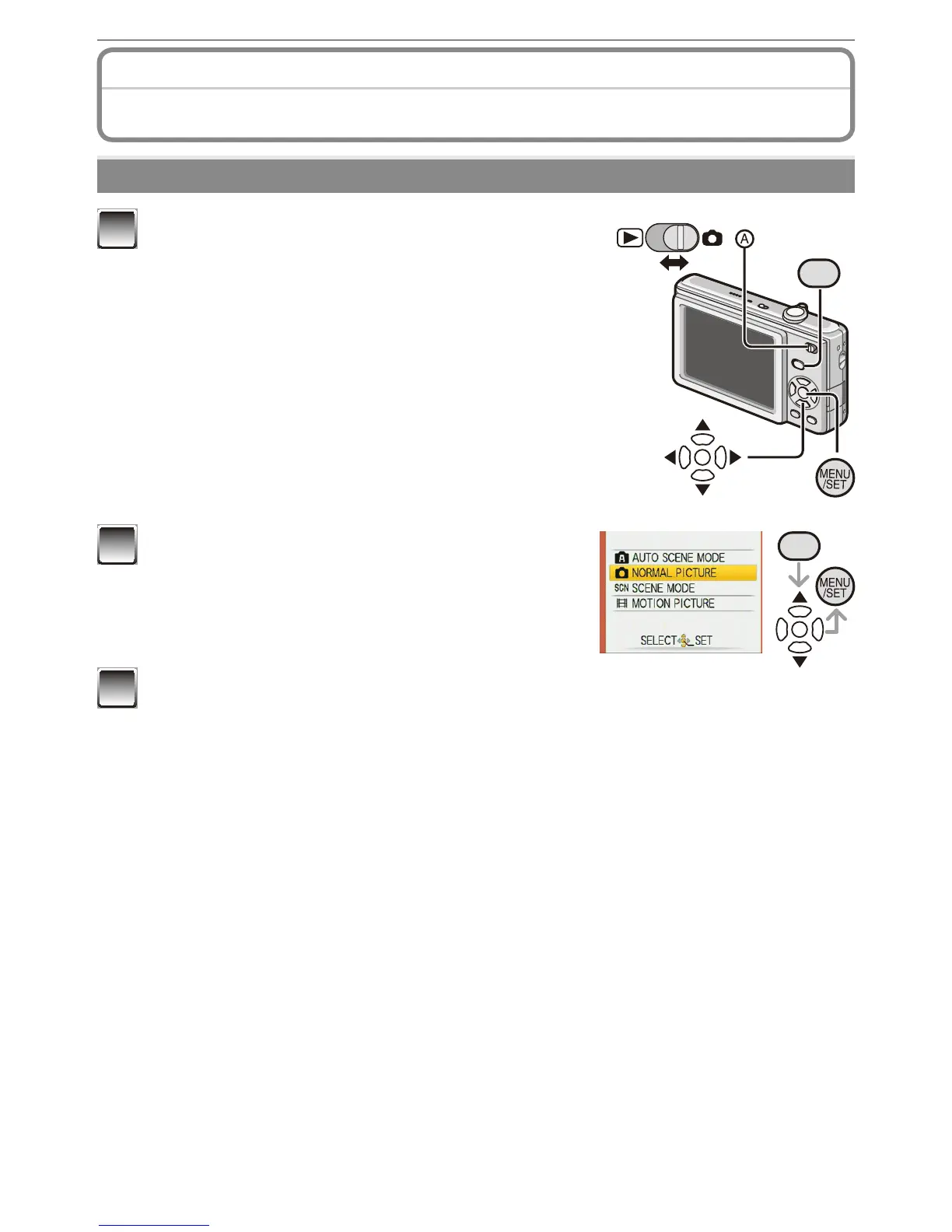
Mode switching
MODE
1
Slide the recording/playback switch
A
to
1
(right) or
5
(left).
1
: Recording Mode
5
: Playback Mode
MODE
2
Press [MODE] to display the mode
selection screen.
(Example: Normal Picture Mode)
3
Press
e
/
r
to select a mode and press [MENU/SET] to close the menu.
Refer to corresponding page for more details on each mode.



 To Next Page
 Loading...