Advanced-Shooting
- 59 -
x
[HI-SPEED BURST]
This is a convenient mode for shooting rapid movement or a decisive moment.
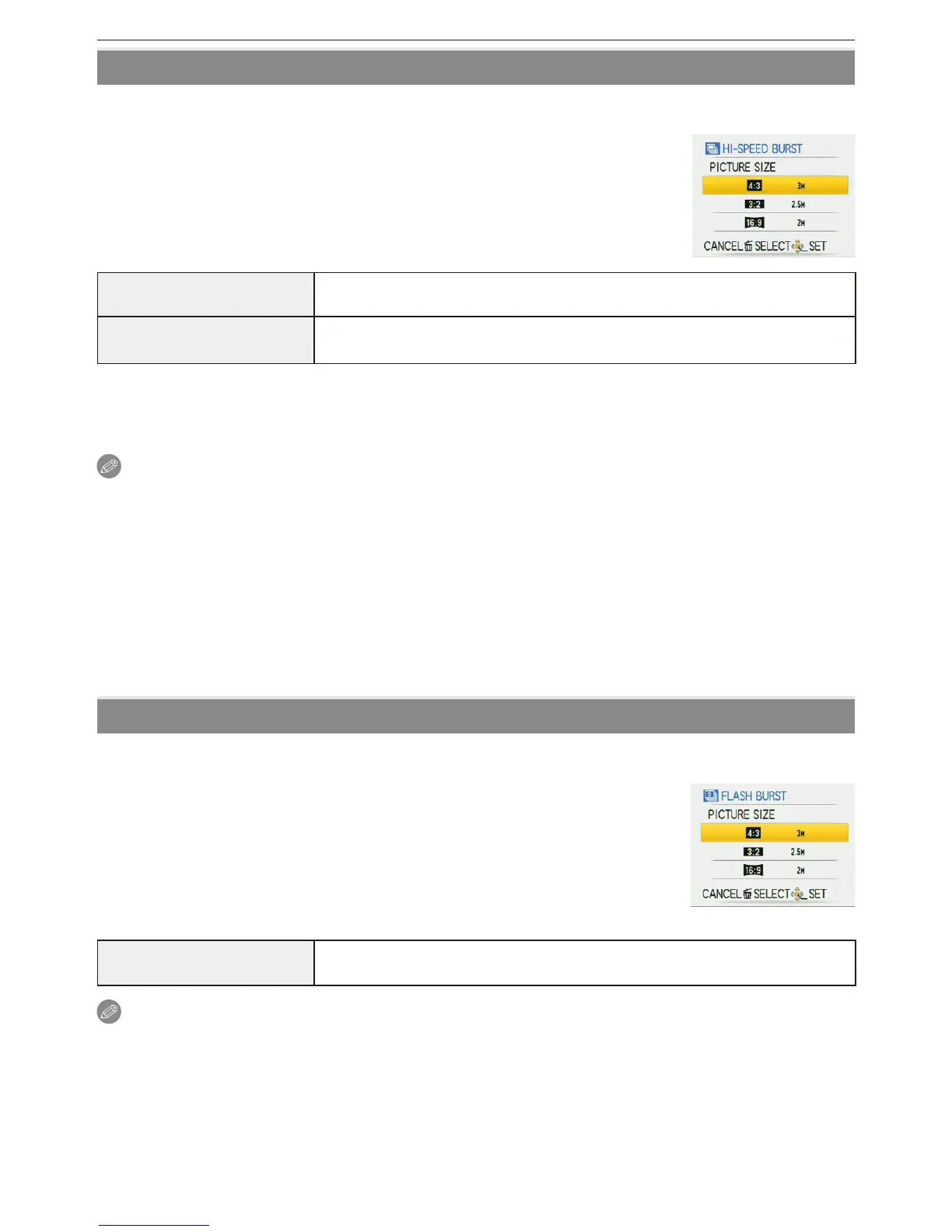
Picture size
1 Press
e
/
r
to select the picture size and then press [MENU/
SET] to set.
• 3M (4:3), 2.5M (3:2) or 2M (16:9) is selected as the picture size.
2 Take pictures.
• Still pictures are taken continuously while the shutter button is
pressed fully.
Maximum Burst speed DMC-FS42 : approx. 6 pictures/second
DMC-FS4 : approx. 5.5 pictures/second
Number of recordable
pictures
approx. 10 (built-in memory)/approx. 10 to 100
(card)
The maximum is 100.
• The burst speed changes according to the recording conditions.
• The number of burst recording pictures are limited by the picture-taking conditions and the
type and/or status of the card used.
• The number of burst recording pictures increase immediately after formatting.
Note
• Flash is xed to Forced ash OFF [
o
].
• [QUALITY] is automatically xed to [
8
].
• You can take pictures suitable for 4
×6/10×15 cm printing.
• The shutter speed becomes 1/8th of a second to 1/2000th of a second.
• The focus range becomes the same as in Macro Mode. [5 cm (0.17 feet) (Wide)/50 cm
(1.64 feet) (Tele) to
7
]
• The focus, zoom, exposure, white balance, shutter speed and ISO sensitivity are xed to the
settings for the rst picture.
• The ISO sensitivity automatically switches to between [ISO500] and [ISO800]. However, the
ISO sensitivity is increased to make the shutter speed become high-speed.
•
The battery will run out faster in High Speed Burst Mode than in Normal Mode.
g
[FLASH BURST]
Still pictures are taken continuously with ash. It is convenient to take continuous still pictures in
dark places.
Picture size and aspect ratio
1 Press
e
/
r
to select the picture size and aspect ratio and
then press [MENU/SET] to set.
• 3M (4:3), 2.5M (3:2) or 2M (16:9) is selected as the picture size.
2 Take pictures.
• Still pictures are taken continuously while the shutter button is
pressed fully.
Number of recordable
pictures
max. 5 pictures
Note
• [QUALITY] is automatically xed to [
8
].
• You can take pictures suitable for 4
×6/10×15 cm printing.
•
The focus range is 5 cm (0.17 feet) (Wide)/50 cm (1.64 feet) (Tele) to
7
.
•
The focus, zoom, exposure, shutter speed, ISO sensitivity, and ash level are xed to the
settings for the rst picture.
•
The shutter speed becomes 1/30th of a second to 1/2000th of a second.
•
[i.AUTO] is activated, and maximum ISO sensitivity level becomes [ISO3200].
•
See the Note on P
48 when using the ash.



 To Next Page
 Loading...