EasyManua.ls Logo

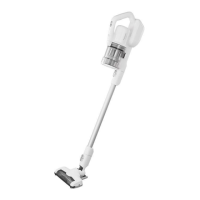
Panasonic MC-SBV01 - User Manual

Panasonic MC-SBV01
40 pages
Print Icon
To Next Page IconTo Next Page
Loading...
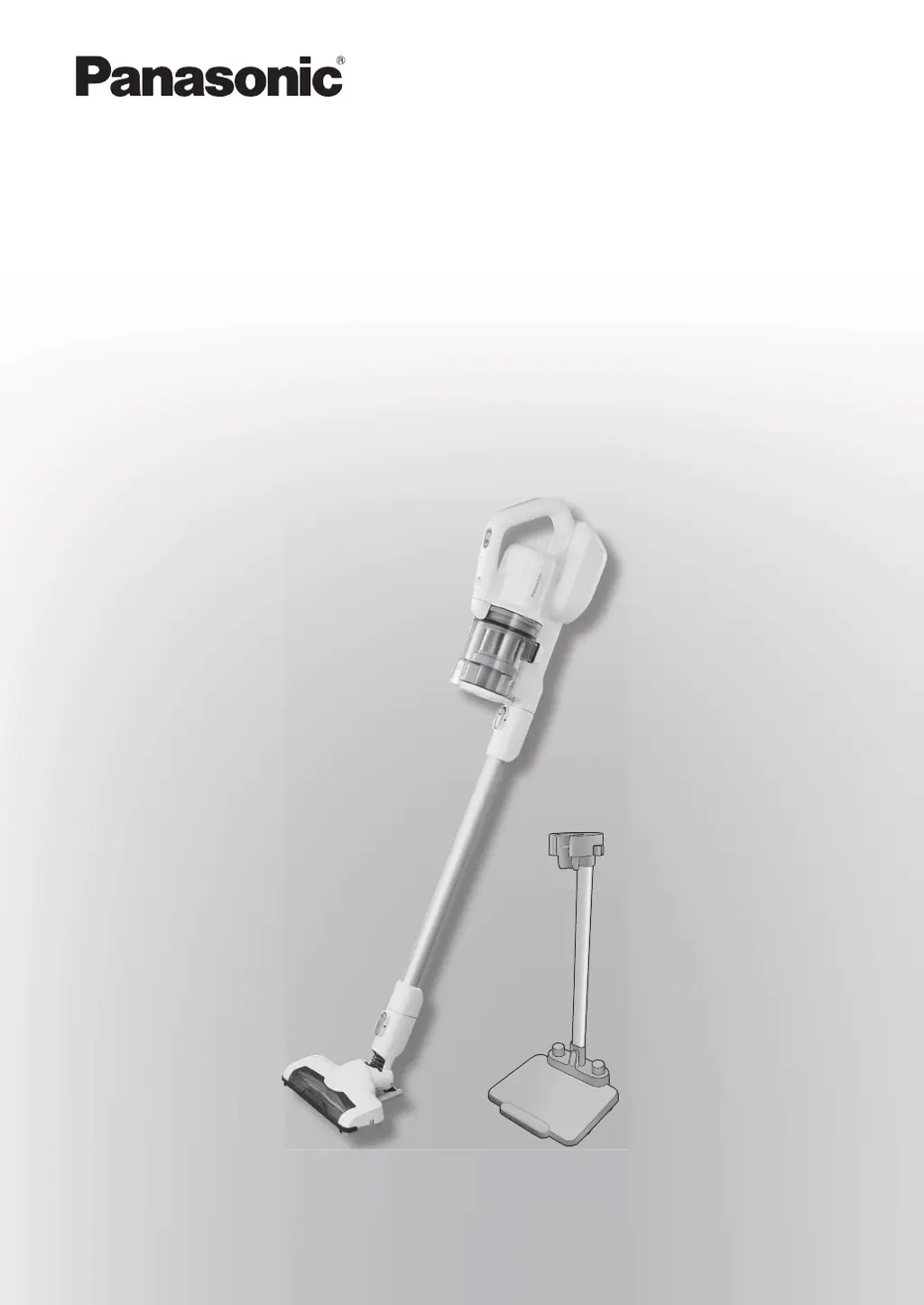
Operating Instructions
Rechargeable Vacuum Cleaner (Domestic use)
Arahan Pengendalian
Pembersih Vakum Boleh Dicas Semula (Penggunaan domestik)
Model No.
Nombor Model
MC-SBV01

Questions and Answers

  • L
    Lisa PerezAug 14, 2025
    What to do if my Panasonic MC-SBV01 Vacuum Cleaner cannot be operated?
    • C
      christopherenglishAug 15, 2025
      If your Panasonic Vacuum Cleaner cannot be operated, try the following: First, press “OFF” and wait 5 to 30 minutes to allow the motor to cool down and the safeguard device to release. Then, investigate what caused the safeguard device to activate. If the vacuum was continuously operated with a lot of dust in the dust box, throw away the debris and clean the dust box. Also, check if the extension wand and nozzle are clogged with debris and remove it. Finally, remove any foreign matter entwined in the agitator (brush).
  • C
    copelanderinAug 18, 2025
    How to fix battery status indicator lamp if it does not come on Panasonic MC-SBV01 Vacuum Cleaner?
    • B
      Brandon DorseyAug 18, 2025
      If the battery status indicator lamp on your Panasonic Vacuum Cleaner does not come on, ensure that the charging adapter is firmly plugged into the outlet and that the charging adapter plug is securely inserted into the main unit’s connector.
  • M
    Michelle GriffithAug 21, 2025
    Why does my Panasonic Vacuum Cleaner smell like debris from the exhaust?
    • K
      Katherine WarrenAug 21, 2025
      If the smell of debris is coming from the exhaust of your Panasonic Vacuum Cleaner, it might be because the vacuum is left filled with strongly smelling sucked-up debris. To resolve this, dispose of the debris after operating.
  • L
    lsmithAug 25, 2025
    What to do if the floor nozzle brush stops on my Panasonic MC-SBV01 Vacuum Cleaner?
    • S
      Susan BuckAug 25, 2025
      If the floor nozzle's agitator (brush) stops moving on your Panasonic Vacuum Cleaner, several issues could be the cause: 1. A lot of dust accumulated in the dust box. Solution: Throw away the debris in the dust box, and clean it. 2. The extension wand and nozzle are clogged up with debris. Solution: Remove the debris. 3. Foreign matter entwined in the agitator (brush). Solution: Remove the foreign matter. 4. The air intake passage, extension wand, and floor nozzle are clogged up with debris. Solution: Remove the clogged up debris with a thin stick, etc. If none of these apply, try pressing “OFF” and then retrying operation. Also, ensure to clean the air intake passage, extension wand, and floor nozzle.
  • K
    kerrigonzalezAug 27, 2025
    How to fix a vibrating Panasonic MC-SBV01 Vacuum Cleaner with loud noises?
    • H
      hortizAug 28, 2025
      If your Panasonic Vacuum Cleaner is vibrating and making loud noises, the mesh filter and net filter, or the extension wand and nozzle might be clogged up. Clean out each filter.
  • R
    rodriguezpaulAug 31, 2025
    Why is the suction weak on my Panasonic MC-SBV01 floor nozzle?
    • J
      Jennifer SolisAug 31, 2025
      If the suction power from the floor nozzle of your Panasonic Vacuum Cleaner is weak, it might be full of debris. Clean the floor nozzle to resolve this issue.
  • V
    Valerie PhillipsSep 3, 2025
    What to do if the battery indicator doesn't light up on my Panasonic MC-SBV01 Vacuum Cleaner?
    • C
      Christopher KirbySep 3, 2025
      If the battery status indicator lamp on your Panasonic Vacuum Cleaner does not come on, check the following: * Ensure the charging adapter is firmly plugged into the outlet. * Unplug the plug from the main unit, and reinsert it. * Remove any foreign matter on the main unit’s connector or the charging adapter plug. * Ensure the battery was charged in places where the room temperatures are 5 °C to 35 °C. * Verify the dedicated charging adapter is being used. * Confirm the battery connector is securely inserted. Note that charging may take up to 6 hours. If the lamp still doesn't go out after 6 hours, consult the retailer.
  • J
    Janice RobertsonSep 7, 2025
    Why is the suction power weak on my Panasonic Vacuum Cleaner floor nozzle?
    • P
      Pamela CurrySep 7, 2025
      If the suction power from the floor nozzle of your Panasonic Vacuum Cleaner is weak, several factors could be the cause. First, check if the dust box is full of debris or clogged up and clean it. Also, ensure the dust box is securely set in place. Additionally, inspect the air intake passage, extension wand, and floor nozzle for any clogs; if present, remove them using a thin stick.
  • P
    patriciagarrisonSep 12, 2025
    Why does the Panasonic MC-SBV01 floor nozzle agitator (brush) stop moving?
    • H
      Heather HoodSep 12, 2025
      The agitator (brush) might stop rotating for safety if the floor nozzle rises up from the floor. Lift the floor nozzle up once, and slowly lower it. Depending on the floor surface types, such as long-pile carpets, the agitator (brush) might not rotate, or it might slow down. Press “OFF”, and retry operating it.

Summary

Part Names

Main Unit Components

Details operating buttons, indicator lamps, charging adapter, and other parts of the main unit.

Stick Cleaner Components

Identifies parts like extension wand, floor nozzle, crevice nozzle, and dusting brush.

Setting Up the Storage Stand

Safety Precautions

Battery Safety

Precautions for handling, charging, and disposing of the rechargeable lithium-ion battery.

General Safety Warnings

Warnings about flammables, charging adapter, and misuse.

Appliance Usage and Handling

Notes on Use

Usage Guidelines

Rules for long-term use, prohibited items, and specific vacuuming tips.

Charging

Charging Procedure

Steps for charging the battery and expected charging time.

Battery Longevity

Tips to help extend the battery's service life and performance.

Battery Status Indicator Lamp

Explanation of the battery status indicator lamp behavior during charging.

Charging Issues

Troubleshooting common problems with the charging process.

Vacuuming

Vacuuming Operation

Instructions for starting, stopping, and adjusting suction power during vacuuming.

Battery Level Indicators

How indicator lights show the remaining battery power while vacuuming.

Secret Cleaning Techniques

Using as a Handy Cleaner

Detaching parts like the extension wand and floor nozzle for specific cleaning tasks.

Using for Window Sashes

Instructions for using the crevice nozzle and dusting brush for cleaning windows.

Emptying the Dust Box

Dust Box Maintenance

Steps to check dust level, clear debris, and close the dust box.

Maintenance

Component Disassembly

Guide for disassembling the dust cup, cyclone unit, and mesh filter.

Component Cleaning and Assembly

Instructions for cleaning and reassembling the dust cup assembly.

Floor Nozzle Cleaning

Removing debris and detaching/washing the agitator (brush).

Exhaust Vent and Filter Cleaning

Cleaning the exhaust vent, pre-filter, and main unit with a damp cloth.

Agitator Attachment

Steps for reattaching the agitator and brush cover after cleaning.

Troubleshooting

Operation Issues

Solutions for problems like no operation or the unit stopping unexpectedly.

Suction Power Issues

Addresses weak suction power and clogged components.

Charging and Battery Issues

Troubleshooting indicator lamp behavior and battery charging problems.

Smell, Noise, and Anomalies

Addresses issues related to odors, operational noise, and persistent anomalies.

Replace the Battery

Battery Handling and Disposal

Guidelines for handling used batteries and safe disposal methods.

Battery Replacement Procedure

Step-by-step guide for removing the old battery and installing a new one.

Specifications

Product Dimensions and Battery

Details on physical dimensions, weight, dust capacity, and battery specifications.

Operating Time and Charging

Information on continuous operating times and charging parameters.

Included Accessories

List of all accessories provided with the vacuum cleaner.

Panasonic MC-SBV01 Specifications

General IconGeneral
ModelMC-SBV01
CategoryVacuum Cleaner
Power SourceBattery
Battery TypeLithium-ion
Dust Capacity0.6 L
FiltrationHEPA Filter
Dust Collection MethodBagless
Included AccessoriesCrevice tool, Dusting brush
Run Time30 minutes

Related product manuals