EasyManua.ls Logo

Panasonic NV-HD100EA - Page 13

Panasonic NV-HD100EA
35 pages
Print Icon
To Next Page IconTo Next Page
To Previous Page IconTo Previous Page
Loading...
14
15
16
17
18
19
20
21
22
23
24
TAPE
SELECT
To
set
the
cassette tape
length
in
order
to
obtain
correct
indication
of
the
remaining
tape
time.
E195:
For
E30,
-60,
-80,
-120,
-180
and
-195
tapes.
E240:
For
E240
tape.
£260:
For
E260
tape.
SKIP
To
start
cue
playback
in
30
seconds
interval
during
playback.
*
Each
press
gives
a
30
seconds
time
span
up
to
4
minutes.
TRACKING/V-LOCK
For
manual
tracking
adjustment
The
+
and
buttons
are
used
to
adjust
the
tracking
when,
for
example,
noise
bars
on
the
picture
are
better
temoved
manually
than
by
the
automatic
digital
tracking
control.
After
making
a
manual
adjustment,
press
both
buttons
together
to
return
to
automatic
digital
tracking
control.
For
slow
tracking
adjustment
When
noise
bars
appear
during
Still,
Still
Advance
or
Slow
playback,
switch
over
to
slow
playback
and
adjust
with
the
“+”
or
“—"
Button
to
reduce
the
noise
bars.
For
vertical
locking
adjustment
Use
the
+
and
buttons
to
minimize
any
vertical
jitter
during
still-picture
playback.
INPUT
SELECT
To
select
the
“A1”
external
recording
source.
ZERO
STOP
For
the
zero
stop
function.
FF
(FAST
FORWARD)
In
the
stop
mode:
To
fast
forward
the
tape.
In
the
playback
mode:
To
search
forward.
In
the
fast
forward
mode:
To
obtain
high
speed
picture.
“DD
"is
lit,
STILL
ADV
To
advance
a
still
picture
during
still
playback.
TRANSMIT
To
transmit
the
data
that
has
been
set
on
the
remote
controller
to
the
VTR.
SCANNER
ON/OFF
To
turn
the
Bar
Code
Reader
on
and
off.
Display
Infra-red
Transmitter
The
programming
data
are
transmitted
from
here
to
the
VTR.
Infra-red
Remote
Controller
Power
source
for
the
remote
controller
The
remote
controller
is
powered
by
2
“AA”,
“UM3"
or
“R6"
size
batteries.
The
life
of
the
batteries
is
about
one
year,
although
this
depends
on
the
frequency
of
use.
®!f
the
display
flickers
when
a
button
on
the
remote
controller
is
pressed,
please
replace
the
batteries
with
new
ones.
Precautions
for
battery
replacement
Load
the
new
batteries
with
their
polarity
(+
and
—)
aligned
correctly.
©Do
not
apply
heat
to
the
batteries,
or
an
internal
short-circuit
may
occur.
®If
you
do
not
intend
to
use
the
remote
controller
for
a
tong
Period
of
time,
remove
the
batteries
and
store
them
in
a
cool
and
dry
place.
Remove
spent
batteries
immediately
and
dispose
of
them.
®Do
not
use
an
old
and
a
new
battery
together,
and
never
use
an
alkaline
battery
with
a
manganese
battery.
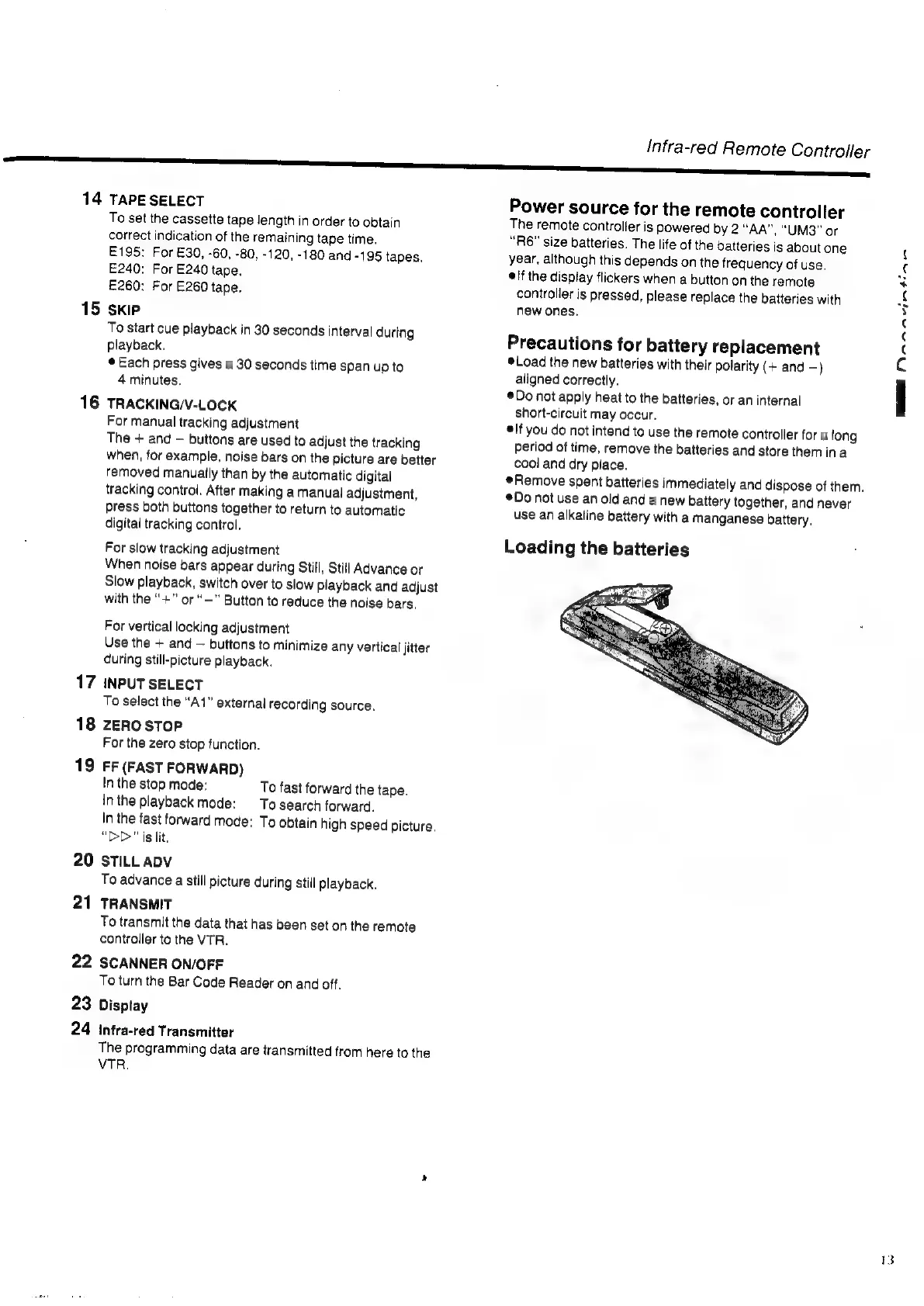
Loading
the
batteries
MMMM
MN
A
RAL.

Related product manuals