EasyManua.ls Logo

Panasonic NV-HD100EA - Page 9

Panasonic NV-HD100EA
35 pages
Print Icon
To Next Page IconTo Next Page
To Previous Page IconTo Previous Page
Loading...
Fine
Tuning
Procedure
1
Keep
TUNER
PRESET
pressed
for
more
than
2
seconds,
and
then
press
again.
2
Press
NEXT.
3
Press
+
or
to
obtain
the
best
tuning
condition.
"AFC"
Indicator
disappears,
To
return
the
tuning
to
its
former
state,
press
SHIFT.
4
Press
TUNER
PRESET.
Blanking
of
Unoccupied
Programme
Positions
1
Keep
TUNER
PRESET
Pressed
for
more
than
2
seconds.
2
Select
a
programme
position
which
you
do
not
want
to
tune
to
a
TV
station,
by
using
+
or
—.
3
Press
SHIFT.
(“——"
is
displayed.)
Repeat
steps
2
and
3
for
other
unoccupied
programme
Positions
to
skip
during
the
selection
of
the
programme
positions.
©To
cancel
the
blanking
of
a
programme
position,
select
that
programme
position
on
the
VTR
and
then
press
SHIFT.
4
Press
TUNER
PRESET
twice.
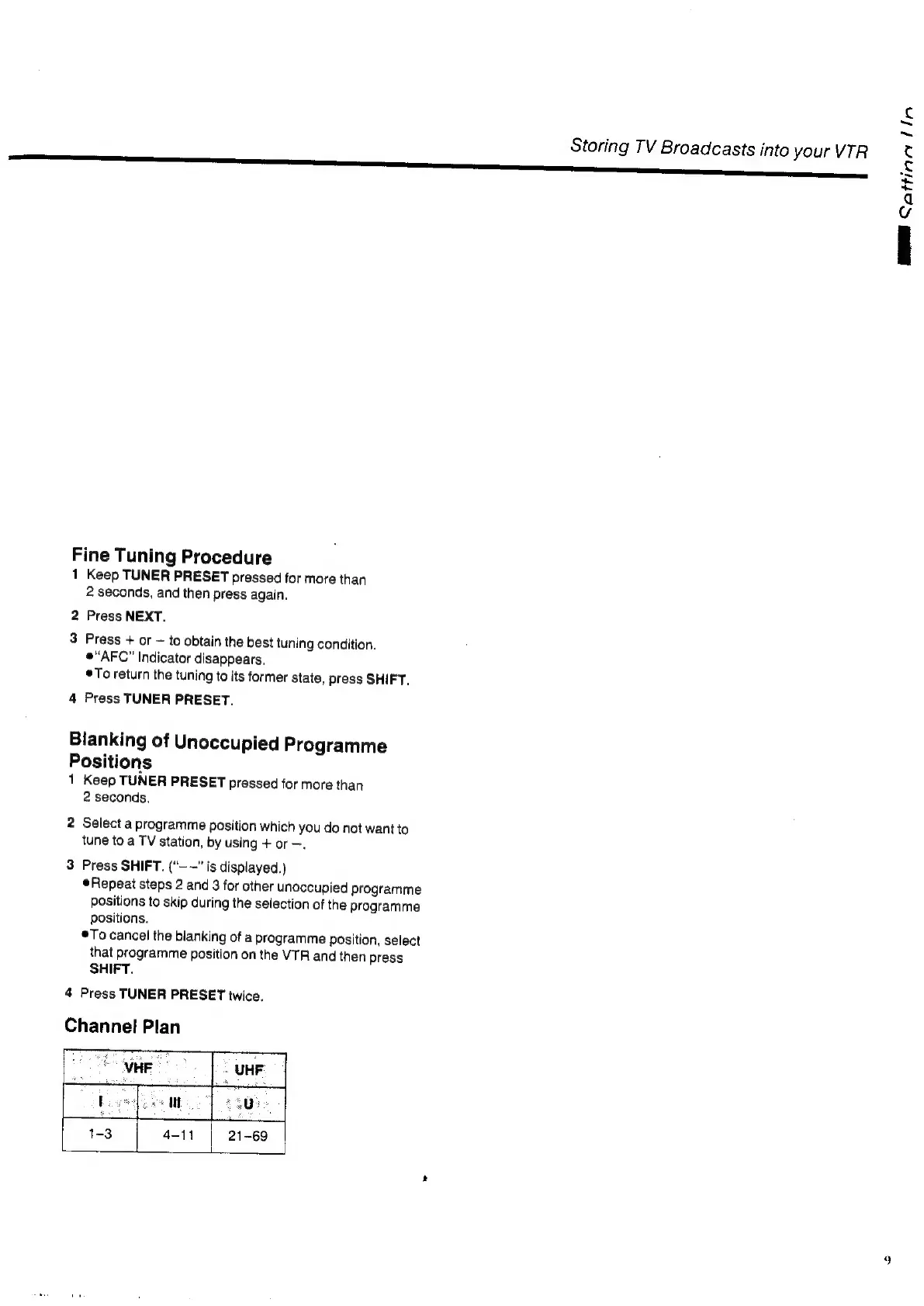
Channel
Plan
Storing
TV
Broadcasts
into
your
VTR
ME
Sottinn
lin
9

Related product manuals