EasyManua.ls Logo

Panasonic NV-VX55A - Recording a Still Picture (Snapshot Recording)

Panasonic NV-VX55A
96 pages
Print Icon
To Next Page IconTo Next Page
To Previous Page IconTo Previous Page
Loading...
44
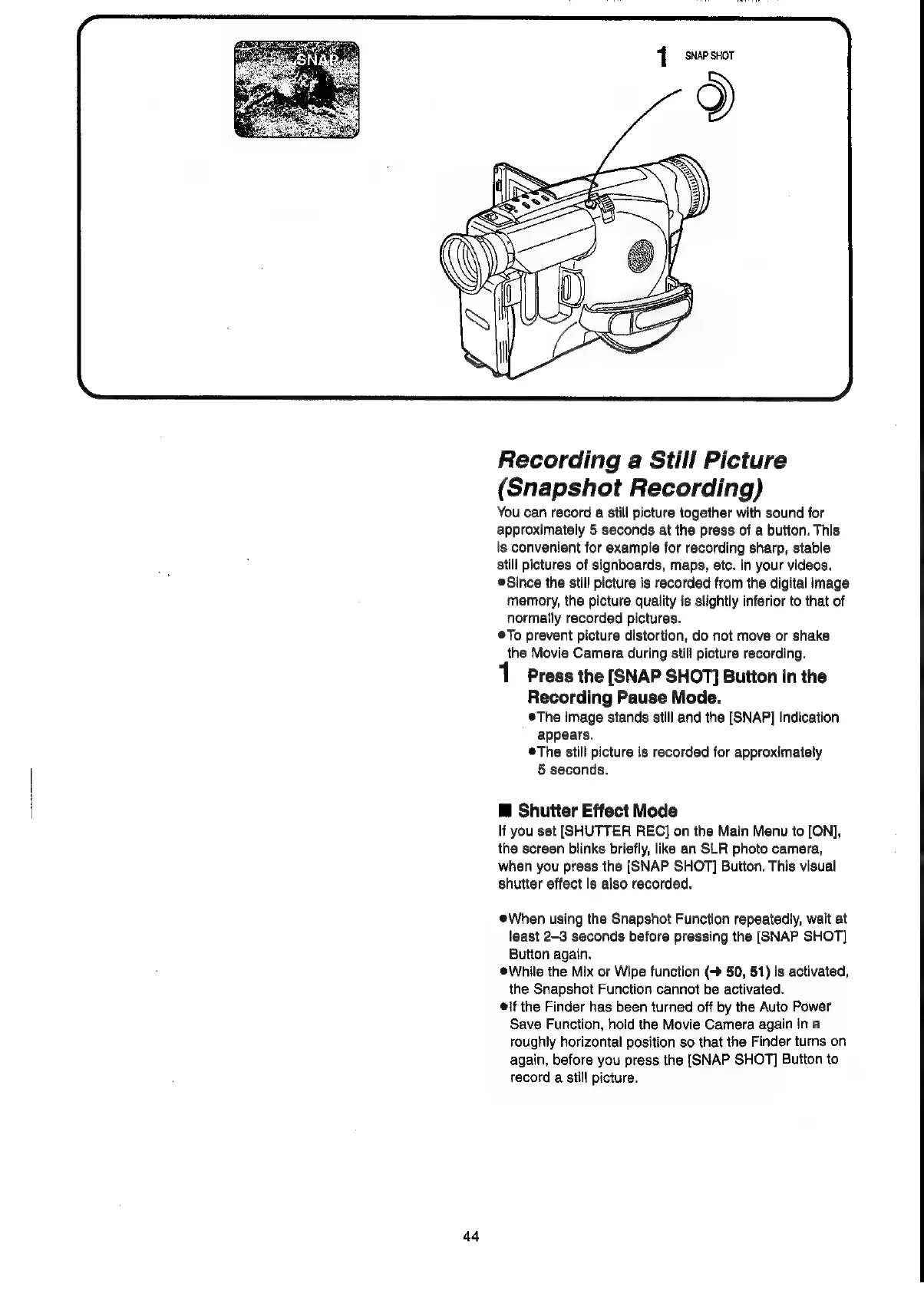
1
SNAP
SHOT
Recording
a
Still
Picture
(Snapshot
Recording)
You
can
record
a
still
picture
together
with
sound
for
approximately
5
seconds
at
the
press
of
a
button.
This
is
convenient
for
example
for
recording
sharp,
stable
still
pictures
of
signboards,
maps,
etc.
in
your
videos.
Since
the
still
picture
is
recorded
from
the
digital
image
memory,
the
picture
quality
is
slightly
inferior
to
that
of
normally
recorded
pictures.
®To
prevent
picture
distortion,
do
not
move
or
shake
the
Movie
Camera
during
still
picture
recording.
Press
the
[SNAP
SHOT]
Button
in
the
Recording
Pause
Mode.
®The
image
stands
still
and
the
[SNAP]
Indication
appears.
©The
still
picture
is
recorded
for
approximately
5
seconds.
@
Shutter
Effect
Mode
lf
you
set
[SHUTTER
REC]
on
the
Main
Menu
to
[ON],
the
screen
blinks
briefly,
like
an
SLR
photo
camera,
when
you
press
the
[SNAP SHOT]
Button.
This
visual
shutter
effect
is
also
recorded.
When
using
the
Snapshot
Function
repeatedly,
wait
at
least
2-3
seconds
before
pressing
the
[SNAP
SHOT]
Button
again.
®While
the
Mix
or
Wipe
function
(>
50,
51)
is
activated,
the
Snapshot
Function
cannot
be
activated.
if
the
Finder
has
been
turned
off
by
the
Auto
Power
Save
Function,
hold
the
Movie
Camera
again
in
a
roughly
horizontal
position
so
that
the
Finder
turns
on
again,
before
you
press
the
{SNAP SHOT]
Button
to
record
a
still
picture.

Related product manuals