EasyManua.ls Logo

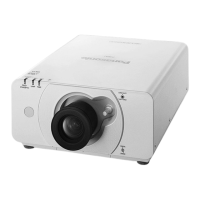
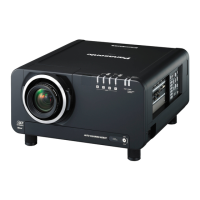
Panasonic PT-DZ570E - User Manual

Panasonic PT-DZ570E
42 pages
Print Icon
To Next Page IconTo Next Page
Loading...
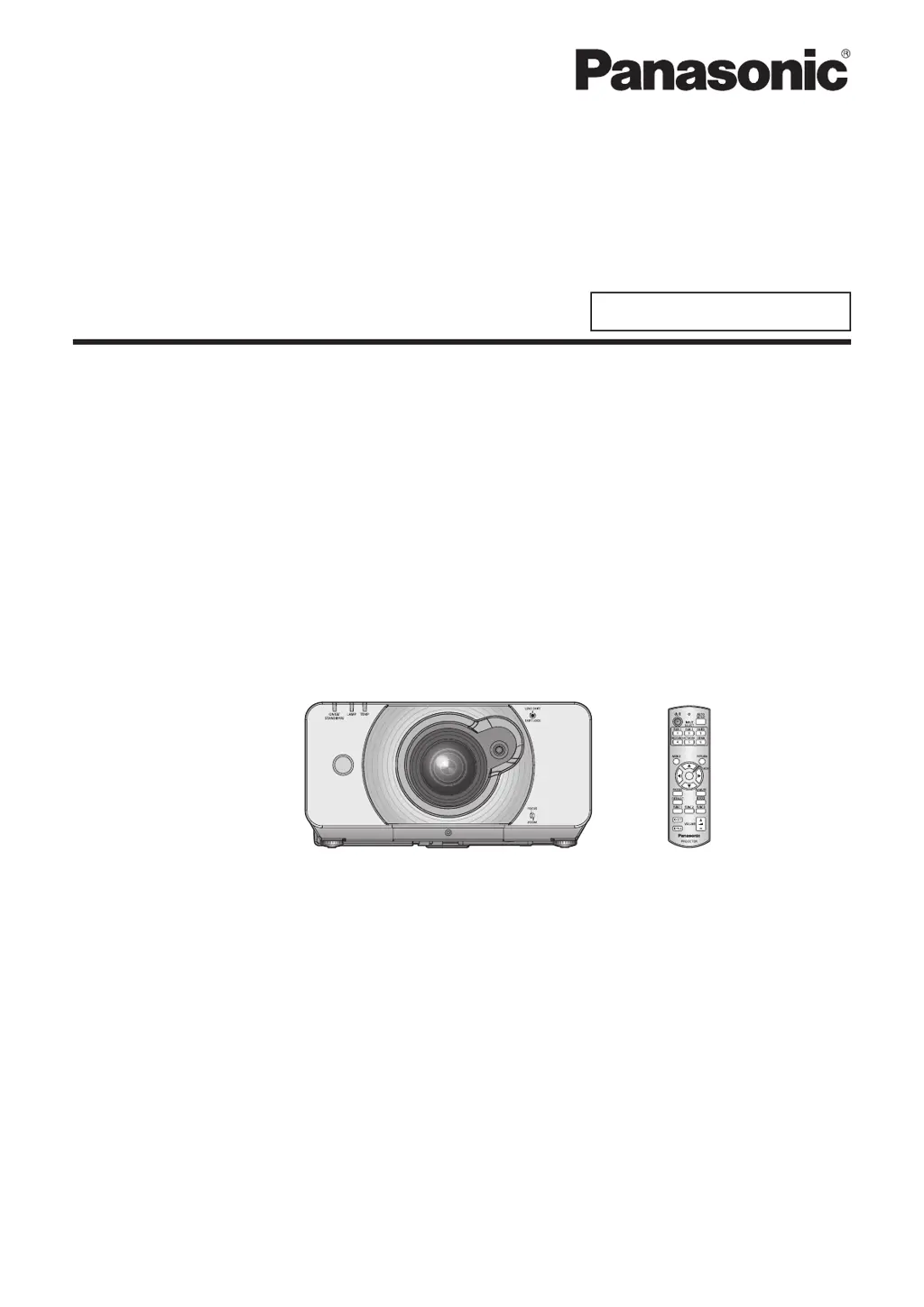
Operating Instructions
Network Operation Manual
DLP
™
Based Projector
Commercial Use
TQBJ0353(E)
Model No. PT-DZ570E/PT-DZ570U
Model No. PT-DW530E/PT-DW530U
Model No. PT-DX500E/PT-DX500U
M1010KT0 -FJ
This manual explains the network operation of the projector. ■
For information other than the network operation, such as the usage, inspection and
replacement of parts, see “Operating Instructions - Functional Manual”.

Questions and Answers

  • M
    Mr. Edward CobbSep 13, 2025
    What to do if no sound is output from a HDMI device on Panasonic PT-DZ570E?
    • J
      Jason PowellSep 13, 2025
      To resolve the issue of no sound output from a HDMI device connected to your Panasonic Projector, set the sound channel of the attached device to Linear PCM. Check the AUDIO IN SELECT setting of AUDIO SETTING. If no audio signal is output during HDMI cable connection, connect the audio cable to any of AUDIO IN 1 to 3 terminals.

Panasonic PT-DZ570E Specifications

General IconGeneral
BrandPanasonic
ModelPT-DZ570E
CategoryProjector
LanguageEnglish

Related product manuals

Panasonic PT-DZ570E - User Manual