EasyManua.ls Logo

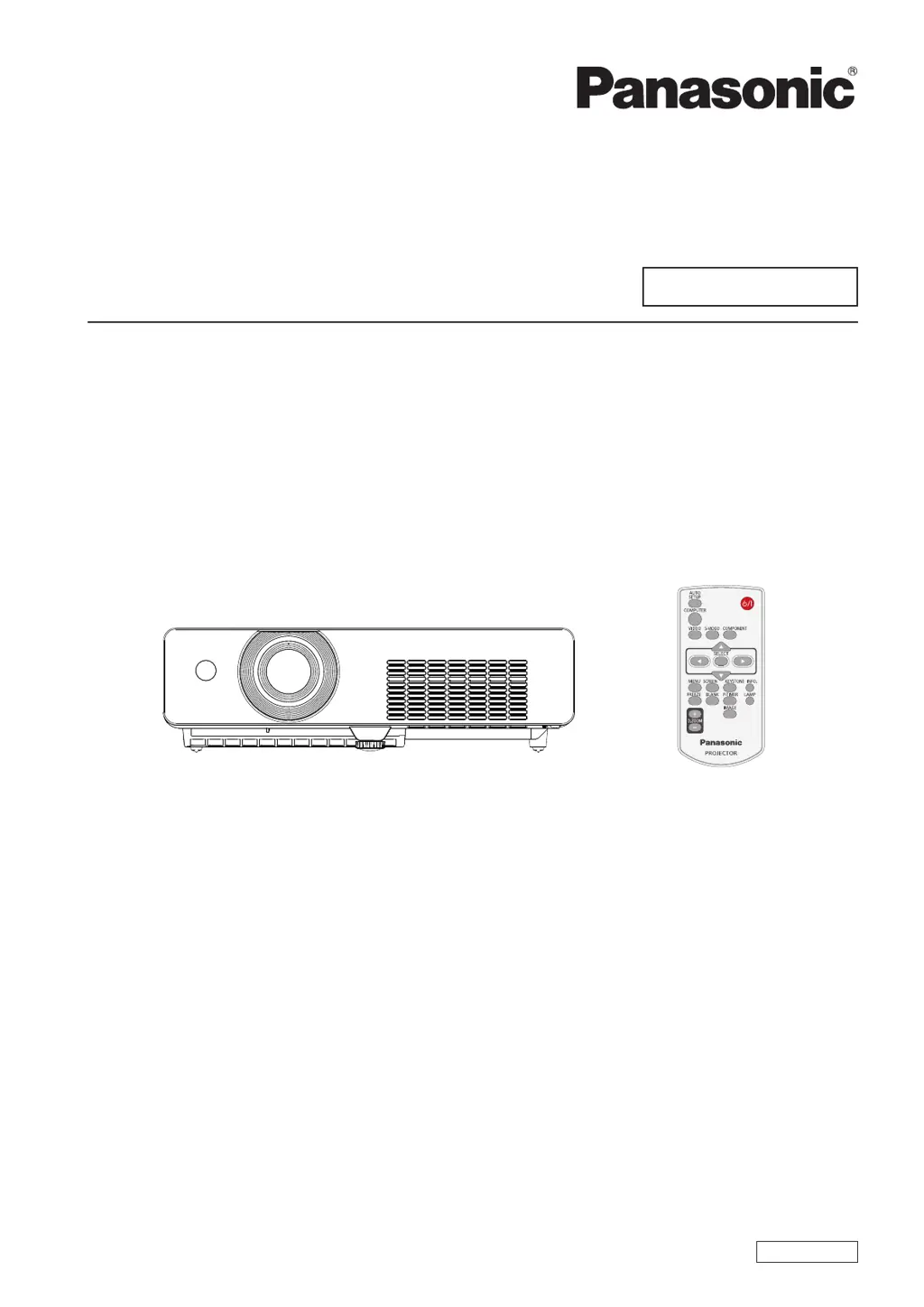
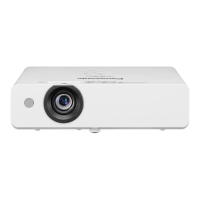
Panasonic PT-LX22EA - User Manual

Panasonic PT-LX22EA
73 pages
Print Icon
To Next Page IconTo Next Page
Loading...
Operating Instructions
Projector Operations
LCD Projector
Commercial Use
Thank you for purchasing this Panasonic Product.
Before operating this product, please read the instructions carefully and save this manual
J
for future use.
Model No.
PT-LX22EA
PT-LX26EA
ENGLISH
LA4SC

Table of Contents

Questions and Answers

  • O
    ortizdanielAug 12, 2025
    Why Panasonic PT-LX22EA power does not turn on?
    • J
      James RoachAug 13, 2025
      The Panasonic Projector might not be turning on due to several reasons. Ensure the power cord is securely connected to both the projector and the wall outlet. Verify that the wall outlet has an electric supply and that the circuit breakers have not tripped (if they have, reset them). Also, check the LAMP, STANDBY(R)/ON(G), or WARNING indicators for any lights or blinking patterns. Finally, make sure the lamp cover is securely installed.
  • J
    Jeremiah SanchezAug 16, 2025
    What to do if Panasonic PT-LX22EA Projector remote control does not operate?
    • A
      Alison RushAug 16, 2025
      If the Panasonic Projector's remote control isn't working, first, replace the batteries, making sure they are inserted correctly. Then, check for any obstructions blocking the remote control signal receptor on the projector. Ensure you are within the remote control's operational range and that no strong light is interfering with the signal receptor. Finally, synchronize the codes on the projector and remote control if different codes are set.
  • S
    sharonleonAug 19, 2025
    How to fix no picture on Panasonic Projector?
    • C
      Crystal ThomasAug 20, 2025
      If no picture appears on your Panasonic Projector, begin by ensuring the video signal input source is properly connected to the correct terminal. Verify that you have selected the correct input setting on the projector. Also, check the [Brightness] setting and adjust it if it's at the minimum. Inspect the connected input source for any issues and disable the [BLANK] function if it is enabled.
  • C
    Crystal LaneAug 25, 2025
    Why is Panasonic PT-LX22EA picture fuzzy?
    • Z
      zmezaAug 25, 2025
      A fuzzy picture on your Panasonic Projector can be due to several factors. Try adjusting the lens focus to sharpen the image. Ensure the projector is positioned at the correct distance from the screen. If the lens is dirty, clean it carefully. Also, adjust the angle of the projector if it's tilted too much.
  • P
    Patrick MartinezAug 27, 2025
    Why Panasonic PT-LX22EA picture from a computer does not appear?
    • L
      Lucas ClarkAug 27, 2025
      If you're not seeing a picture from your computer on the Panasonic Projector, it could be due to the cable length. Use an appropriate length cable. Also, check and set the correct external video output from the laptop.
  • M
    Matthew DuranAug 31, 2025
    Why Panasonic PT-LX22EA Projector control buttons do not operate?
    • A
      Angel PayneAug 31, 2025
      If the control buttons on your Panasonic Projector aren't working, the control panel might be locked. Unlock the control panel under the [Security] settings.
  • G
    gwestSep 4, 2025
    Why is Panasonic PT-LX22EA Projector color pale or grayish?
    • S
      Sharon YoungSep 4, 2025
      If the color on your Panasonic Projector appears pale or grayish, first, adjust the [Color] and [Tint] settings on the projector. If that doesn't work, check and adjust the settings of the input source connected to the projector. If you are using an RGB cable, inspect it for damage and replace it if necessary.
  • G
    Gerald MoraSep 7, 2025
    How to fix if Panasonic PT-LX22EA image is distorted or runs off?
    • A
      agillespieSep 8, 2025
      If the image on your Panasonic Projector is distorted or runs off the screen, check the [PC adj.] or [Screen] settings and adjust them accordingly.

Summary

Important Safety Information

Moulded Plug Safety (U.K.)

Safety instructions and fuse replacement for UK plugs, including wiring codes.

General Usage & Installation Cautions

Precautions for projector use, installation, environment, and power handling.

Lamp Replacement Precautions

Important notes and warnings for safe and proper replacement of the projector lamp unit.

Handling and Installation Precautions

Transportation and Installation Safety

Guidelines for safe transport, installation, and environmental considerations.

Operational Usage Guidelines

Tips for optimal picture quality, handling components, and lamp lifespan.

Included and Optional Accessories

List of included accessories and optional items available for purchase.

Projector Overview and Controls

Remote Control Functions

Description of buttons and usage of the remote control.

Projector Body Identification

Identification of projector components, ports, and terminals.

Control Panel Functions

Explanation of the projector's control panel buttons and indicators.

Initial Setup and Connections

Projection Methods and Placement

Guide to projection orientations and ceiling mount options.

Screen Size and Throw Distance

Diagrams and tables for projector placement relative to screen size.

Connecting Peripherals

Steps and examples for connecting external devices to the projector.

Powering On;Off and Basic Projection

Power Cord Connection and Indicators

Connecting power, understanding status indicators.

Projector Power On;Off and PIN Code

Step-by-step guides for turning the projector on/off and PIN code setup.

Selecting and Adjusting the Image

Choosing input sources and adjusting projection angle, zoom, and focus.

Remote Control Operations

Basic Functions (Auto Setup, Input, Screen, Keystone)

Using Auto Setup, input switching, screen modes, and keystone correction.

Image and Presentation Controls

Using INFO, Freeze, Blank, P-Timer, Lamp, D.ZOOM, and IMAGE buttons.

Advanced Settings and Configuration

Menu Navigation and Basic Setup

How to navigate menus, basic setup like auto setup, language.

Image and Display Adjustments

Adjusting contrast, brightness, color, tint, sharpness, and noise reduction.

Input Source and PC Adjustments

Configuring input signals, auto/manual PC adjustments.

Power, Timer, Security, and Maintenance Settings

Configuring power, timers, security, fan, lamp runtime, and filter settings.

Input Source Information

Displaying details about the current input signal and projector status.

Indicator Lights and Problem Diagnosis

LAMP Indicator Status

Meaning of the yellow LAMP indicator and lamp replacement.

WARNING Indicator Status

Meaning of the red WARNING indicator and troubleshooting steps.

Component Replacement and Care

Pre-Replacement Safety and Cleaning

Safety precautions before replacement and instructions for cleaning.

Air Filter Unit Replacement

Steps for replacing the air filter unit and resetting the counter.

Lamp Unit Replacement Procedure

Detailed steps for replacing the projector lamp unit.

Lamp Runtime Reset

Resetting the lamp runtime counter after replacement.

Troubleshooting Common Issues

Problem Resolution Guide

Common problems, their causes, and solutions with page references.

Technical Information and Specifications

Serial Terminal Interface and Commands

RS-232C serial terminal specs, pins, and control commands.

Compatible Signal List

Table of supported video and computer signal types and resolutions.

Projector Specifications Overview

Key specifications like power, size, resolution, terminals, and environment.

Ceiling Mount Bracket Safety

Safety precautions for installing ceiling mount brackets.

Panasonic PT-LX22EA Specifications

General IconGeneral
Brightness2200 ANSI Lumens
Resolution1024 x 768 (XGA)
Contrast Ratio2000:1
Display Technology3LCD
Projection Size30 - 300 inches
InputsComposite
Lamp Life4000 hours (Eco Mode)
Keystone Correction±30° (Vertical)

Related product manuals