12
RQT6850
Control guide
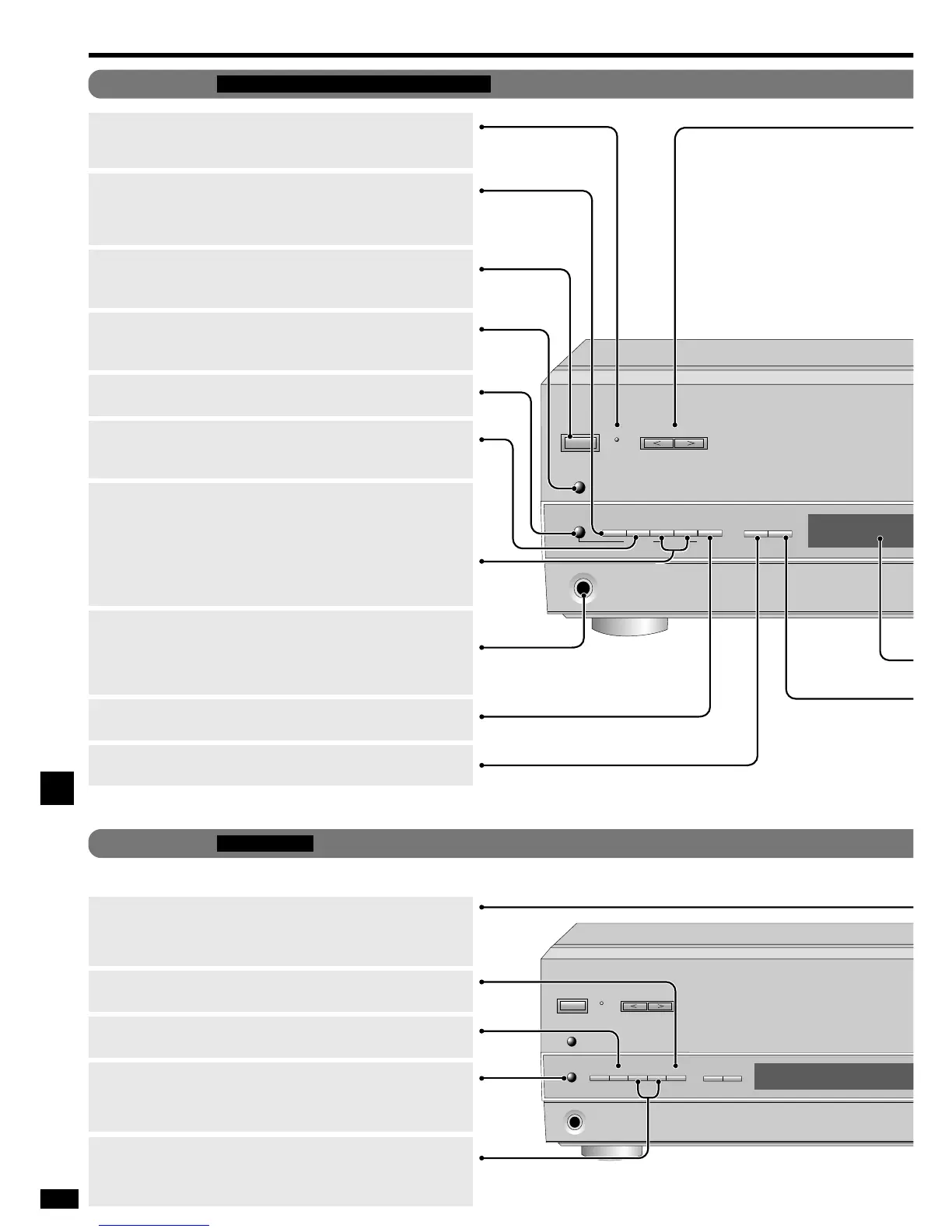
Standby/on switch [8]
Press to switch the unit from on to standby mode or vice versa.
In standby mode, the unit is still consuming a small amount of power.
[SPEAKERS]
Turning the speakers off automatically engages the STEREO
mode (when listening through headphones, for example).
[RDS]
Press to use the RDS functions.
[PHONES]
Headphone jack.
Plug type: 6.3 mm stereo
Avoid listening for prolonged periods of time to prevent hearing damage.
Turn the speakers off when using the headphones.
[TUNING, PTY SELECTOR, 2, 1]
TUNING;
For tuning the radio and selecting preset stations.
Press and hold until the frequency starts scrolling to start automatic
tuning. Tuning stops when a station is found.
PTY SELECTOR;
For changing the PTY display.
[PRESET, DISPLAY MODE]
Press to allow preset station selection with [TUNING,
PTY SELECTOR, 2, 1] and change the RDS display.
[-BAND, –FM MODE]
For switching between FM and AM.
If reception is poor in FM, press and hold until “MONO” appears to
switch to monaural mode.
[MEMORY, PTY SEARCH]
For presetting radio stations and starting a PTY search.
[MEMORY]
For presetting radio stations.
[-HELP, –RESET]
Press if an error message appears. A message offering a possible
solution scrolls across the display.
To reinitiate the unit’s settings, press and hold until “RESET” appears.
[PRESET]
Press to allow preset station selection with [TUNING, 2, 1].
[TUNING, 2, 1]
For tuning the radio and selecting preset stations.
Press and hold until the frequency starts scrolling to start automatic
tuning. Tuning stops when a station is found.
[SUBWOOFER]
Adjust the level in 5 steps.
SW MIN, SW 5, SW 10, SW 15, and SW MAX.
Select SW --- to stop output.
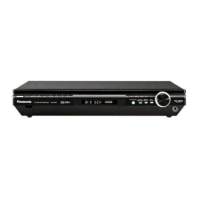
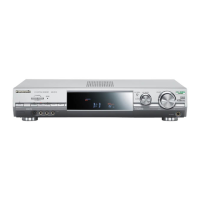
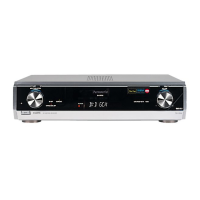
Main unit
For
continental Europe and the United Kingdom
Operations
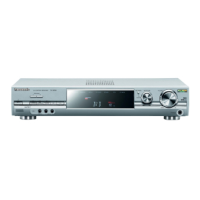
Main unit
For other areas
This diagram shows differences from the above model.
[DSP SOUND MODE]
For selecting “STEREO”, “SURROUND” or “SFC”.
Standby indicator [^]
When the unit is connected to the AC mains supply, this indicator lights
up in standby mode and goes out when the unit is turned on.






 To Next Page