13
RQT8043
RQTV0070
LANG - 5 LANG - 4 FRANÇAIS DANSK ENGLISH
Memory preset
Up to 15 stations each can be set in the FM and AM bands.
Preparation
Press [TUNER, BAND] to select “FM” or “AM”.
Automatic presetting
1
Tune to the frequency where pre-setting is to begin.
2
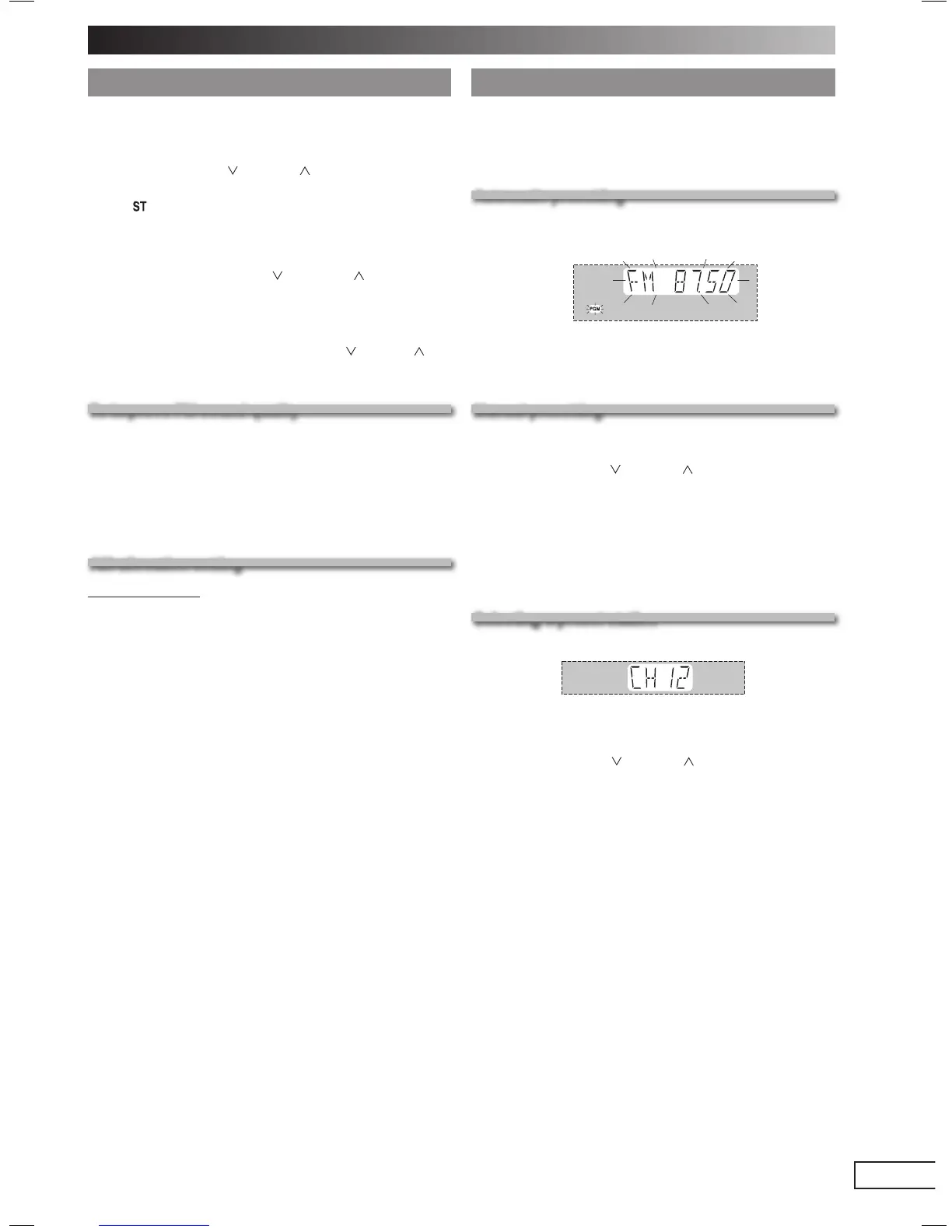
Press and hold [PROGRAM] to start presetting.
The tuner presets all the stations it can receive into the
channels in ascending order. When fi nished, the last station
memorized is tuned in.
Manual presetting
1
Press [PLAY MODE] to select “MANUAL”.
2
Press
[4, REW / ] or [¢ , / FF]
to tune to the
required station.
3
Press [PROGRAM].
4
Press the numeric buttons to select a channel.
For channels 10 to 15 press [
h
10], then the two digits.
The station occupying a channel is erased if another
station is preset in that channel.
Selecting a preset station
Selecting a preset station
Press the numeric buttons to select the channel.
OR
1
Press [PLAY MODE] to select “PRESET”.
2
Press [4, REW / ] or [¢ , / FF] to select the
channel.
Manual tuning
1
Press [TUNER, BAND] to select “FM” or “AM”.
2
Press [PLAY MODE] to select “MANUAL”.
3
Press [4, REW / ] or [¢ , / FF] to select the
frequency of the required station.
• “
” is displayed when a stereo FM broadcast is being
received.
• “TUNED” is displayed when a radio station is tuned.
To tune automatically
Press and hold [4, REW / ] or [¢, / FF] until the
frequency starts changing rapidly. The unit begins auto
tuning, stopping when it fi nds a station.
• Auto tuning may be interrupted when there is excessive
interference.
• To cancel auto tuning, press [4, REW / ] or [¢, / FF]
once again.
To improve FM sound quality
To improve FM sound quality
Press and hold [PLAY MODE] to display “MONO”.
To cancel
Press and hold [PLAY MODE] again until “MONO”
disappear.
• MONO is also canceled if the frequency is changed.
• Turn off “MONO” for normal listening.
AM allocation setting
By main unit only
This system can also receive AM broadcasts allocated in
10 kHz steps.
To change the step from 9 kHz to 10 kHz
1
Press and hold [TUNER, BAND].
After a few seconds the display changes to a fl ashing
display of the current minimum frequency.
2
Continue to hold down [TUNER, BAND].
• When the minimum frequency changes, release the
button. To return to the original step, repeat the above
steps.
• After changing the setting, previously preset frequency
will be cleared.
Radio
RQTV0070-M_1EN.indd 13RQTV0070-M_1EN.indd 13 11/16/05 2:38:30 PM11/16/05 2:38:30 PM



 To Next Page