12
VQT3M06
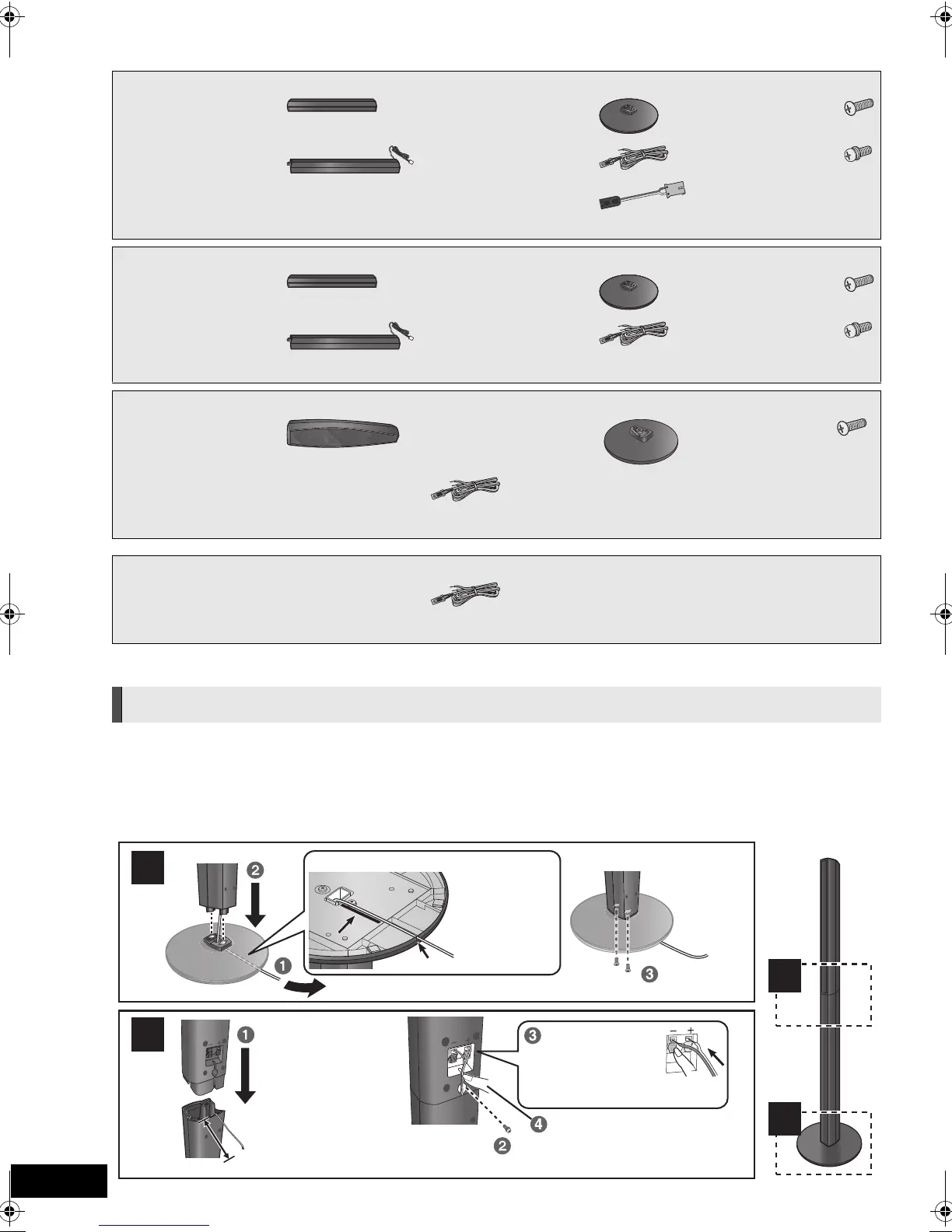
STEP 1: Preparing the speakers
* Use the Connector conversion cables when you connect the speaker cables to the wireless system. (> 15)
Caution
≥
Do not stand on the base. Be cautious when children are near.
≥ When carrying speakers, hold the stand and base parts.
Preparation
≥ To prevent damage or scratches, lay down a soft cloth and
perform assembly on it.
≥ For wall mount, refer to page 47.
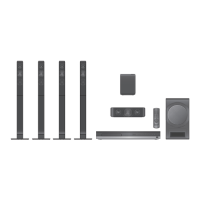
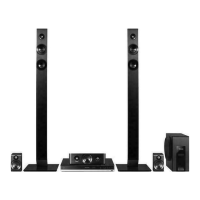
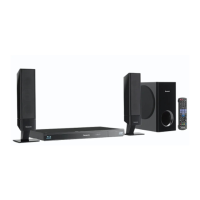
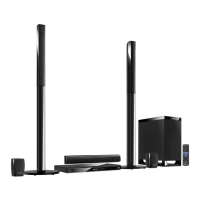
[BTT775] [BTT770]
[BTT775]
∏ 2 Front speakers
∏ 2 Surround speakers
∏ 4 Bases
(RYK1610-K1)
∏ 8 Screws A
(XTN5+10FFJK)
∏ 4 Stands (with cables)
(RYK1609E-K: RED)
(RYK1609D-K: WHITE)
(RYK1609G-K: GREY)
(RYK1609F-K: BLUE)
∏ 1 Speaker cable
(REEX1268: GREEN)
∏ 4 Screws B
(XYN5+J18FJK)
∏ 2 Connector
conversion cables*
(RFA3317)
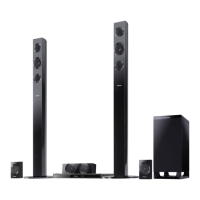
[BTT770]
∏ 2 Front speakers ∏ 2 Bases
(RYK1610-K1)
∏ 4 Screws A
(XTN5+10FFJK)
∏ 2 Stands (with cables)
(RYK1609E-K: RED)
(RYK1609D-K: WHITE)
∏ 3 Speaker cables
(REEX1268: GREEN)
(REEX1269: GREY)
(REEX1270: BLUE)
∏ 2 Screws B
(XYN5+J18FJK)
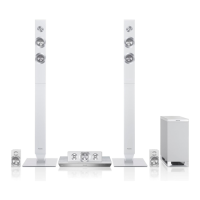
[BTT370]
∏ 2 Front speakers ∏ 2 Bases
(RYK1637-K)
∏ 2 Screws A
(XTB4+12GFJK)
∏ 5 Speaker cables
(REEX1266A: RED)
(REEX1267A: WHITE)
(REEX1268: GREEN)
(REEX1269: GREY)
(REEX1270: BLUE)
[BTT270]
∏ 5 Speaker cables
(REEX1266A: RED)
(REEX1267A: WHITE)
(REEX1268: GREEN)
(REEX1269: GREY)
(REEX1270: BLUE)
Assembling the speakers
Back of the base
Tighten
securely.
Insert the wire fully.
r: White
s: Blue line
Push!
Leave about 80 mm
Tighten securely.
Screw A
Screw B
Press into the groove.
Pull the cable
straight along
the line and
slide into the
groove.
SCBTT775_770_370_270EBEPGN_VQT3M06.book 12 ページ 2011年1月18日 火曜日 午後6時14分



 To Next Page