A
Remote control only
Entering the characters
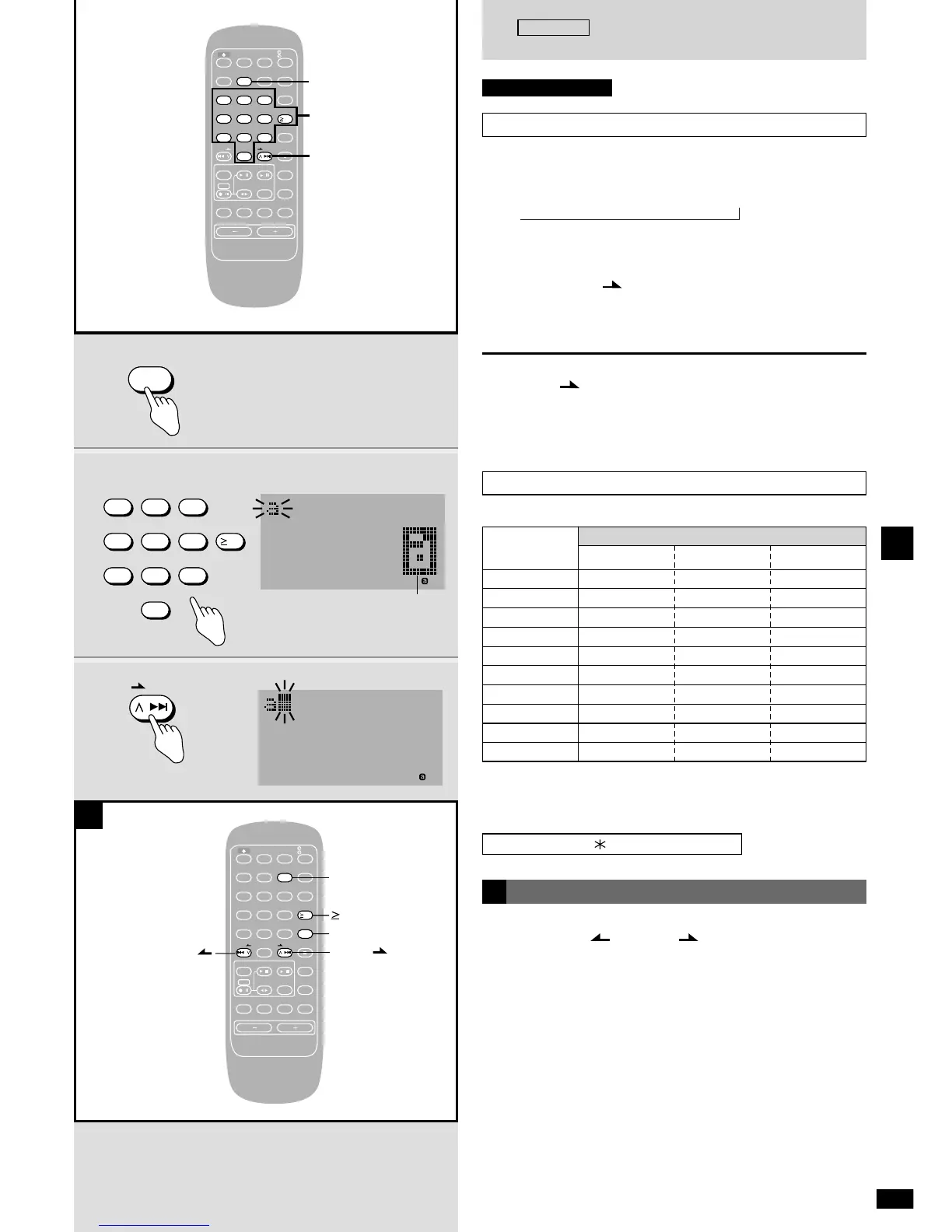
1 Press [CHARA] to select the type of character.
Each time you press the button:
Å (Capitals) / å (Lower case) / z (Numbers)
2 Press the numbered buttons so the character is
displayed in the EDIT EYE.
3 Press [1/i /FF] to enter the character.
Repeat steps 1–3 to complete the title.
Step 1 is not necessary when you are entering characters of the same
type.
To enter a space
Press [1/i /FF] when no character is in the EDIT EYE.
For your reference
The character in the edit eye is also entered if you press another
numbered button or [CHARA]. Another character or character type is
then displayed.
,
Characters allocated to the numbered buttons
The characters change each time a numbered button is pressed.
Character type
Capitals
Å
Lower case
å
Numbers
z
1
2
3
4
5
6
7
8
9
0
ABC
DEF
GHI
JKL
MNO
PQRS
TUV
WXYZ
abc
def
ghi
jkl
mno
pqrs
tuv
wxyz
1
2
3
4
5
6
7
8
9
0
To enter symbols
Press [≥10 SPACE!”#].
Each time the button is pressed, the symbols are displayed in the EDIT
EYE in the following order.
represents a space.
]
Editing titles
To move the cursor
Press [u/2 REW/ ] or [1/i /FF].
Inserting a character or space
q Move the cursor over the character to the right of the place where the
new character or space is to go.
w Enter the desired character or press [≥10 SPACE!”#] to select “”
(space).
Deleting a character
q Move the cursor over the character to be deleted.
w Press [DELETE].
Changing letters
q Delete the old letter.
w Insert the new letter.
Making corrections to a title
q Select the title to be corrected (
a
page 36, steps 1–3).
w Correct the title using the above editing techniques.
e Press [ENTER].
]
A
! " # $ % & ’ ( ) + , – . / : ; < = > ? @ _ `
]
EDIT EYE















 To Next Page