Placement
Set the unit up on an even surface away from direct sunlight,
high temperatures, high humidity, and excessive vibration. These
conditions can damage the cabinet and other components, thereby
shortening the unit’s service life.
Place it at least 15 cm away from wall surfaces to avoid distortion
and unwanted acoustical effects.
Do not place heavy items on the unit.
Service
Do not attempt to repair this unit by yourself. If sound is interrupted,
indicators fail to light, smoke appears, or any other problem that
is not covered in these instructions occurs, disconnect the AC
mains lead and contact your dealer or an authorized service center.
Electric shock or damage to the unit can occur if the unit is repaired,
disassembled or reconstructed by unqualifi ed persons.
Extend operating life by disconnecting the unit from the power
source if it is not to be used for a long time.
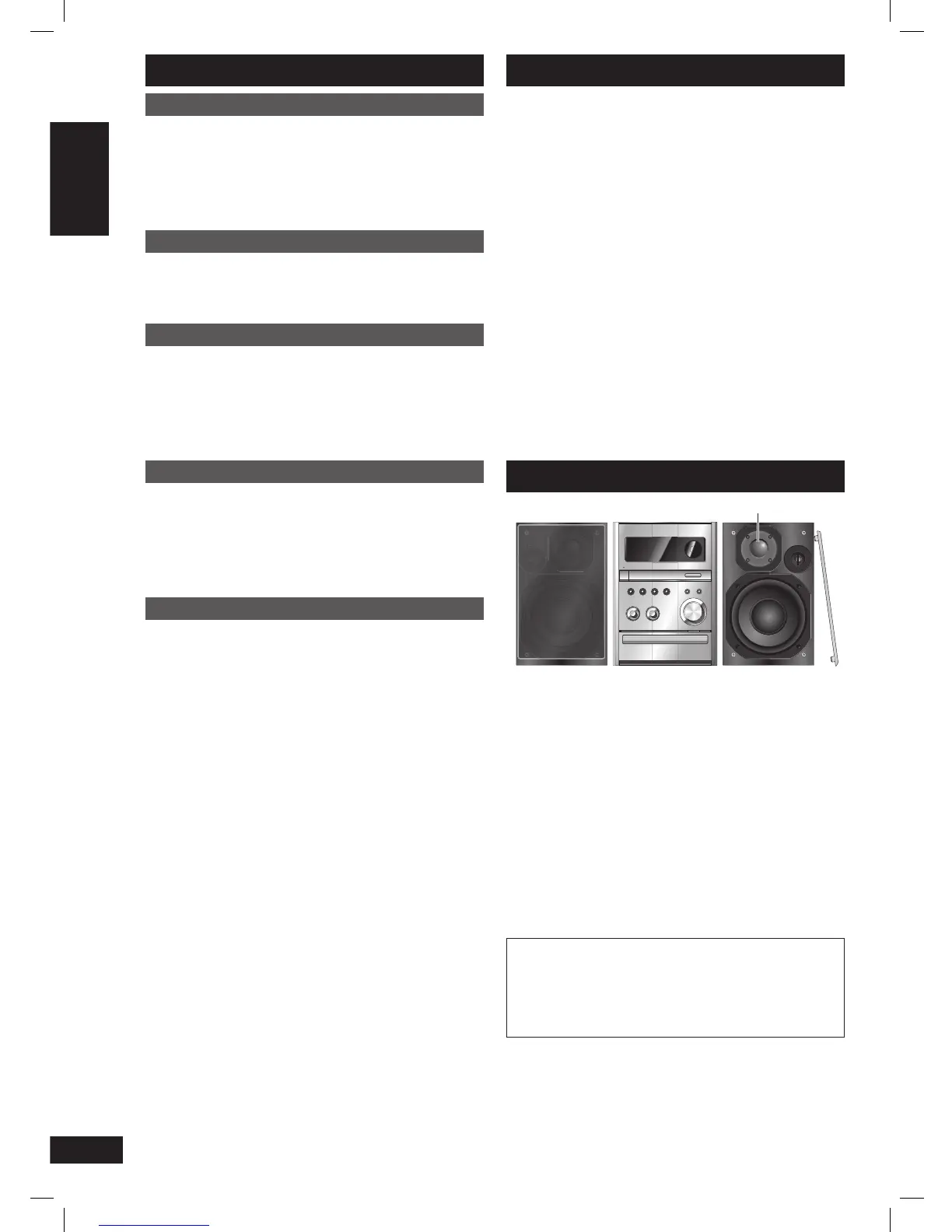
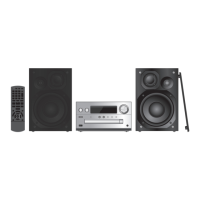
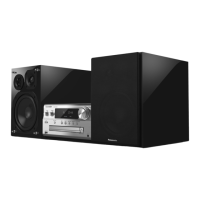
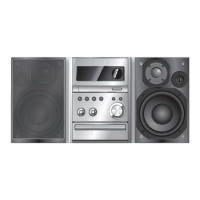
Placement of speakers
Tweeter
Place the speakers so that the tweeter is on the inside.
Use only the supplied speakers.
The combination of the main unit and speakers provide the best
sound. Using other speakers can damage the unit and sound quality
will be negatively affected.
Note:
• Keep your speakers at least 10mm away from the system for
proper ventilation.
• These speakers do not have magnetic shielding. Do not place
them near televisions, personal computers or other devices easily
infl uenced by magnetism.
• To avoid damage to the speakers, do not touch the speaker cones
if you have taken the nets off.
• You can damage your speakers and shorten their useful life if you
play sound at high levels over extended periods.
• Reduce the volume in the following cases to avoid damage.
– When playing distorted sound.
– When adjusting the sound quality.
CAUTION
• Use the speakers only with the recommended system.
Failure to do so can damage the amplifi er and speakers,
and can cause fi re. Consult a qualifi ed service person if
damage occurs or if a sudden change in performance is
apparent.
• Do not attach these speakers to walls or ceilings.
Table of contents
Safety precautions ...................................... 4
Placement of speakers ................................ 4
Making the connections .............................. 5
Preparing the remote control ..................... 6
DEMO function ............................................. 6
Overview of controls ................................... 7
Discs ............................................................. 8
Using the FM/AM radio ................................ 9
Using the timers .......................................... 10
Using sound effects .................................... 11
USB ............................................................... 12
Using other optional equipment ................ 15
Troubleshooting guide ................................ 16
Specifi cations .............................................. 17
Maintenance ................................................. 17
PMX4_EP_EN.indd 4PMX4_EP_EN.indd 4 12/23/08 2:37:30 PM12/23/08 2:37:30 PM






 To Next Page