RQTX0208
15
15
ENGLISH
Note:
All peripheral components and cables are sold separately.
Avoid interfering with other
Avoid interfering with other
Panasonic equipment
Other Panasonic audio or video equipment may start functioning
when you operate the unit using the supplied remote control.
You can operate this unit in another mode by setting the remote
control operating mode to “REMOTE 2”.
The main unit and remote control must be set to the same
mode.
1 Press [FM/AM/MUSIC P.] to select “MUSIC P.”.
2 Press and hold [FM/AM/MUSIC P.] on the main unit.
Then press [2] on the remote control until “REMOTE 2” is
displayed
3 Press and hold [OK] and [2] on the remote control for at
least 4 seconds.
To change the mode back to “REMOTE 1”, repeat the
steps above by replacing [2] with [1].
Connecting and playing a portable
Connecting and playing a portable
audio equipment
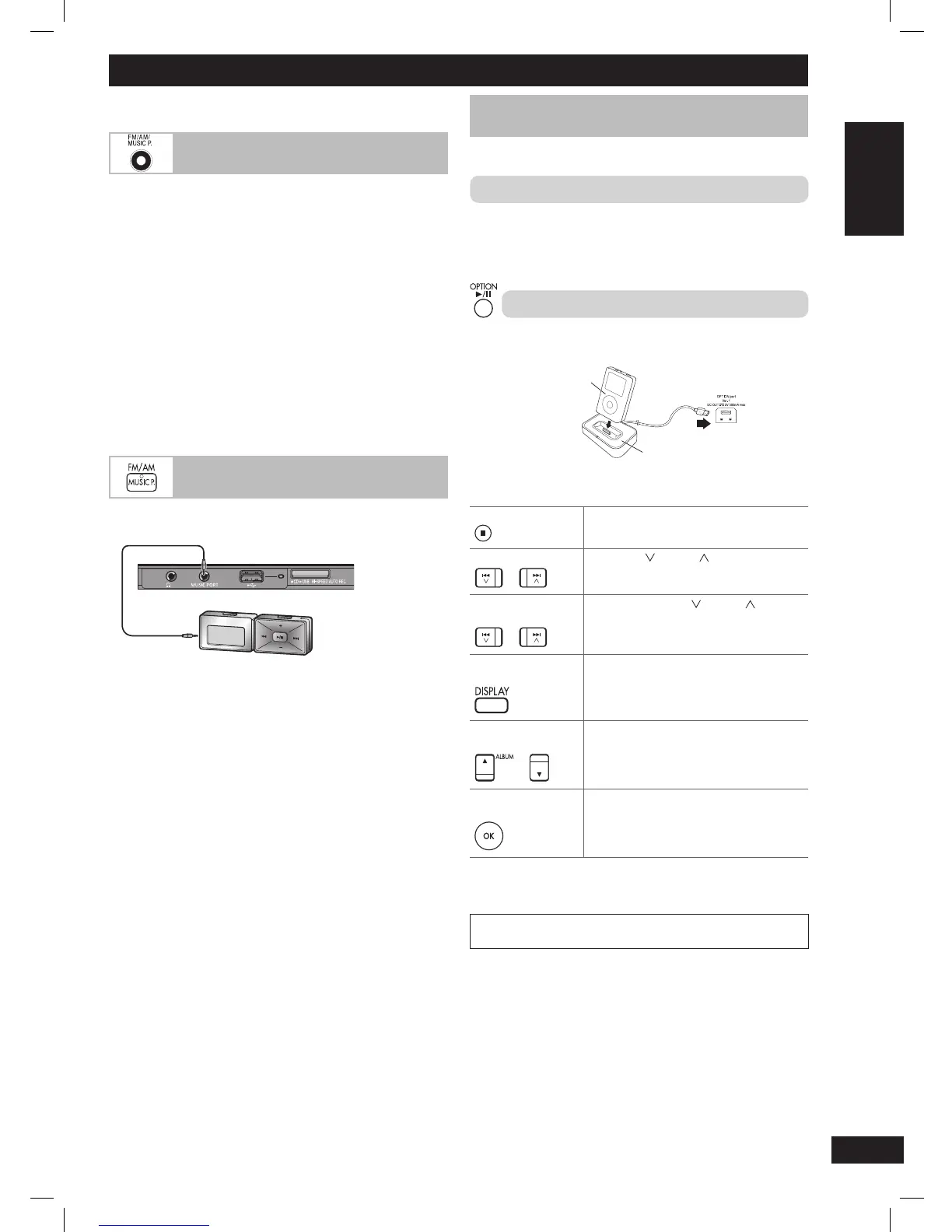
This feature enables you to enjoy music from portable audio
equipment.
Audio cord (not included)
Portable audio equipment (not included)
Front panel of
this main unit
Avoid high level of sound from the other equipment before
connection. Reduce the volume and switch off the equaliser function
(if there is any) of the portable audio equipment before you plug into
the MUSIC PORT jack. Otherwise, sound from the speaker may be
distorted.
1 Plug the audio cord into the MUSIC PORT jack and press
[MUSIC P., FM/AM] repeatedly to select MUSIC PORT.
2 Play the portable audio equipment. (See the portable audio
equipment’s instruction manual.)
Using other optional equipment
Connecting the Universal Dock for iPod
Connecting the Universal Dock for iPod
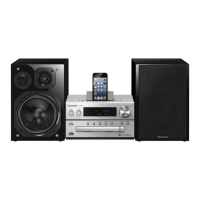
You can charge and play your iPod by connecting a Universal Dock
for iPod (SH-PD10) to this unit.
Connecting and charging the iPod
1 Connect the Universal Dock for iPod into the OPTION port.
2 Insert the appropriate adapter and place your iPod into the
Universal Dock. (See the SH-PD10’s instruction manual.)
Playing the iPod
1 Connect the iPod as described above.
iPod
(not included)
SH-PD10
Rear panel of
this main unit
2 Press [6, OPTION] to select “OPTION” as the source.
Pause Play Press [6, OPTION] or [
7
] (stop).
Press [6, OPTION] to resume.
Skip tracks
Press [4/ ] or [¢/ ].
Search through
tracks
Press and hold [4/ ] or [¢/ ].
Display iPod menu
screen
Press [DISPLAY].
Use as iPod menu
cursor
Press [5/∞, ALBUM].
Select iPod menu
item
Press [OK].
Note:
Refer to the SH-PD10’s instruction manual for the compatible iPod
models.
iPod is a trademark of Apple Inc., registered in the U.S. and other
countries.
PMX4_EP_EN.indd 15PMX4_EP_EN.indd 15 12/23/08 2:37:53 PM12/23/08 2:37:53 PM






 To Next Page