26 VQT1R13
Recording
2
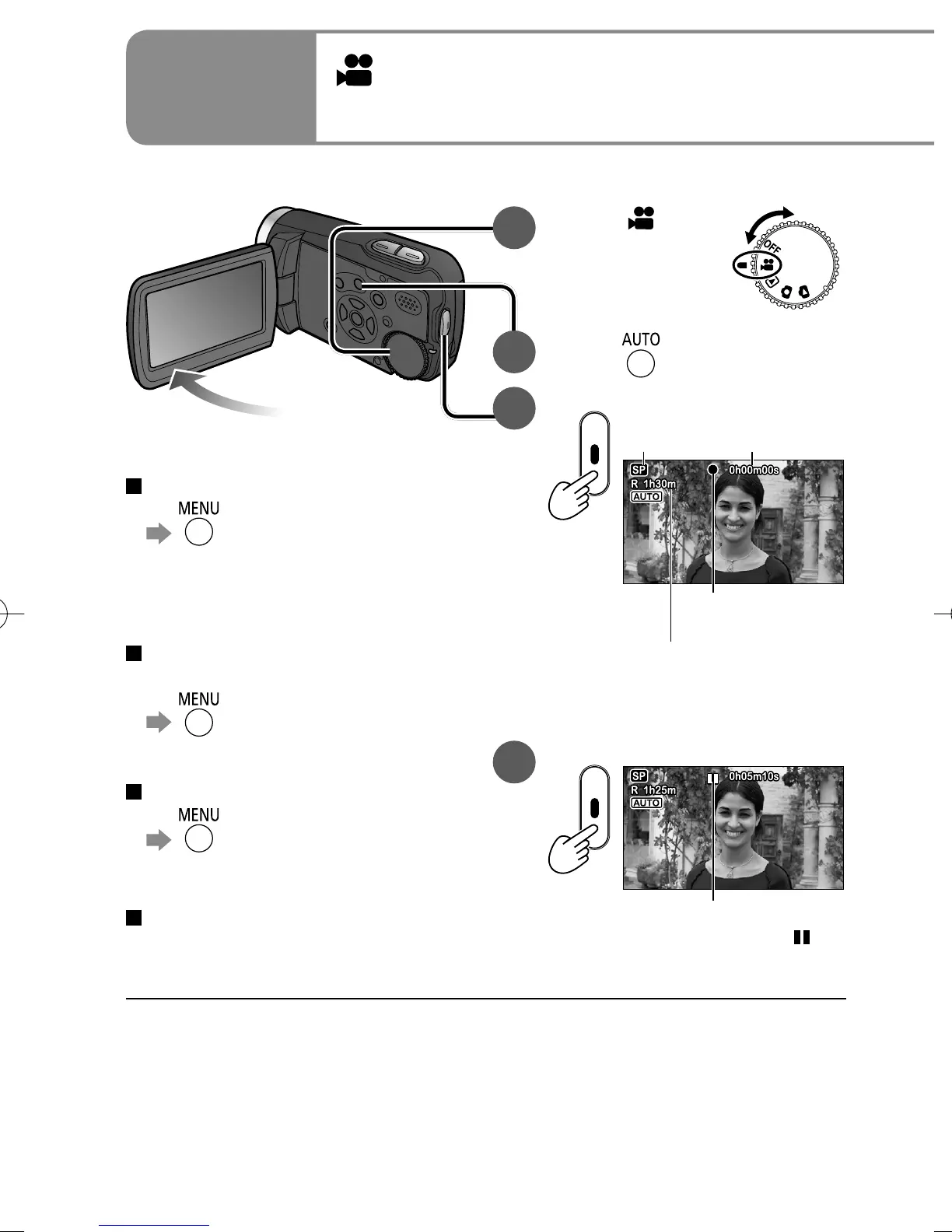
Automatic recording
(motion pictures)
1
Set to [ ].
2
Press .
3
Start recording.
Recording
mode
Time elapsed
Time remaining (flashes
red when under 1 minute)
Recording in
progress (red)
Recording continues even if the
LCD monitor is closed.
4
Stop recording.
Paused (green)
The unit is still recording if [ ] is
red. Do not move the unit.
● When the unit is running on battery power, the unit is automatically turned
OFF to conserve battery life if no operations are performed for about 5
minutes. To reuse the unit, set the mode dial to [OFF] and then reselect a
mode.
To prevent the unit from turning OFF automatically: (P.78 [POWER SAVE])
● The interval between starting and stopping recording is recorded as one single
scene. The counter is reset to “0h00m00s” after each scene.
To change aspect ratio to 4:3
→[ADVANCED]→
[REC ASPECT]→[4:3]
Default aspect ratio at the time of
purchase is set to 16:9 (widescreen).
To remove sound when record
button is pressed
→[SETUP]→
[BEEP SOUND]→[OFF]
To remove on-screen display
→[SETUP]→
[DISPLAY]→[OFF]
To ensure that you won’t pass
up any recording opportunities
PRE-REC function (P.36)
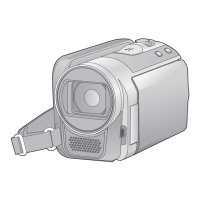
Before recording, open the lens cover.






 To Next Page