Item / Preparation:
1. Access the IIC mode and set the Aging Pattern to 1(white pattern)
(Vset adjustment pattern).
2. Set the picture adjustment items as follows:
· Picture menu : Standard
· Color temperature : Normal
· Picture : 25
· Aspect : Full
Caution:
1. First perform Vsus voltage adjustment.
2. Confirmation of Vscn voltage should be performed after the
adjustment of Vad voltage
When Vad = -85V, Vscn Voltage is 55V ±
4V.
Adjustments
Perform the Driver Setup Adjustments.
Check or adjust the voltages with a voltmeter.
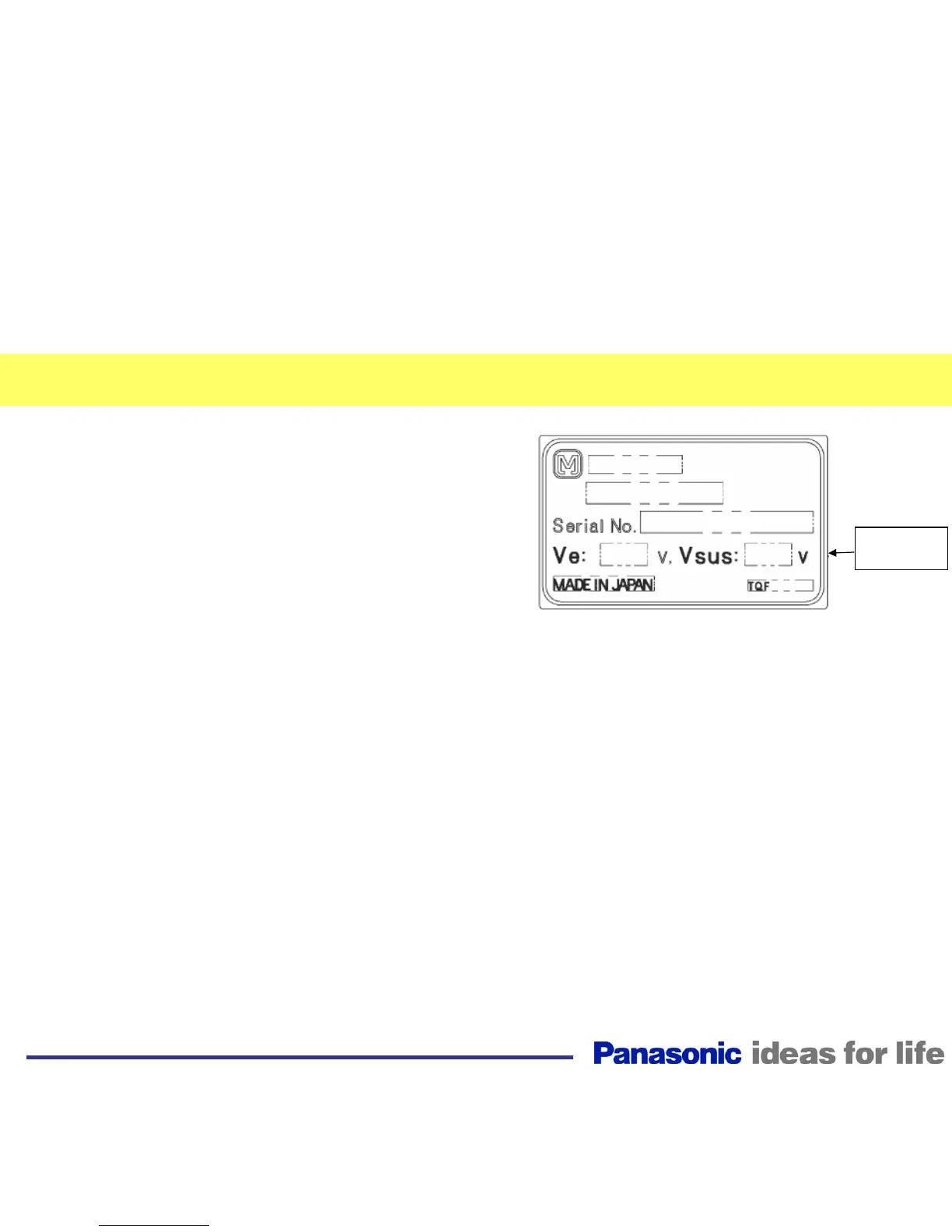
Note: Refer to the panel label for voltages that are not listed in the service
manual.
Panel Label
Adjustment
Voltage
48
Driver Set-up



 To Next Page