EasyManua.ls Logo

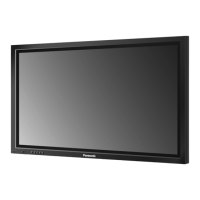
Panasonic TH-37PA20 - User Manual

Panasonic TH-37PA20
68 pages
Print Icon
To Next Page IconTo Next Page
Loading...
J
J
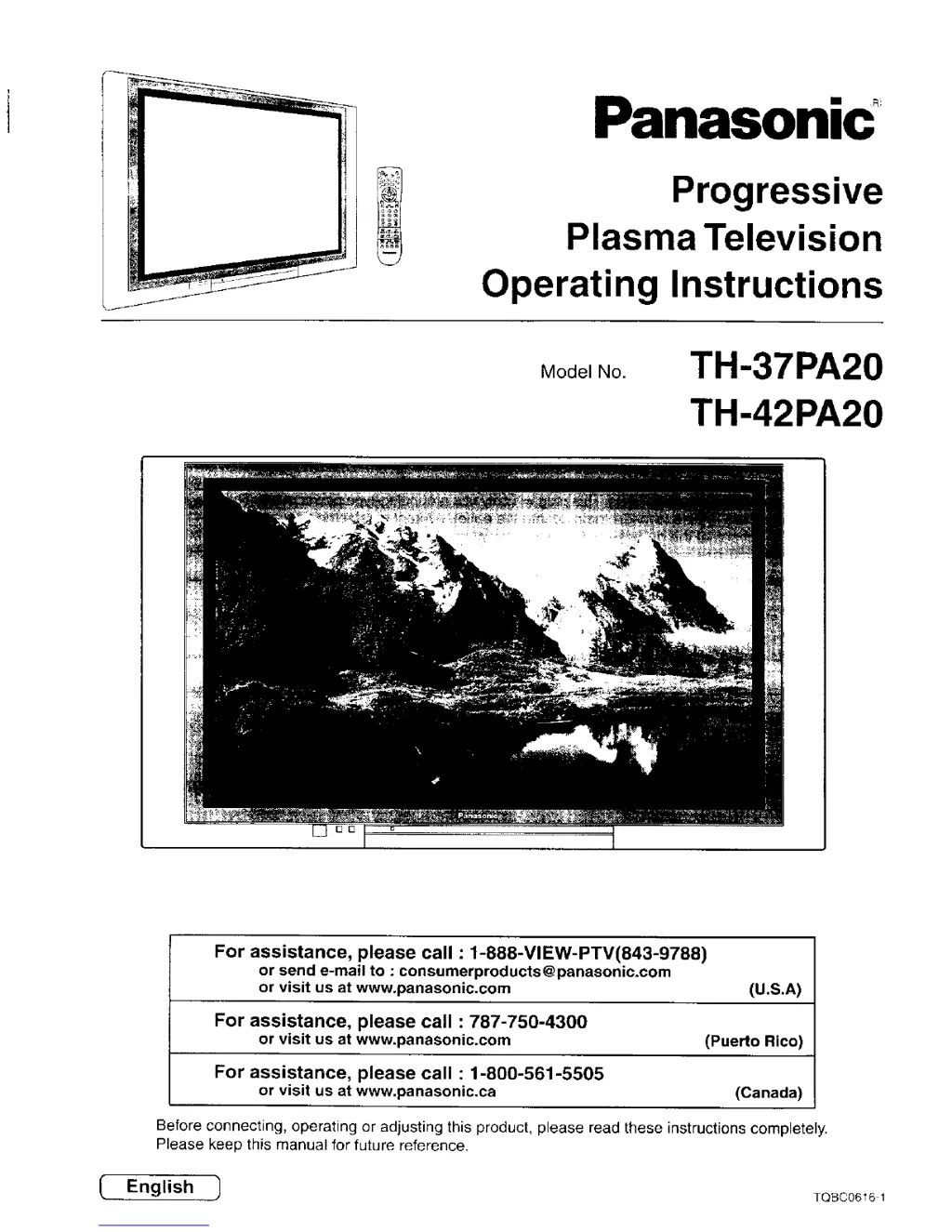
Panasonic
Progressive
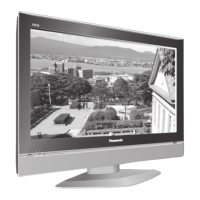
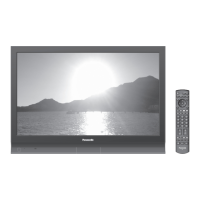
Plasma Television
Operating Instructions
Model No.
TH-37PA20
TH-42PA20
For assistance, please call : 1-888-VIEW-PTV(843-9788)
or send e-mail to : consumerproducts@panasonic.com
or visit us at www.panasonic.com (U.S.A)
For assistance, please call : 787-750-4300
or visit us at www.panasonic.com (Puerto Rico)
For assistance, please call : 1-800-561-5505
or visit us at www.panasonic.ca (Canada)
Before connecting, operating or adjusting this product, please read these instructions completely.
Please keep this manual for future reference.
English ) TOBC06161

Table of Contents

Questions and Answers

  • J
    Justin ScottAug 14, 2025
    What to do if my Panasonic TH-37PA20 has no picture?
    • N
      Nicholas KellerAug 14, 2025
      If your Panasonic Plasma TV shows no picture, ensure the TV is not in AV mode and is properly plugged into the A.C. outlet and switched on. Also, check that the Picture/Sound controls are not set to minimum levels and verify the TV is not in stand-by mode.
  • P
    Patrick HarveyAug 18, 2025
    Why is there no sound on my Panasonic TH-37PA20 Plasma TV, even though the picture is normal?
    • T
      Travis HooperAug 18, 2025
      If your Panasonic Plasma TV has a normal picture but no sound, check the volume level and ensure the sound mute is switched off.
  • T
    tony35Aug 21, 2025
    What causes interference on my Panasonic Plasma TV?
    • L
      lammarissaAug 21, 2025
      Interference on your Panasonic Plasma TV can be caused by electrical appliances, cars, motorcycles, or fluorescent lights.
  • B
    Brandon SmithAug 25, 2025
    Why is my Panasonic TH-37PA20 Plasma TV picture poor or distorted, and how can I fix it?
    • J
      Jessica MosleyAug 25, 2025
      If your Panasonic Plasma TV displays a poor or distorted picture, try to retune the channel(s).
  • J
    Jennifer WilliamsAug 27, 2025
    How to fix snowy picture on Panasonic TH-37PA20?
    • O
      ohinesAug 27, 2025
      To resolve a snowy picture on your Panasonic Plasma TV, check the aerial location, direction, and connection.
  • R
    Robert AyalaAug 31, 2025
    Why does my Panasonic Plasma TV have no color?
    • S
      Sean HendersonAug 31, 2025
      If your Panasonic Plasma TV has no color, check if the Colour Controls are set at minimum levels. Also verify the Colour System/Sound System settings.
  • S
    Scott NorrisSep 3, 2025
    What causes a multiple image on my Panasonic TH-37PA20 Plasma TV?
    • P
      Phillip WilsonSep 3, 2025
      A multiple image on your Panasonic Plasma TV might be due to issues with the aerial location, direction, or connection. Check these to resolve the problem.
  • C
    Craig WhiteSep 7, 2025
    What to do if after-images appear on my Panasonic TH-37PA20 Plasma TV?
    • J
      John StokesSep 7, 2025
      To prevent after-images on your Panasonic Plasma TV, avoid displaying a still picture for an extended period.
  • T
    Tina OwenSep 10, 2025
    Why do some parts of the screen not light up on my Panasonic Plasma TV?
    • B
      Bernard HarrisSep 10, 2025
      The fact that some parts of the screen do not light up on your Panasonic Plasma TV is not a malfunction.

Summary

General Safety Warnings

Electrical Shock and Hazard Precautions

Crucial warnings regarding electrical hazards, water exposure, and proper grounding.

Important Safety Instructions

Safety Guidelines and Precautions

Comprehensive list of safety instructions for operation and maintenance.

Safety Precautions

Setup and Handling Precautions

Guidelines for safe TV placement, ventilation, power cord use, and general handling.

Cable Connection

PICTURE Adjustment

LOCK Feature

Code Creation and Lock Set Options

Creating a secret code and setting lock modes for channels and inputs.

LOCK Feature

Picture in Picture Operation

Split Screen

Operating peripheral equipment using the remote control

Programming Remote with Access Codes

Step-by-step guide to program the remote for external devices using manufacturer codes.

Programming Remote Without Codes (Sequence Method)

Using the sequence method to program the remote when manufacturer codes are unknown.

Troubleshooting Chart

Video and Audio Troubleshooting

Solutions for common video and audio issues like snowy video, no audio, or interference.

Specifications

Panasonic TH-37PA20 Specifications

General IconGeneral
BrandPanasonic
ModelTH-37PA20
CategoryPlasma TV
LanguageEnglish

Related product manuals