- 102 -
Network
Internet content
Information
You can access some specific websites supported by Panasonic, and enjoy
internet contents such as videos, games, communication tools, etc. from
APPS List.
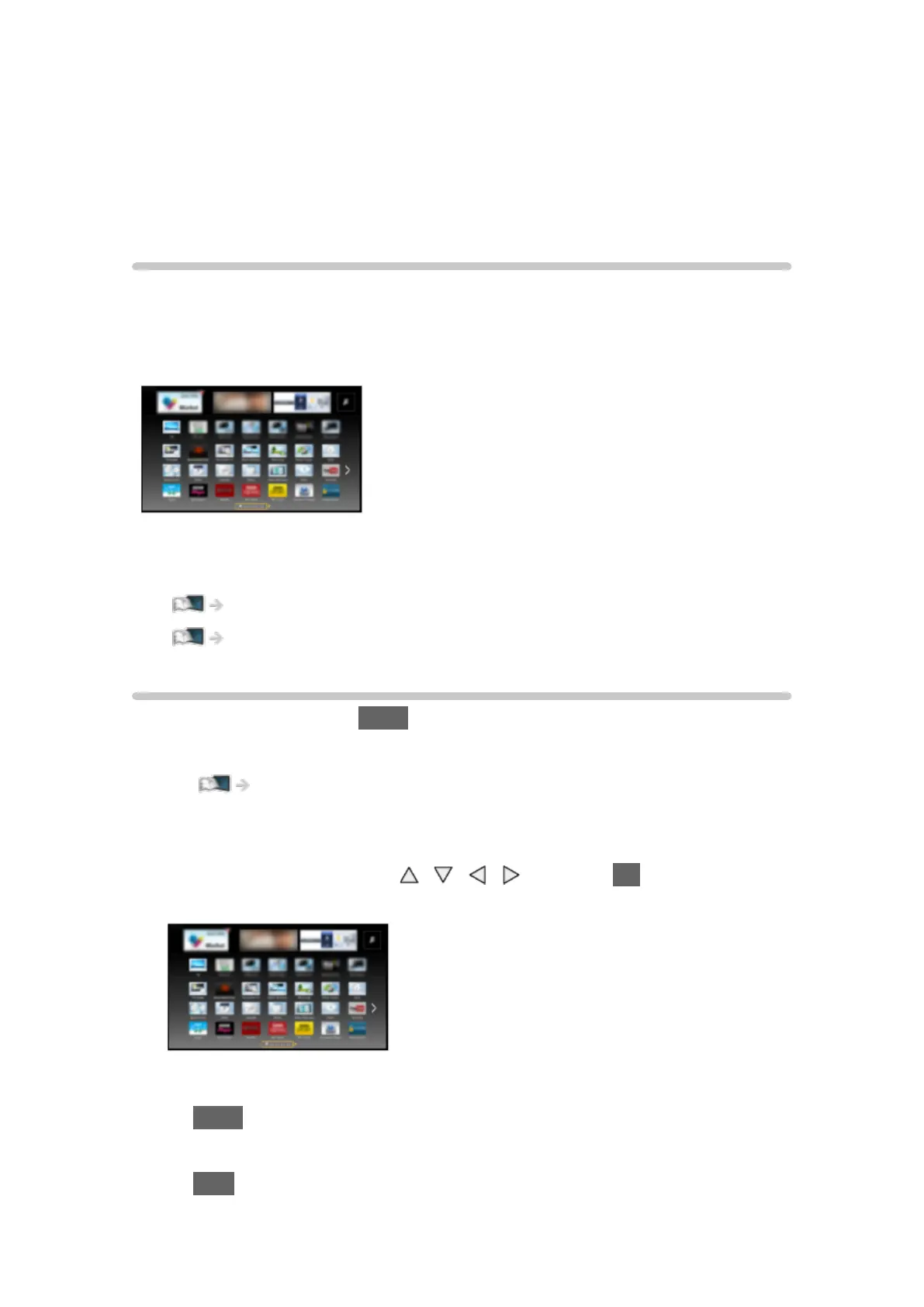
(Example)
●
To enable this function, you need a broadband network environment.
Ensure the network connections and network settings are completed.
Network > Network connections
Network > Network settings
Selecting internet content
1. Display APPS List with APPS.
●
For details of APPS List
my Home Screen > APPS List
●
Depending on the usage conditions, it may take a while to read all the
data.
2. Select the desired item with
/ / / and press OK to access.
(Example)
●
To return to APPS List
APPS
●
To exit APPS List
EXIT










 To Next Page