- 148 -
Child Lock
Using Child Lock
You can lock specific channels / AV input terminals to restrict access to them.
When the locked channel / input is selected, a message appears. Enter the
PIN number to watch.
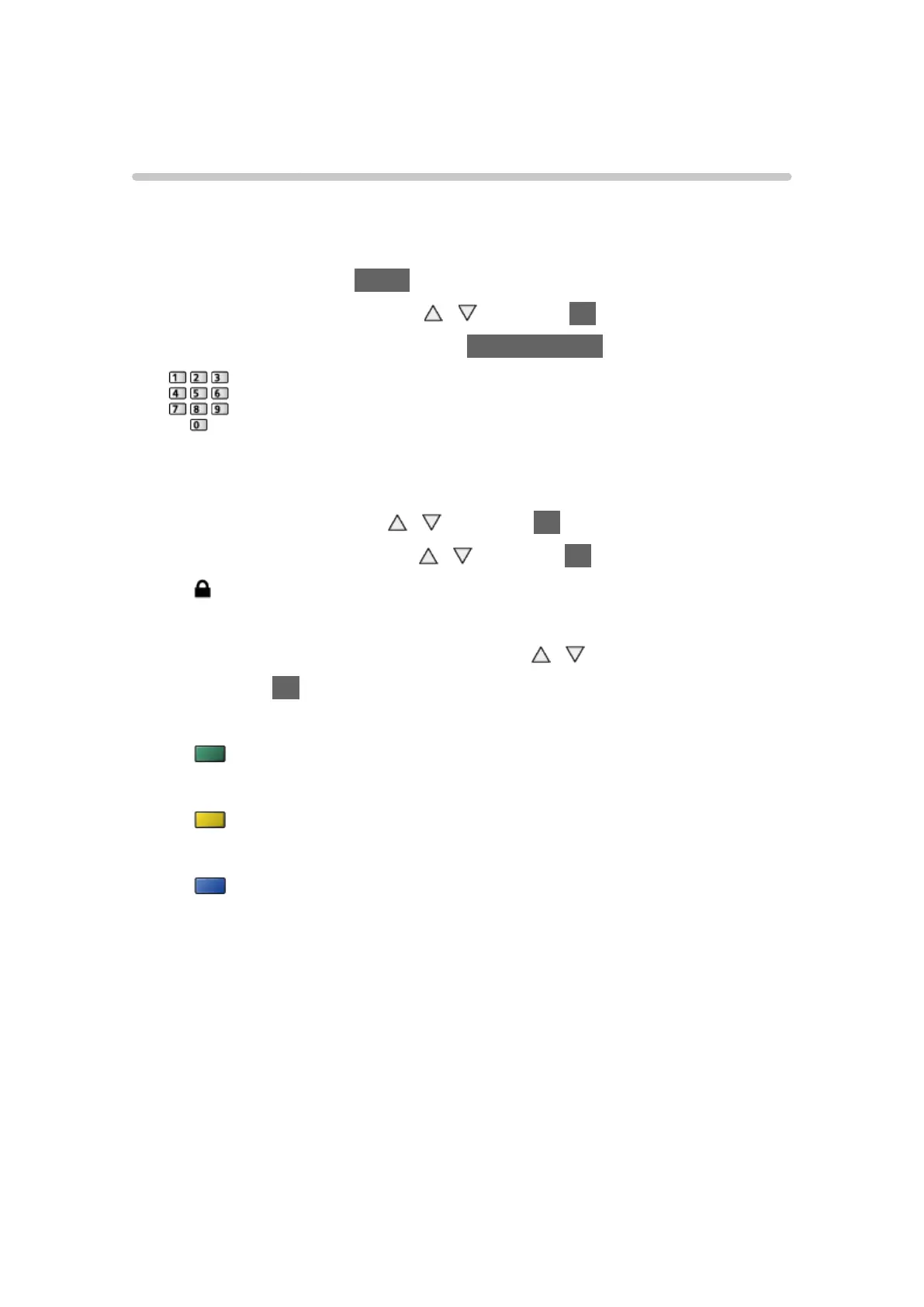
1. Display the menu with MENU.
2. Select Setup > Child Lock with
/ and press OK to access.
3. Enter the PIN number (4 digits) with Numeric buttons.
●
Make a note of the PIN number in case you forget it.
●
“0000” has been stored as the default PIN number.
4. Select Child Lock List with
/ and press OK to access.
5. Select the channel / input with
/ and press OK to lock.
●
appears when the channel / input is locked.
●
To cancel
1) Select the locked channel / input with
/ .
2) Press OK.
●
To lock all
(green)
●
To cancel all locks
(yellow)
●
To jump to the head of the next channel / input group
(blue)









 To Next Page