- 43 -
HDMI RGB Range
(Auto / Full / Normal)
Adjusts the black level of the image for each HDMI input.
●
When the black level is not suitable, select Full.
●
For HDMI input
3D-COMB
(On / Off)
Makes still or slow moving pictures more vivid.
●
Occasionally, while viewing still or slow moving pictures, colour patterning
may be seen. Set to On to display sharper and more accurate colours.
●
For PAL / NTSC signal reception in TV mode or from composite
connection
Screen Settings
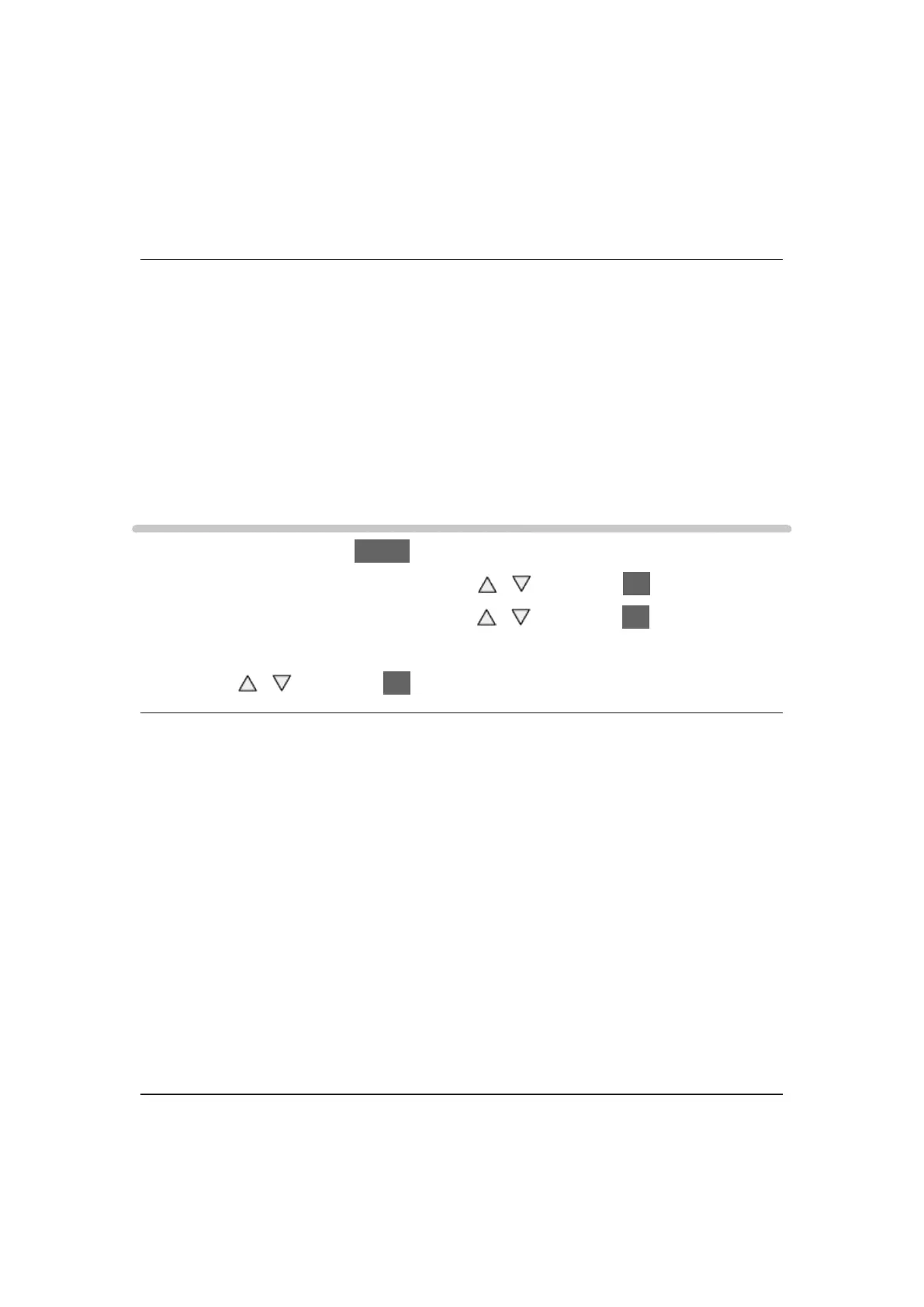
1. Display the menu with MENU.
2. Select Picture > Screen Settings with
/ and press OK to access.
3. Select one of the following items with
/ and press OK to access.
16:9 Overscan / H-Size / Zoom Adjustments / Screen Display
4. Set with
/ and press OK to store.
16:9 Overscan
(On / Off)
Selects the screen area displaying the image for 16:9 aspect.
On:
Enlarges the image to hide the edge of the image.
Off:
Displays the image in the original size.
●
Set to On if noise occurs on the edge of the screen.
●
This function can be memorised for SD (Standard definition) and HD (High
definition) signals respectively.
●
Not valid in Network services









 To Next Page