- 186 -
Optional accessories
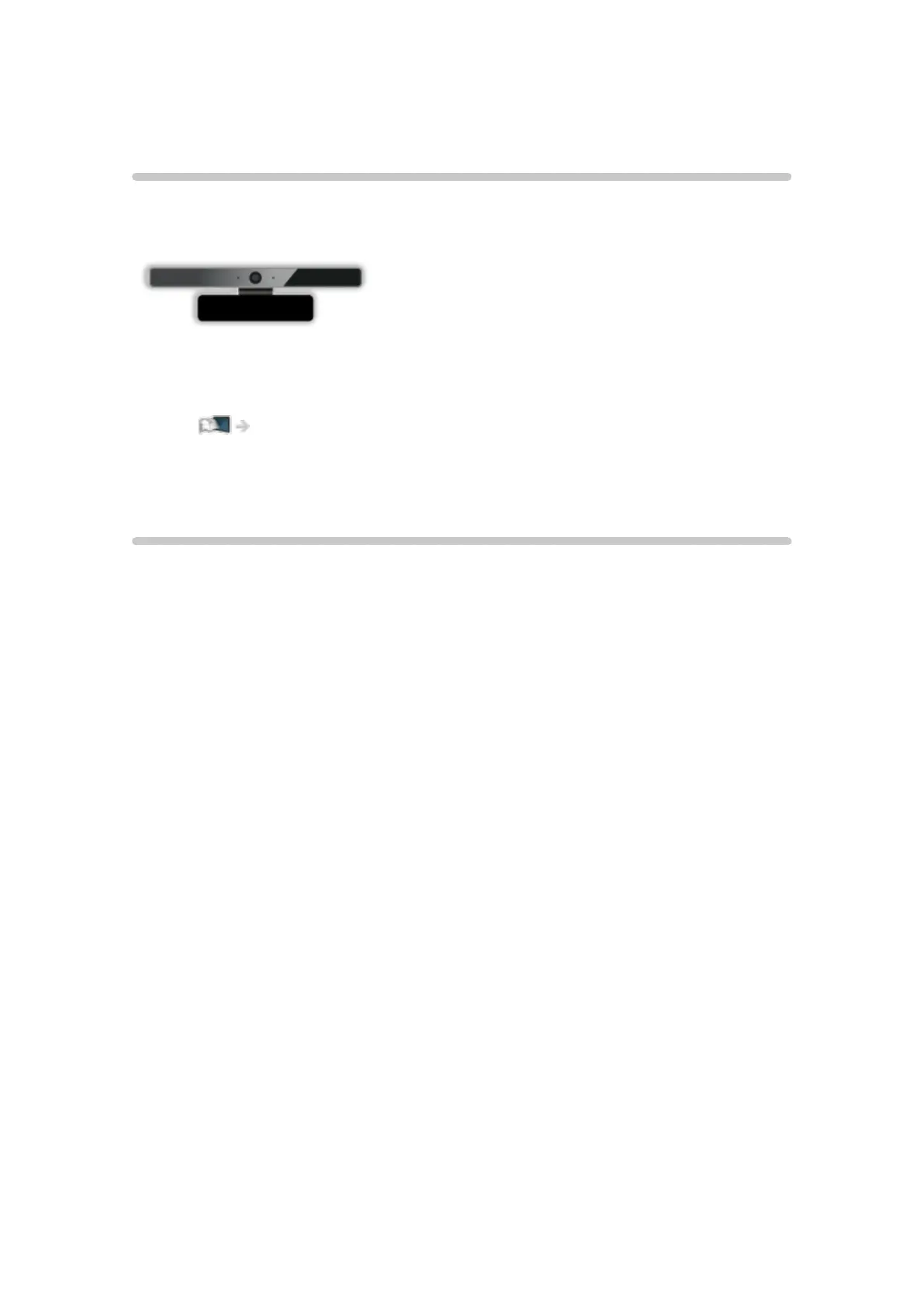
Communication Camera
■ Communication Camera
●
TY-CC20W
– This camera can be used in the video communication tool.
Network > Internet content > Selecting internet content
– Depending on the area, this optional accessory may not be available.
For details, consult your local Panasonic dealer.
Wall-hanging bracket
■ Wall-hanging bracket
Choosing to wall mount the TV shall be done at the owner's risk. Always use
a qualified installer to perform a TV wall bracket installation. Incorrect fitting
may cause equipment to fall, resulting in injury and product damage. Any
such damage will void your warranty.
●
Please contact your local Panasonic dealer to purchase the recommended
wall-hanging bracket.
= Warning =
●
When optional accessories such as wall brackets, etc. are used, always
read and follow the manufactures installation and usage instructions.
●
Do not mount the unit directly below ceiling lights (such as spotlights or
halogen lights) which typically give off high heat. Doing so may warp or
damage plastic cabinet parts.
●
When installing wall brackets you must ensure the wall bracket is not
electrically grounded to metal wall studs. Always ensure that there are no
electrical cables, pipes, etc. in the wall before you begin the wall bracket
installation.
●
To prevent fall and injury, remove the TV from its fixed wall position when it
is no longer in use.









 To Next Page