- 76 -
Selecting device / mode
1. Insert the USB Flash Memory to the TV.
Media Player > Using Media Player > Information
●
To play back contents in the USB HDD, ensure the connection and
settings are completed.
Recording > USB HDD setup
●
To play back contents in the network device, ensure the connection and
settings are completed.
Media Player > Using Media Player > Network device
2. Display APPS List with APPS.
3. Select Media Player with
/ / / and press OK to access.
4. Select the device with
/ and press OK to access.
●
If only one device is connected, this step will be skipped.
●
The network device already connected to the TV is also displayed.
: Enter User / Password to access.
: User / Password are already entered.
5. Select Photo / Video / Music / Recorded TV with
/ and press OK to
access.
Photo
Media Player > Photo mode
Video
Media Player > Video mode
Music
Media Player > Music mode
Recorded TV
Media Player > Recorded TV mode
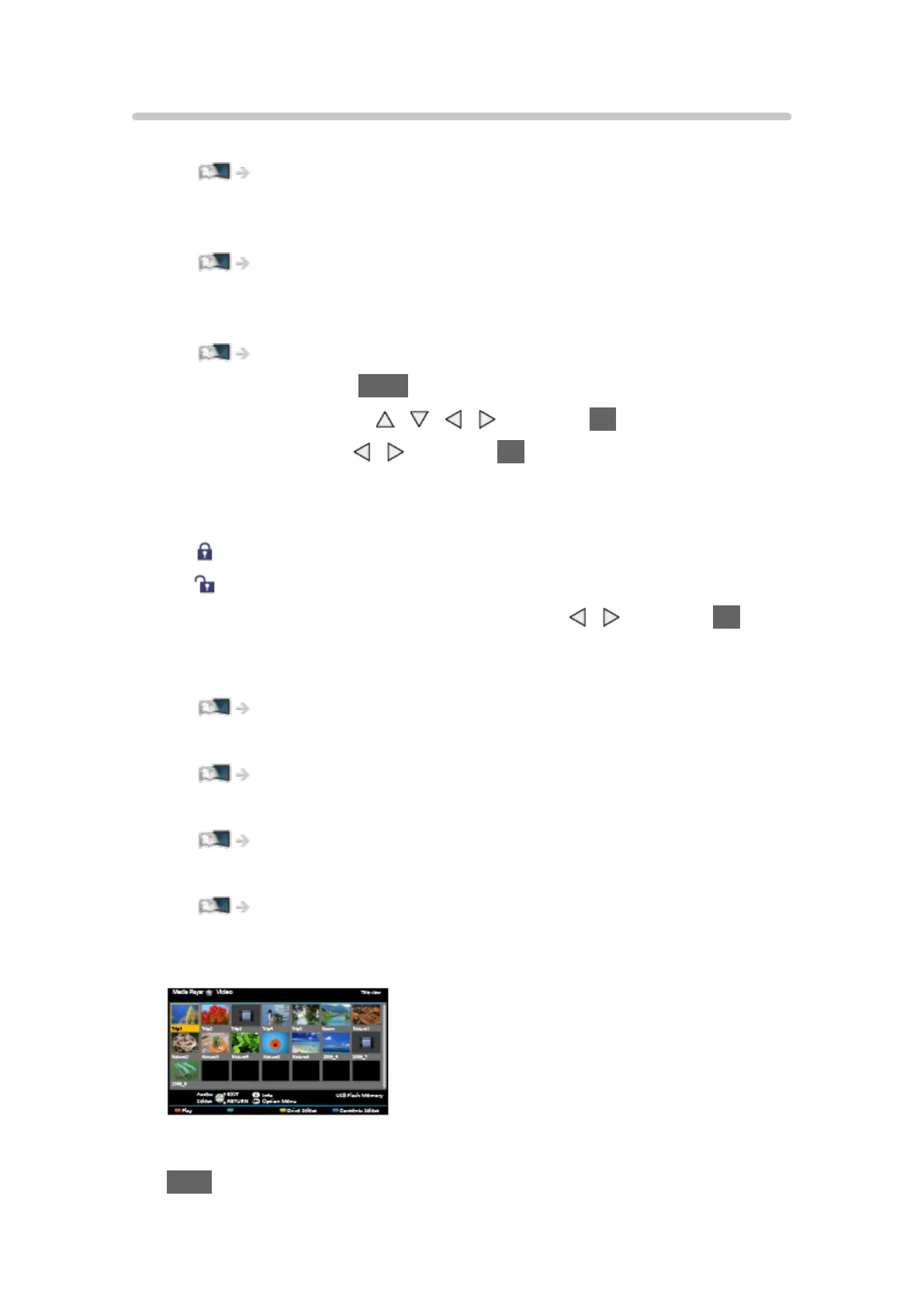
6. The thumbnail view will be displayed.
(Example)
●
To display / hide information of the highlighted content
INFO









 To Next Page