- 75 -
●
Folder and file names may be different from those on the digital camera or
digital video camera used.
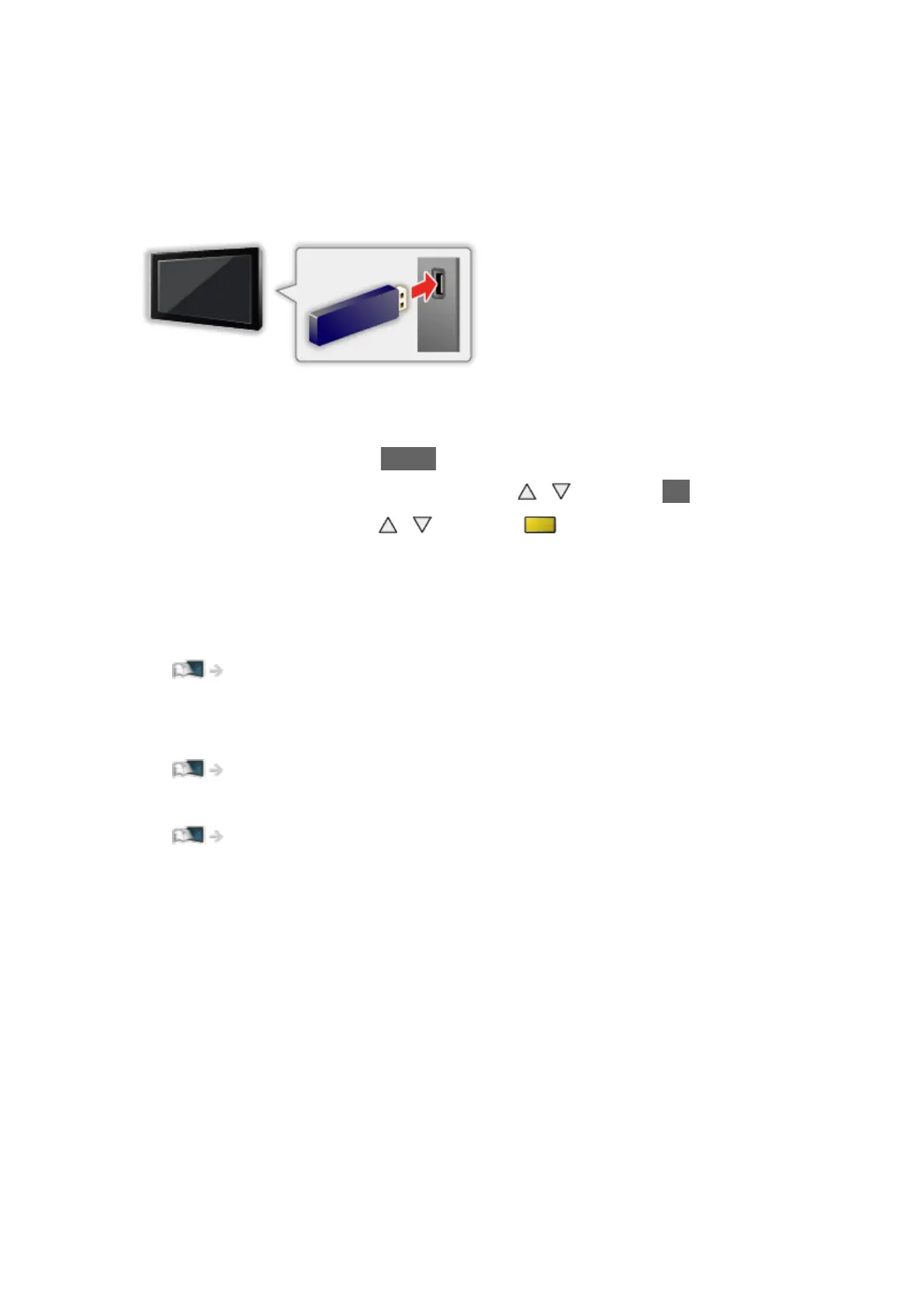
■ To insert or remove the USB Flash Memory
Ensure alignment is straight and complete when inserting or removing.
●
To remove the USB Flash Memory safely from the TV, perform Safely
remove USB in USB Device Setup.
1) Display the menu with MENU.
2) Select Setup > USB Device Setup with
/ and press OK to access.
3) Select the device with
/ and press (yellow) to set.
●
Connect the USB Flash Memory to the USB 1 or 2 port.
= Note =
●
To connect the USB HDD
Recording > USB HDD setup
●
Check the terminal type and devices are correct when connecting.
●
For the information of the devices
Media Player > Technical information
●
For supported file formats
Media Player > Technical information









 To Next Page