- 21 -
●
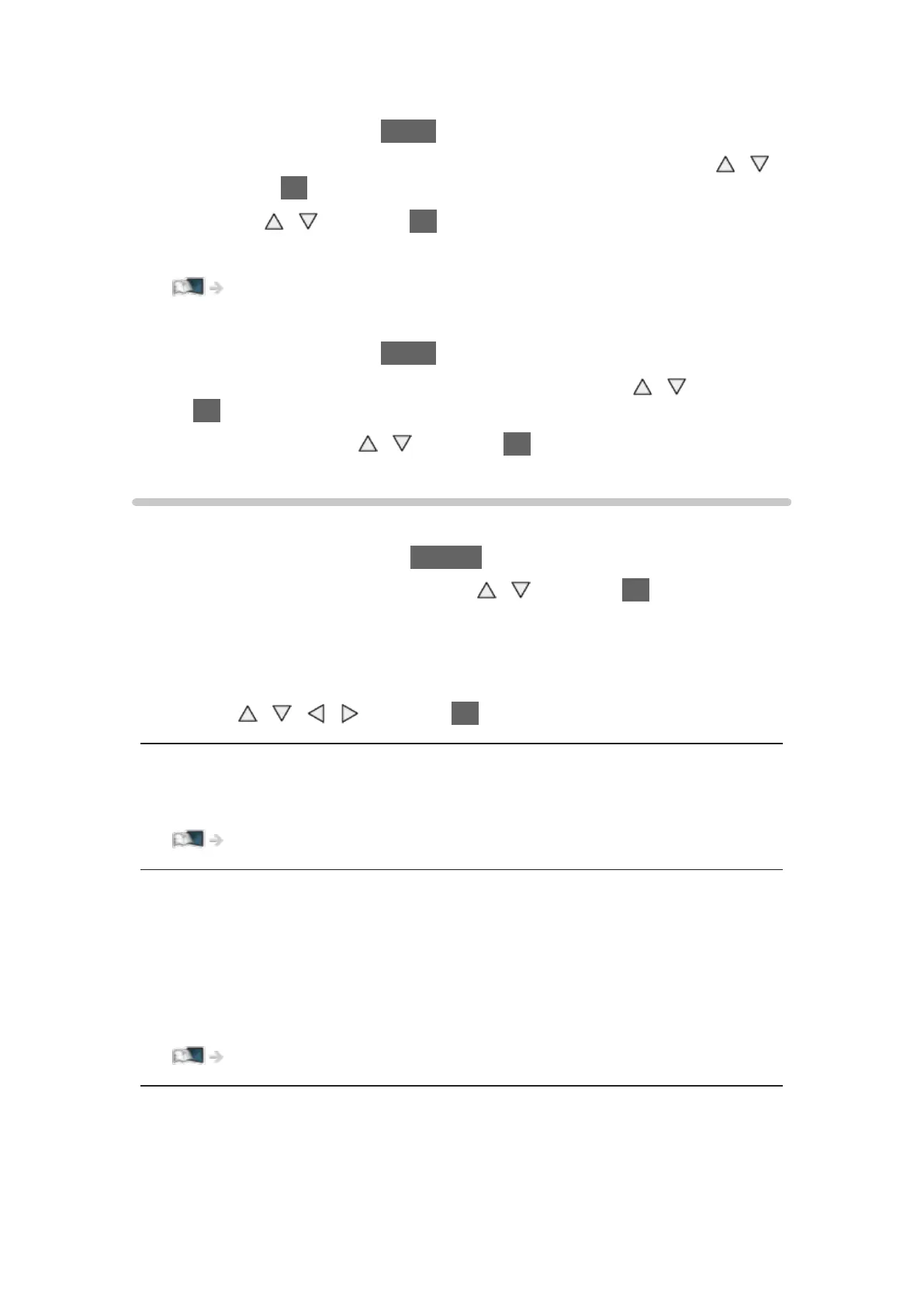
To adjust banner timeout, set Banner Display Timeout.
1) Display the menu with MENU.
2) Select Setup > Display Settings > Banner Display Timeout with
/
and press OK to access.
3) Set with
/ and press OK to store.
●
To change the colour type of on-screen displays, set OSD Colour.
my Home Screen > my Home Screen > OSD Colour
●
To display the introduction banner for the internet service
1) Display the menu with MENU.
2) Select Setup > Display Settings > Smart Banner with
/ and press
OK to access.
3) Select On / Off with
/ and press OK to set.
Option Menu
Confirm or change the current status.
1. Display the option menu with OPTION.
2. Select one of the following items with
/ and press OK to access.
Voice Guidance Settings / Audio Description / Audio Selection / AD / Dual
Audio / MPX / Volume Correction
●
The function items vary depending on the TV mode.
3. Set with
/ / / and press OK to store.
Voice Guidance Settings
Guidance settings for visually impaired users
Watching > For best audio > Voice Guidance Settings
Audio Description
Set to Auto if the programme has Audio Description service, then you will hear
an additional audio track to describe events on screen (if available).
●
For Digital TV
●
To adjust the volume for Audio Description
Watching > For best audio > Audio Description
Audio Selection / AD
Selects between alternative language or Audio Description for sound tracks (if
available).









 To Next Page