- 96 -
■ Create a folder or delete a folder
You can create a new folder or delete an old folder while the cursor is in
Destination drive.
●
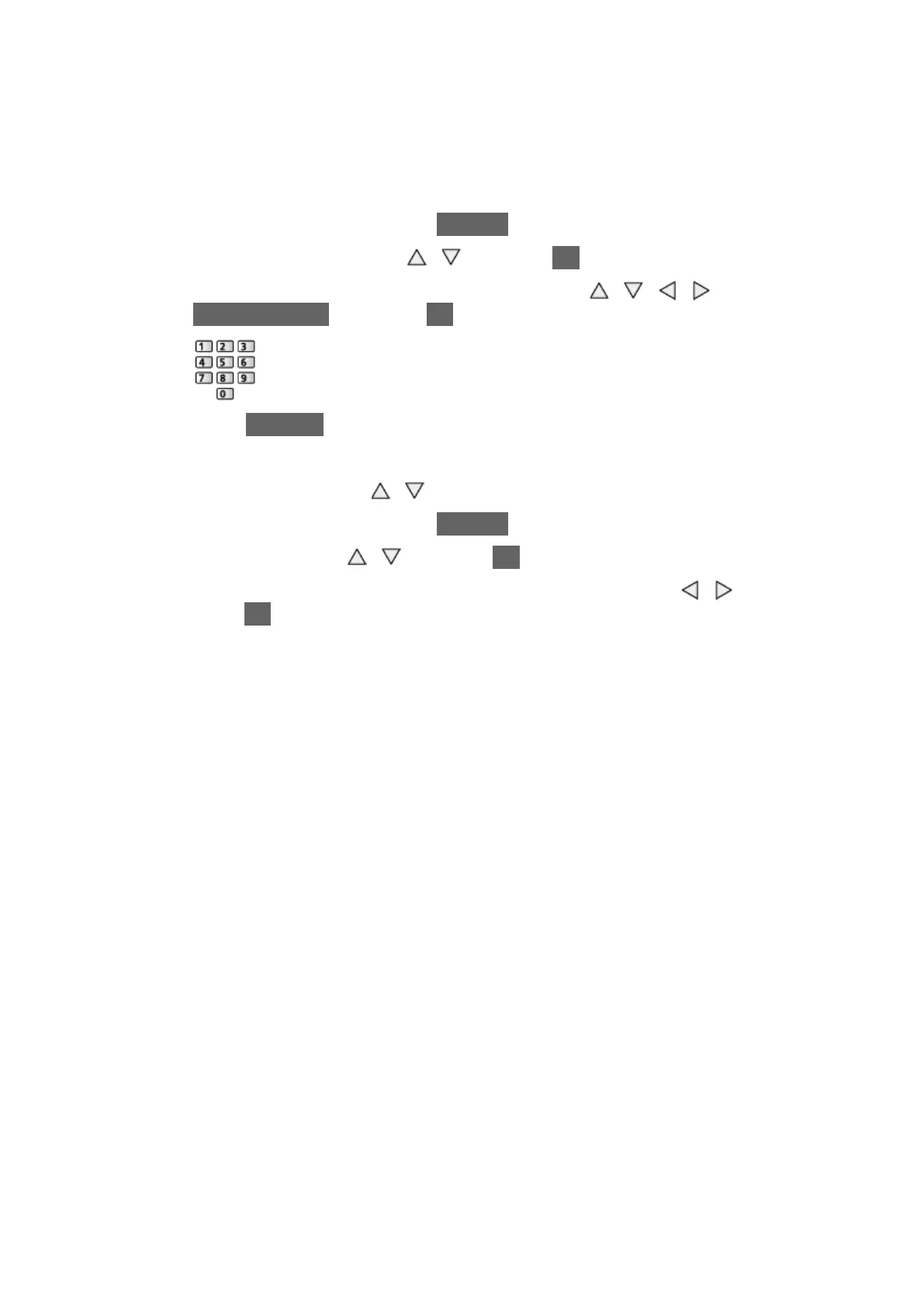
To create a new folder
1) Display the option menu with OPTION.
2) Select Create Folder with
/ and press OK to access.
3) Enter characters (maximum 16 characters) with
/ / / or
Numeric buttons, and press OK to set.
4) Press RETURN to store.
●
To delete an old folder
1) Select the folder with
/ .
2) Display the option menu with OPTION.
3) Select Delete with
/ and press OK to access.
4) When the confirmation screen is displayed, select Yes with
/ and
press OK to delete.
= Note =
●
Not valid for the contents in the network device
●
Some files may not be copied properly.
●
Please note there may be a risk of file corruption due to power failure or
sudden shut down during USB Sharing process.
●
In consideration of possible loss of the data included in your USB devices
for any reasons, Panasonic recommends to store or back up the data
included in the USB devices to the other places (storage medium) before
inserting the same in the USB port, and please do not turn the TV off
during data communication / transfer.









 To Next Page