EasyManua.ls Logo

Panasonic TQBJ0323-1 - User Manual

Panasonic TQBJ0323-1
59 pages
Print Icon
To Next Page IconTo Next Page
Loading...
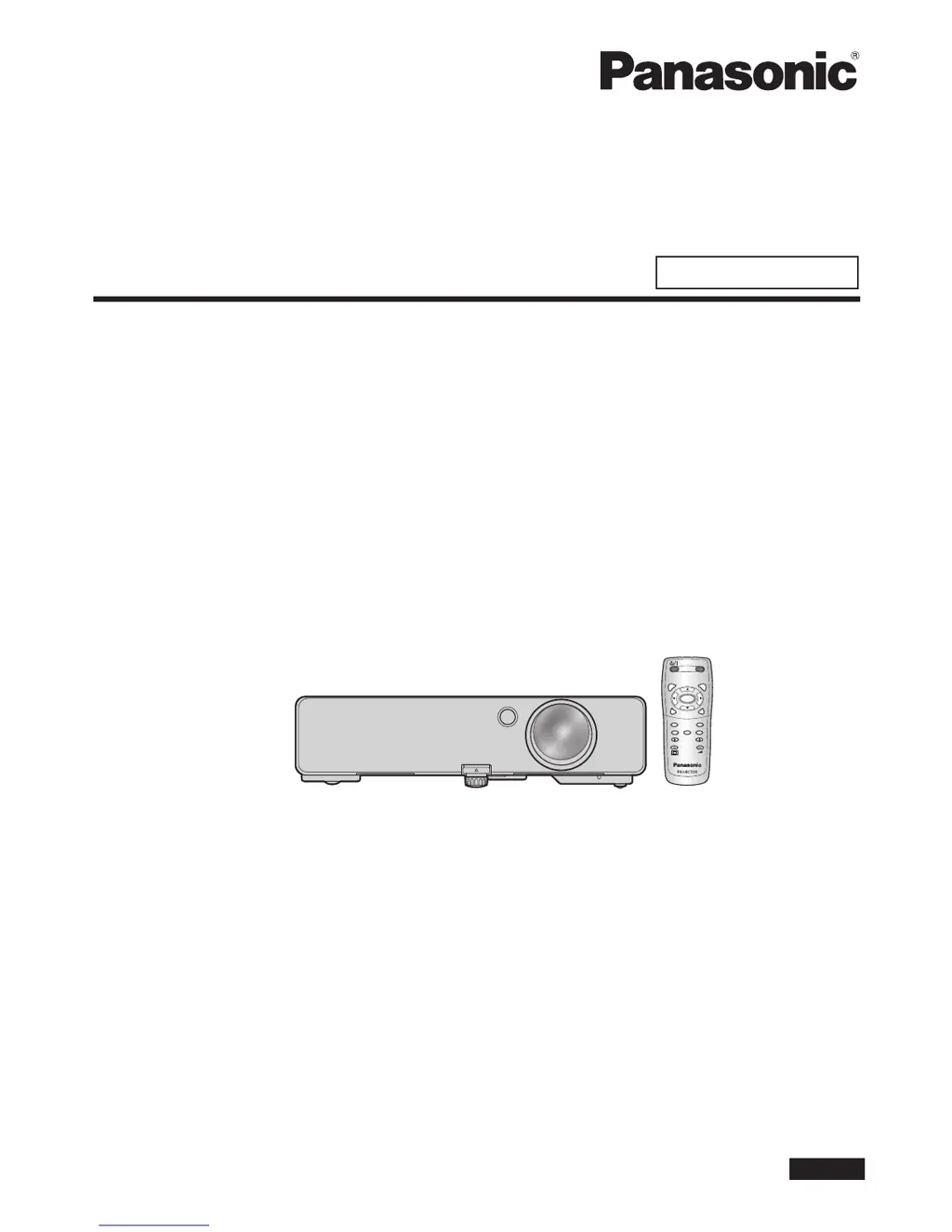
Operating Instructions
Basic Manual
PT-LB2E
PT-LB1E
LCD Projector
Commercial Use
Model No.
Thank you for purchasing a Panasonic Projector.
Before operating this product, please read the instructions carefully, and save this manual
for future use.
Before using your projector, be sure to read “Precautions with regard to safety”
(pages 7 to 11).
For network operation, please read the Network Operation Manual.
ENGLISH
TQBJ0323-1
AUTO
SETUP
MENU
RETURN
ENTER
FREEZE
AV
MUTE
COMPUTER
VIDEO
DEFAULT
FUNCTION
WIN.
INDEX-
DIGITAL ZOOM
VOLUME

Questions and Answers

  • K
    Karen HernandezAug 16, 2025
    Why does my Panasonic TQBJ0323-1 power not turn on?
    • N
      Nathaniel MooreAug 16, 2025
      The Panasonic Projector may not power on due to several reasons. Ensure the power cord is securely connected and that the wall outlet has an electric supply. Also, check if the circuit breakers have tripped and reset them if necessary. If the TEMP or LAMP indicator is lit or flashing, refer to the indicator guide. Verify that the lamp unit cover is securely installed and that the CONTROL PANEL settings in the PROJECTOR SETUP menu are validated.
  • M
    matthew04Aug 19, 2025
    What to do if no picture appears on my Panasonic TQBJ0323-1?
    • B
      bbarkerSep 12, 2025
      If no picture appears on your Panasonic Projector, first remove the lens cover. Then, ensure the input terminal is properly connected and the input selection setting is correct. Increase the BRIGHTNESS adjustment setting. Check that the signal input source is operating properly and turn off the AV MUTE function if it's in use.
  • K
    Kathy TaylorAug 22, 2025
    Why does my Panasonic TQBJ0323-1 remote control not operate?
    • S
      Sara CordovaAug 22, 2025
      If the remote control for your Panasonic Projector isn't working, try these steps: replace the batteries, ensuring they are inserted correctly. Make sure there are no obstructions blocking the remote control signal receptor on the projector. Move within the remote control's operation range. Validate the REMOTE CONTROLLER settings in the PROJECTOR SETUP menu. Also, move the remote control away from strong light sources like fluorescent lights.
  • C
    Christopher LevineAug 26, 2025
    What to do if the picture does not display correctly on my Panasonic TQBJ0323-1 Projector?
    • J
      Jennifer MoraAug 26, 2025
      If the picture is not displaying correctly on your Panasonic Projector, ensure that the signal format (TV-SYSTEM, RGB/YP P ) is set correctly. Check the VCR or other signal source for any issues. Also, make sure that the input signal is compatible with the projector.
  • A
    Amy CampbellAug 28, 2025
    Why does picture from computer not appear on Panasonic Projector?
    • J
      jonathan84Aug 28, 2025
      If the picture from a computer does not appear on your Panasonic Projector, it may be due to a long RGB signal cable. Use a shorter RGB signal cable, limiting it to 10 m (32' 10"). Also, check and change the external video output settings of your laptop computer as defined in the computer's documentation.
  • C
    Cody BarrettAug 31, 2025
    Why do the control buttons of my Panasonic TQBJ0323-1 not operate?
    • E
      Evelyn ParksAug 31, 2025
      If the control buttons on your Panasonic Projector do not operate, the CONTROL PANEL in the PROJECTOR SETUP menu may be invalidated. To resolve this, press and hold [MENU] for 2 seconds while pressing [ENTER].
  • L
    Lisa RodriguezSep 3, 2025
    How to fix fuzzy picture on Panasonic TQBJ0323-1 Projector?
    • B
      Brent Fields Jr.Sep 3, 2025
      If the picture on your Panasonic Projector is fuzzy, try adjusting the lens focus. Also, adjust the distance of the projector from the screen to ensure it is correct. Clean the lens if it's dirty. Finally, adjust the projector to a level position if it's tilted too much.
  • B
    Brett ChambersSep 6, 2025
    Why is the color pale or grayish on my Panasonic Projector?
    • A
      andreachavezSep 6, 2025
      If the color on your Panasonic Projector appears pale or grayish, adjust the COLOR or TINT settings. Also, check and adjust the settings of the input source connected to the projector.
  • L
    Luis YangSep 9, 2025
    Why can't I hear sound from the Panasonic TQBJ0323-1 Projector's internal speaker?
    • L
      linda69Sep 9, 2025
      If you cannot hear any sound from the internal speaker of your Panasonic Projector, ensure the audio signal source is properly connected. Increase the volume adjustment. Also, disconnect any cable from the AUDIO OUT terminal.
  • A
    Ashley MooreSep 12, 2025
    Why can't Panasonic Projector be controlled through serial terminal?
    • Y
      ymoralesSep 12, 2025
      To control the Panasonic Projector through a serial terminal, ensure that EMULATE in the PROJECTOR SETUP menu is set correctly.

Panasonic TQBJ0323-1 Specifications

General IconGeneral
BrandPanasonic
ModelTQBJ0323-1
CategoryProjector
LanguageEnglish

Related product manuals