EasyManua.ls Logo

Panasonic PT-TMZ400 - User Manual

Panasonic PT-TMZ400
161 pages
Print Icon
To Next Page IconTo Next Page
Loading...
Operating Instructions
Functional Manual
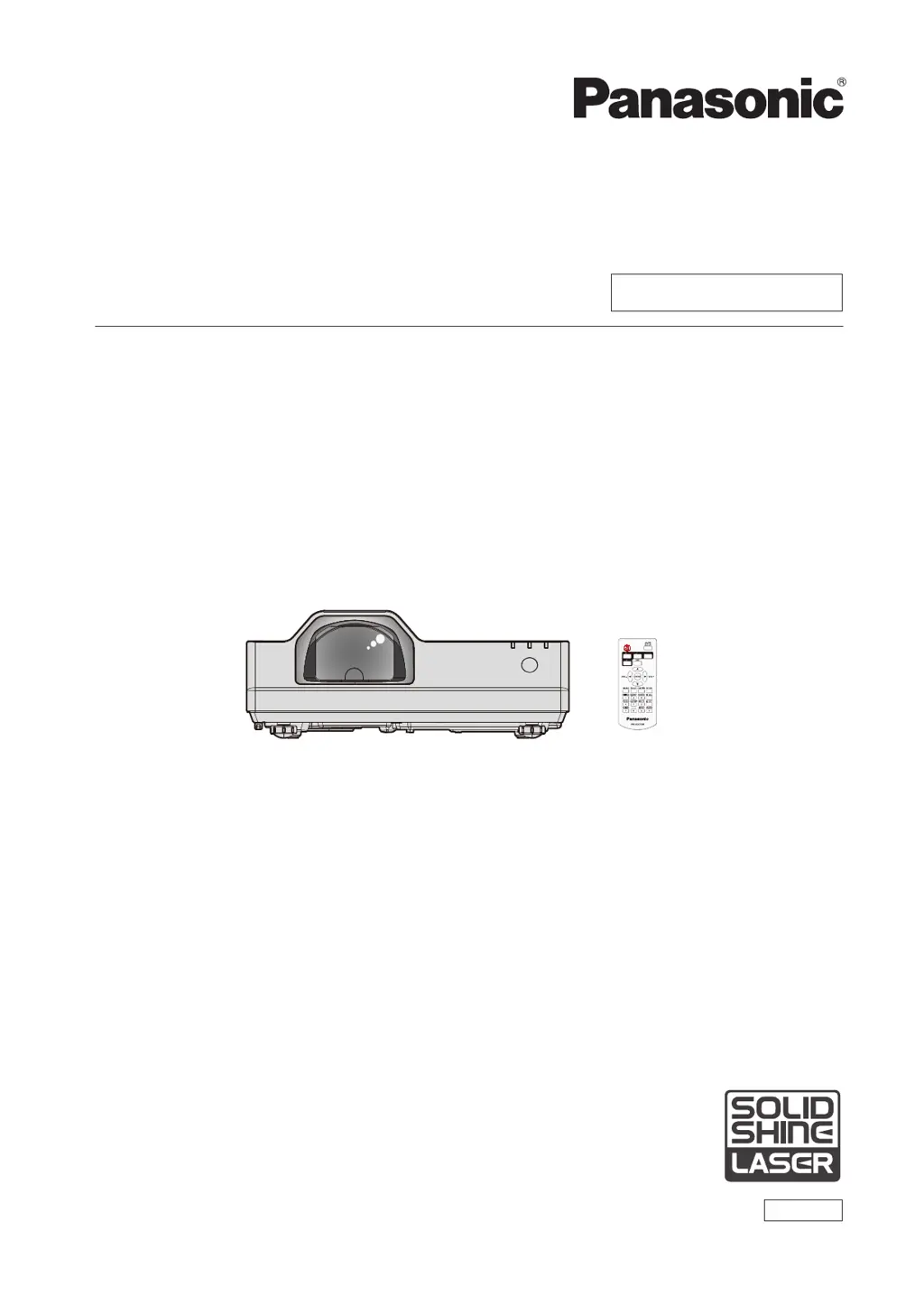
LCD Projector
Commercial Use
Thank you for purchasing this Panasonic product.
This manual is common to all the models regardless of sufxes of the Model No.
z
D: for India
z
T: for Taiwan
Before operating this product, please read the instructions carefully, and save this manual
for future use.
Before using your projector, be sure to read “Read this rst!” (
Æ
pages 4 to 15).
Model No.
PT-TMZ400
PT-TMW380
PT-TMX380
ENGLISH
DPQP1440ZA/X1
W0922NL0 -PT

Table of Contents

Questions and Answers

  • J
    John LeeAug 18, 2025
    How to troubleshoot a Panasonic PT-TMZ400 Projector that won't turn on?
    • N
      Nancy HaneyAug 19, 2025
      If your Panasonic Projector is not turning on, please check the following: * Ensure the power plug is firmly connected to the outlet. * Verify the wall outlet is supplying electricity. * Check if the circuit breakers have tripped. * See if the light source indicator or temperature indicator is lit or blinking.
  • C
    Carolyn McdonaldAug 21, 2025
    What to do if no image appears on my Panasonic PT-TMZ400?
    • K
      Kayla CrossAug 21, 2025
      If you're not seeing an image on your Panasonic Projector, here are a few things to check: * Make sure all connections to external devices are correctly performed. * Confirm the input selection setting is correct. * Ensure the [BRIGHTNESS] adjustment is not at its minimum. * Verify the external device connected to the projector is working properly. * Check if the shutter function is activated.
  • V
    Victoria TrujilloAug 23, 2025
    Why is the image fuzzy on my Panasonic Projector?
    • M
      Miss Kelly WilsonAug 23, 2025
      If you are experiencing a fuzzy image with your Panasonic Projector, consider these possible solutions: * Check if the lens focus is set correctly. * Ensure the projection distance is appropriate. * See if the lens is dirty. * Verify that the projector is installed perpendicular to the screen.
  • D
    David Baker DDSAug 26, 2025
    How to fix a Panasonic PT-TMZ400 Projector remote control that is not working?
    • V
      Vincent ColemanAug 26, 2025
      If the remote control isn't working with your Panasonic Projector, try these steps: * Check if the batteries are depleted. * Make sure the batteries are inserted with the correct polarity. * Ensure there are no obstructions between the remote and the projector's signal receiver. * Verify the remote is within its effective operating range. * Check for interference from fluorescent lights. * Confirm that the [REMOTE CONTROLLER] setting in [CONTROL DEVICE SETUP] is not set to [DISABLE]. * Ensure the ID number setting operation is correct.
  • L
    lrowlandAug 28, 2025
    What to do if the image does not display correctly on my Panasonic Projector?
    • O
      Oscar DavidsonAug 28, 2025
      If the image from your Panasonic Projector does not display correctly, consider these points: * There might be a problem with the external device outputting images. * The signal input might be incompatible with the projector.
  • K
    Kristen ObrienAug 30, 2025
    Why won't the image from my computer appear on the Panasonic PT-TMZ400?
    • A
      Alexandra ShannonAug 30, 2025
      If you're not getting an image from a computer on your Panasonic Projector: * Check if the cable is too long (for D-Sub cables, it should be 10 m (32'10") or shorter). * Ensure the external video output on the laptop computer is set correctly.
  • T
    Tanner PooleSep 1, 2025
    Why is my Panasonic PT-TMZ400 making so much noise?
    • R
      Richard RodriguezSep 1, 2025
      If the operation noise of your Panasonic Projector becomes loud: * The ambient temperature might be high. If the temperature inside the projector becomes high, the speed of the internal cooling fan increases automatically. * The air filter unit might be dirty. * The intake/exhaust vent might be blocked.
  • M
    Mary ChandlerSep 4, 2025
    Why does the Panasonic Projector display color as pale or grayish?
    • J
      Joshua SchroederSep 4, 2025
      If the color on your Panasonic Projector appears pale or grayish, try the following: * Check if the [COLOR] or [TINT] is adjusted correctly. * Ensure the external device connected to the projector is adjusted correctly. * Verify if the RGB signal cable is damaged.
  • R
    rileymistySep 6, 2025
    How to troubleshoot no audio on a Panasonic Projector?
    • A
      Ashley HubbardSep 6, 2025
      If there's no audio from your Panasonic Projector, check these things: * Ensure the external device is connected correctly to the audio input terminal. * Make sure the volume isn't set to the minimum level. * Check if the shutter function is activated. * Verify that the mute function is not activated. * Confirm the audio input selection in [AUDIO SETTING] is set correctly. * Ensure the cable is not connected to the terminal, as this disables the built-in speaker.
  • T
    Thomas KiddSep 8, 2025
    Why aren't the buttons on my Panasonic PT-TMZ400 control panel working?
    • R
      Randy FosterSep 8, 2025
      If the buttons on the control panel of your Panasonic Projector aren't working, make sure the [CONTROL PANEL] setting in [CONTROL DEVICE SETUP] is not set to [DISABLE].

Summary

Read this first!

General Safety Warnings

Essential safety guidelines concerning electrical hazards, environmental conditions, and proper handling.

Chapter 1 Preparation

Chapter 2 Getting Started

Chapter 3 Basic Operations

Switching on;off the projector

Step-by-step instructions for powering the projector on, off, and understanding indicator status.

Chapter 4 Settings

On-screen menu

Overview of navigating, using the menu system, and resetting factory defaults.

[NETWORK] menu

Configuration for wired/wireless LAN, network security, administrator accounts, and PJLink.

Chapter 5 Operation of Function

Projecting with MEMORY VIEWER input

How to display still images stored on USB memory, including cautions and procedures.

Network connection

Details on connecting via wired LAN, wireless LAN, and using network features like web control.

Web control function

Comprehensive guide to remote projector management via a web browser interface.

Chapter 6 Maintenance

Troubleshooting

Common problems and their solutions, with reference pages for detailed checks.

Chapter 7 Appendix

Specifications

Detailed technical specifications of the projector, including dimensions and compatibility.

Panasonic PT-TMZ400 Specifications

General IconGeneral
BrandPanasonic
ModelPT-TMZ400
CategoryProjector
LanguageEnglish

Related product manuals